Think Like a Film Editor: Cutting Lessons for Everyday Video Makers
Think Like a Film Editor: Cutting Lessons for Everyday Video Makers
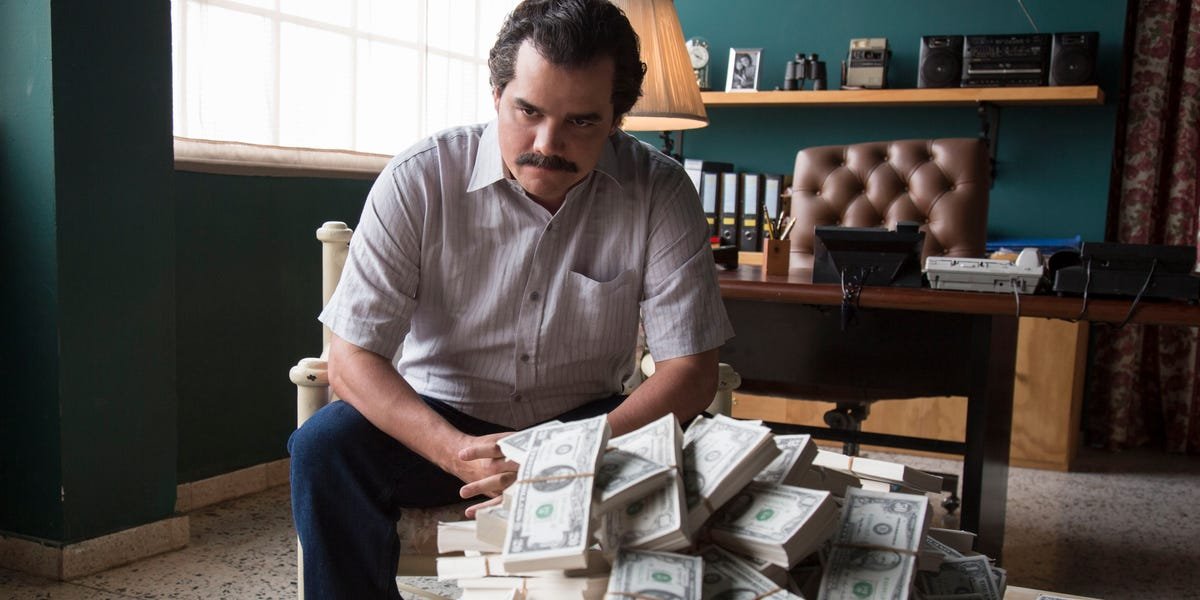
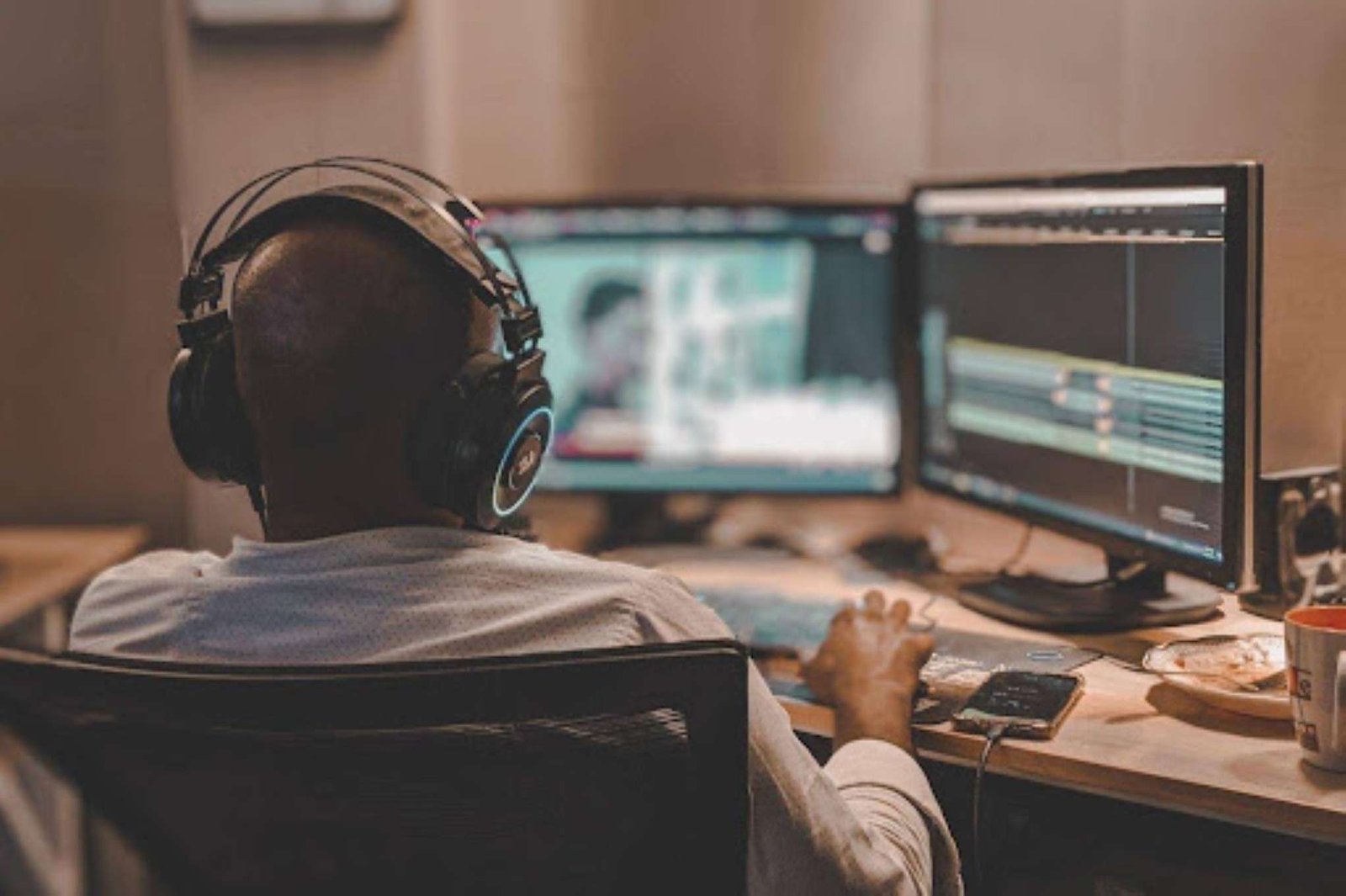
Every edit point is a small decision about feeling. Photo by Aesthos AR. Photography on Pexels.
Why does a film work? Ask around and the answers tend to be the script, the cast or the camerawork. Cutting rarely gets credit, but it determines how the finished film feels to watch. What the camera captures is just material, and the edit is where it turns into a story.
Learning from this takes no studio budget. A phone and a free afternoon are enough to practice the same choices, and a good first lesson is an experiment roughly a century old.
One blank face, three different meanings
In the 1910s and 1920s, Soviet filmmaker Lev Kuleshov ran a test that is now famous. According to his student Vsevolod Pudovkin, Kuleshov paired one shot of an actor with a neutral expression with three different images in turn: a bowl of soup, a child in a coffin and a woman on a divan. Viewers said the actor looked hungry, grieving or full of desire, yet his face never changed. Only the shot beside it did.
Because the footage itself no longer exists, accounts differ on specifics, but the lesson stuck and still guides editors. For the wider history, see the Kuleshov effect entry on Wikipedia.
The takeaway: A clip does not carry its meaning alone. Meaning is built between clips, which is why a shot’s position counts as much as its content.
This applies to everything you make. Birthday montages, travel recaps and short films all follow the rule. Your running order is an argument, and the viewer is the one being persuaded.
Murch’s Rule of Six
Walter Murch is an Oscar-winning editor and sound designer whose credits include Apocalypse Now and The English Patient. In his book In the Blink of an Eye, he sets out six criteria for judging a cut and gives each a weight. His career is covered in more depth in Murch’s Wikipedia entry.
| Priority | Quality | Weight |
|---|---|---|
| 1 | Emotion | 51% |
| 2 | Story | 23% |
| 3 | Rhythm | 10% |
| 4 | Eye trace | 7% |
| 5 | Two-dimensional plane of the screen | 5% |
| 6 | Three-dimensional space | 4% |
Notice how low the technical items sit. The item beginners obsess over, spatial continuity, gets just four percent. Emotion gets more than half. Murch’s point is that when a cut feels right but breaks a technical rule, the feeling should win.
Take the training montage in Rocky, a film that earned the Oscar for editing. Few viewers check whether the shots match from one to the next. What they feel is the climb. The film turns 50 this year, and we have covered the Rocky 50th anniversary here.

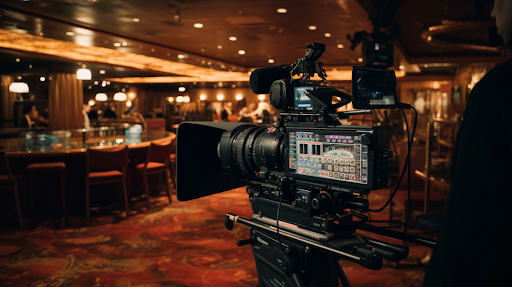
Every cut starts with footage like this. Photo by Ron Lach on Pexels.
Four editing habits worth stealing
- Cut on action. When someone reaches for a door, switch angles in the middle of the movement. Because the eye follows the motion, the join goes unnoticed.
- Let silence work. Sometimes a moment of stillness before a line does more than music could. Cut the quiet that drags and keep the quiet that builds tension.
- Vary your shot length. A scene made only of two-second shots feels frantic, and a scene made only of ten-second shots feels sleepy. Mix them on purpose. Danny Boyle has built a career on controlling rhythm, from Trainspotting to Slumdog Millionaire, and his new film is covered here in “Ink” Is Danny Boyle at His Best at 62nd Chicago International Film Festival.
- Cut the thing you love. Every editor has a favorite shot that does not serve the scene. It has to go. This is the hardest habit to learn, and the most useful.
Putting it into practice with a browser editor
None of this needs a powerful computer. Clideo’s video editor works in the browser on desktop and mobile, which means you can try these cuts without installing a heavy timeline program.
Several features line up with those habits:
- The multi-track timeline is the main draw. Video, music and voiceover live on separate tracks. Drag clips into a new sequence and watch the meaning shift. That is the Kuleshov test, done in a minute.
- Use the speed and volume controls to linger on a moment or tuck the music under dialogue.
- Reaction videos and phone-call scenes work with picture-in-picture or split-screen, and presets handle square, vertical and landscape framing.
- Titles and lower thirds come from the text, sticker and shape tools. HD and 4K editing is supported, and export keeps the original quality unless you choose otherwise.

The timeline keeps text, video and audio apart, so rearranging clips is quick.
A word on limits: the free version adds a watermark and has a lower file size limit. Premium drops the watermark, raises the upload limit and lets you save a project to finish later. Free access covers short practice edits.
Prefer editing on a phone? There is an iPhone app for that.
Subtitles are part of the edit
Much scrolling happens with the sound off, on a crowded bus, between meetings or beside a sleeping partner. Captions deserve the same care as any other cut.
Keep each line short, break it where a speaker would naturally pause and time it to the rhythm of the speech. If you would rather not type every line yourself, Clideo also offers a tool to add subtitles to video.
A quick checklist before you export
- Open with a clip that makes viewers want to see the next one.
- Drop any shot you are keeping only out of sentimentality.
- Listen through headphones to catch audio spikes and gaps in room tone.
- Check that the captions match the pace of the speech.
- Confirm the aspect ratio suits where you are posting.
- Watch the whole video once without stopping to fix anything.
Do not skip that last step. Watching start to finish, without touching the timeline, tends to reveal problems you stopped noticing while you were cutting.
Good editing depends more on decisions than on software. Before you add an effect, ask what the viewer should feel at that moment, then cut with that answer in mind. Even a rough first project will look more deliberate for it.