24 hours with the Galaxy Tab S12 Ultra: “Multiple expletives”
This wasn’t in the script.
When my Galaxy Tab S12 Ultra sample arrived on Monday, I thought a quick hands-on piece was all I’d have time for.
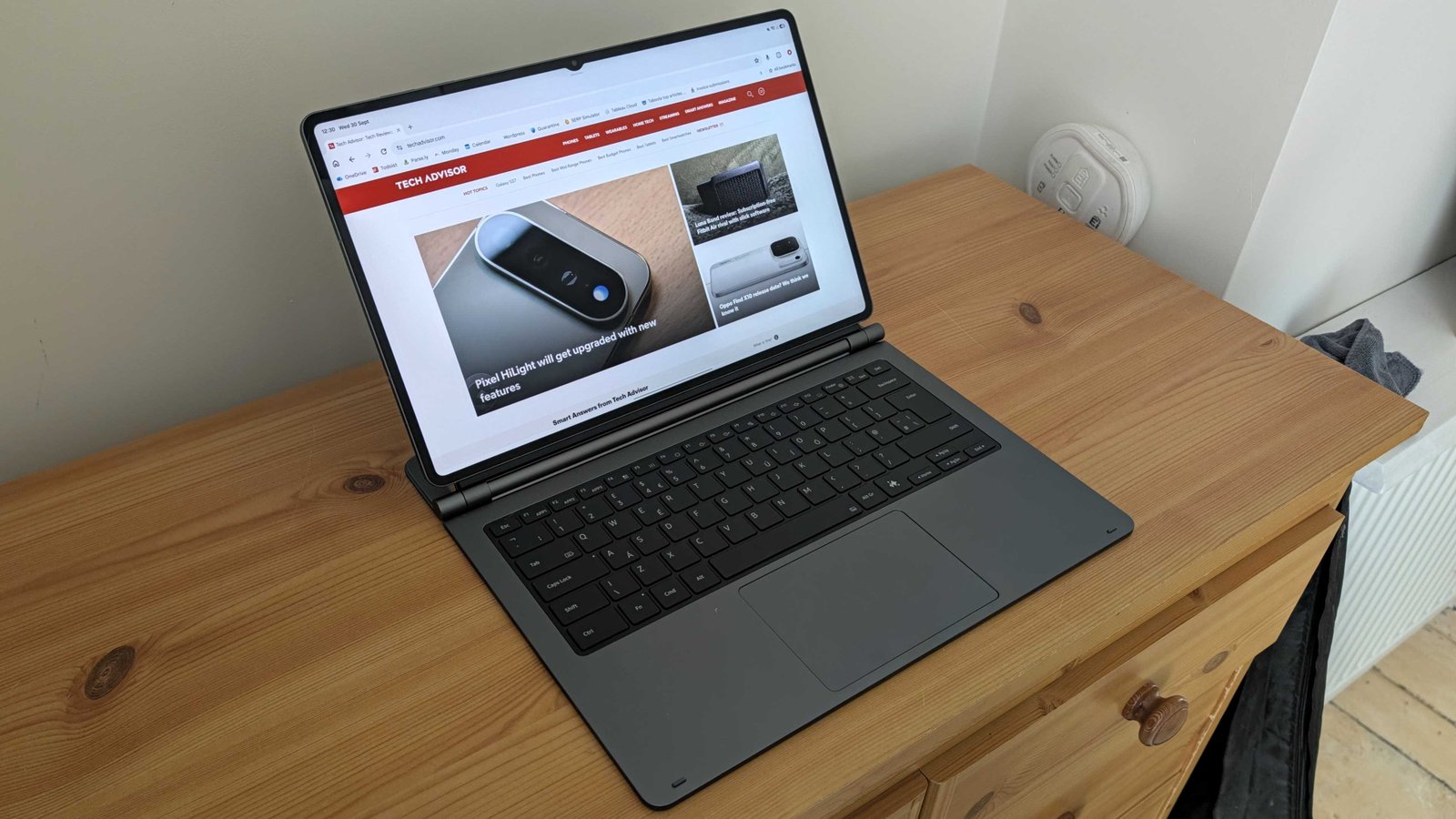
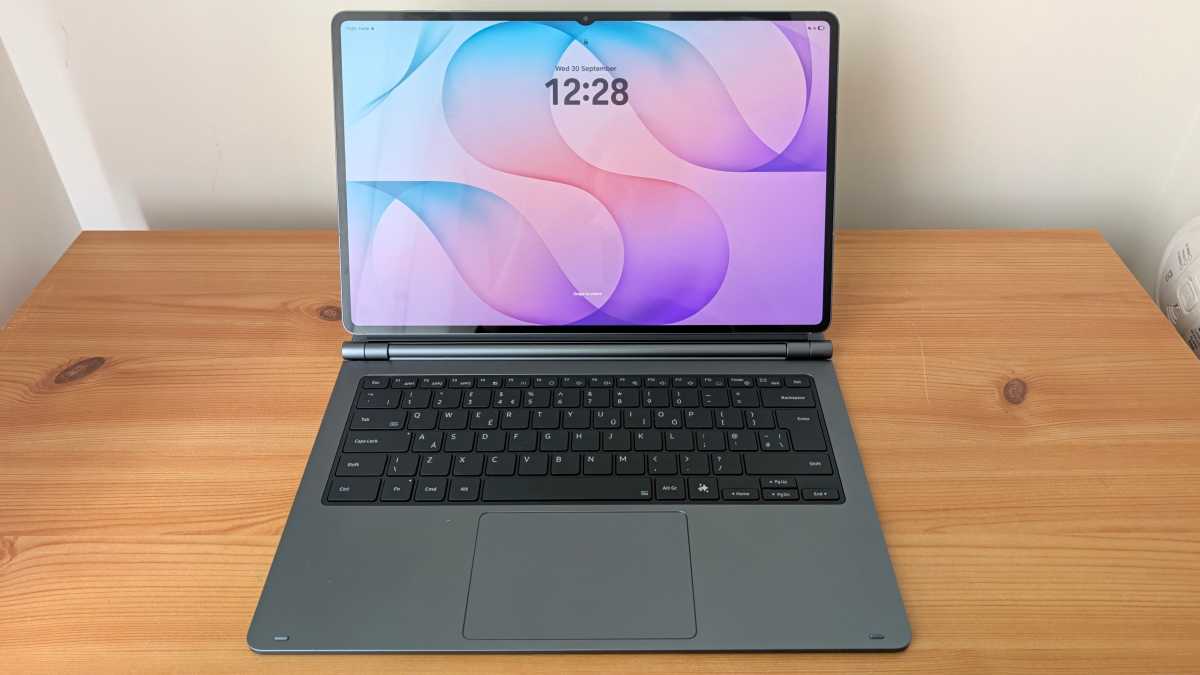
However, when I unboxed the keyboard cover that shipped alongside it, the laptop comparison became impossible to ignore. High-end tablets have been trying to replace laptops for years, but I haven’t seen an attempt as explicit as this.
When I slotted the Tab S12 Ultra into the keyboard, it looked almost identical to a premium laptop. And with its huge 14.6-inch display, there’s more screen real estate than most Windows machines – including my regular device.
However, a full working day was always going to be the acid test. I switched it on yesterday morning feeling cautiously optimistic, but any illusions of a seamless experience were very quickly shattered.
It’s literally a big phone
I didn’t start my day completely unprepared. OneDrive, Outlook, Microsoft Word and Slack were all set up, while I’d also signed in to my work Google account in Chrome.
On paper, everything was in place for a productive day. The reality couldn’t have been more different.
Anyron Copeman / Foundry
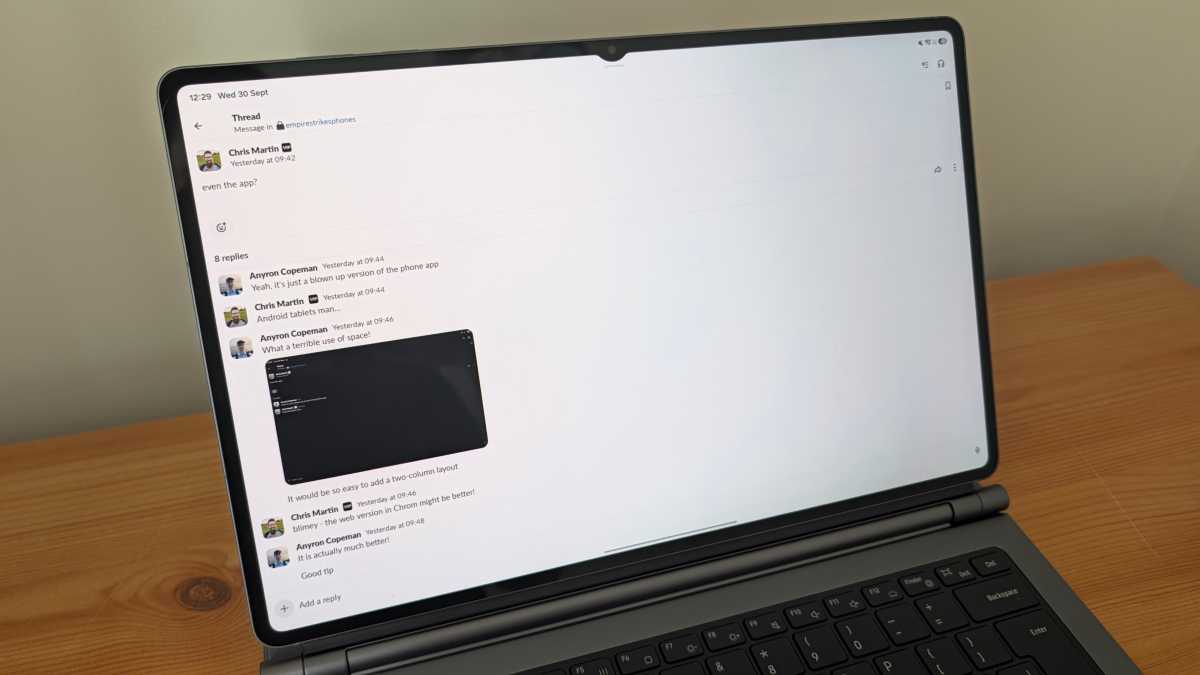
As usual, Slack was my first port of call. But rather than the usual two-column layout of the desktop version, I was treated to a bigger version of the phone app. Samsung might’ve been making Android tablets since before Slack launched in 2014, but the company has clearly seen no reason to make a dedicated app. iPadOS has one, in case you’re wondering.
The result? A clunky experience where tapping any conversation made it take up the entire screen. A quick swipe means this makes total sense on mobile, but it’s wholly unsuited to a keyboard and mouse layout. The sheer amount of wasted blank space is staggering.
Anyron Copeman / Foundry
Switching to the web version in Chrome alleviated some of my pain, but figuring out how to get notifications only for Slack was an ordeal in itself.
The Outlook app was arguably even worse. For some reason, Microsoft seems to think that mobile users want a completely unrecognisable experience compared to the desktop. Almost everything is in a slightly different place, and the pinned section I rely on has disappeared entirely! Who thought that was a good idea?
It doesn’t help that it’s fully optimised for touch, so my usual spamming of the delete key does absolutely nothing. Again, the website is the only way to get a tolerable email experience, but you lose notifications.
Anyron Copeman / Foundry
Then there’s WordPress, which we rely on at Tech Advisor for uploading articles. As it’s designed for desktop, the experience felt significantly smoother and more reliable. However, the usual method of adding links suddenly became much more clunky, while relying on Samsung’s cluttered Files app to save and upload images was a real headache.
I didn’t dare explore Photoshop, which I use regularly for creating composite images and illustrating tutorials. Photoshop is available on Android, but this basic free version is nothing like the full desktop experience.
One UI is inferior to Windows 11 in basically every way that matters for genuine productivity
On paper, multitasking is one of the Tab S12 Ultra’s major strengths. And it is – if you almost exclusively use touch input. Setting up split-screen windows, swiping between apps and managing recently opened apps is all a massive pain using a mouse or the trackpad.
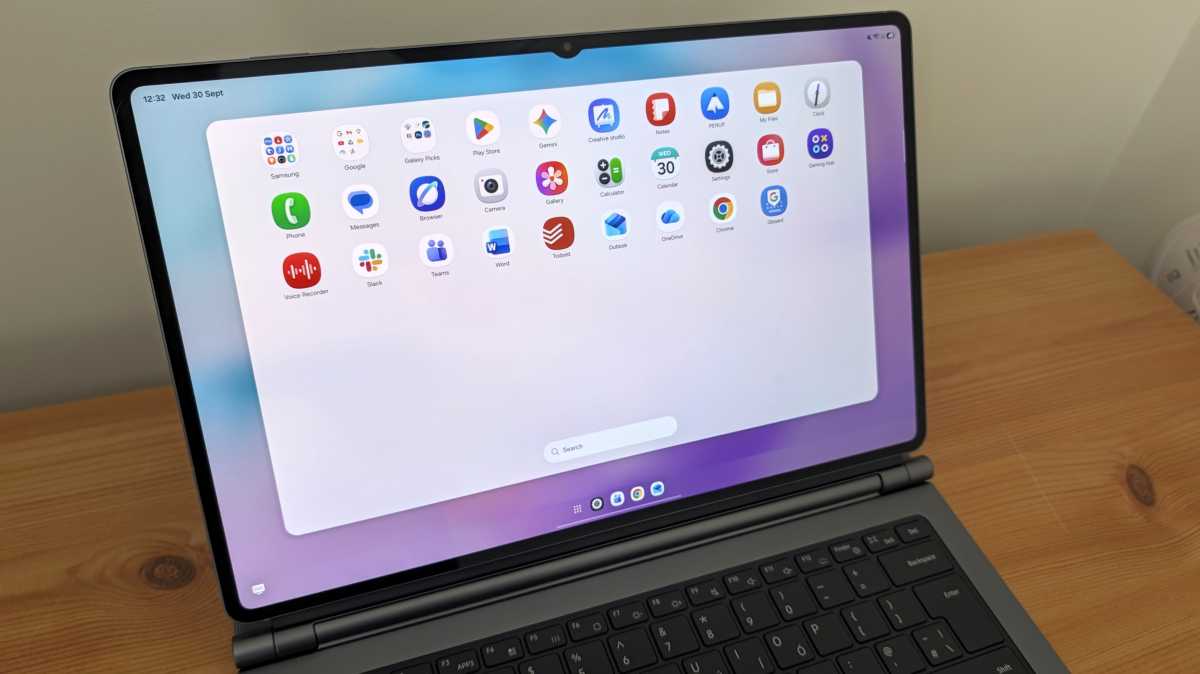
Samsung’s DeX mode fails to address most of these issues. While the desktop-style interface looks closer to a traditional laptop, you’re still stuck with a heap of mobile apps and a device that’s optimised for touch input, not cursor.
Anyron Copeman / Foundry
Even on touchscreen laptops, the screen is secondary to a keyboard and trackpad. On the Tab S12 Ultra, it’s the exact opposite, which means a significant learning curve. I might be known as someone who’s relatively calm, but believe me, there were multiple expletives throughout the course of the day.
I’m sure there are workflows which the Tab S12 Ultra would be ideally suited for. But for this tech journalist, One UI is inferior to Windows 11 in basically every way that matters for genuine productivity. That’s a statement I never thought I’d be making.
All-day battery life? Yeah right!
The standard test of good laptop battery life is its ability to last a full working day. For me, this amounts to around seven hours of screen time, plus a further hour on standby during lunch.
Plenty of laptops fail the test, but I had high hopes for the Tab S12 Ultra’s 11600mAh cell. Could I really stay away from the charger all day?
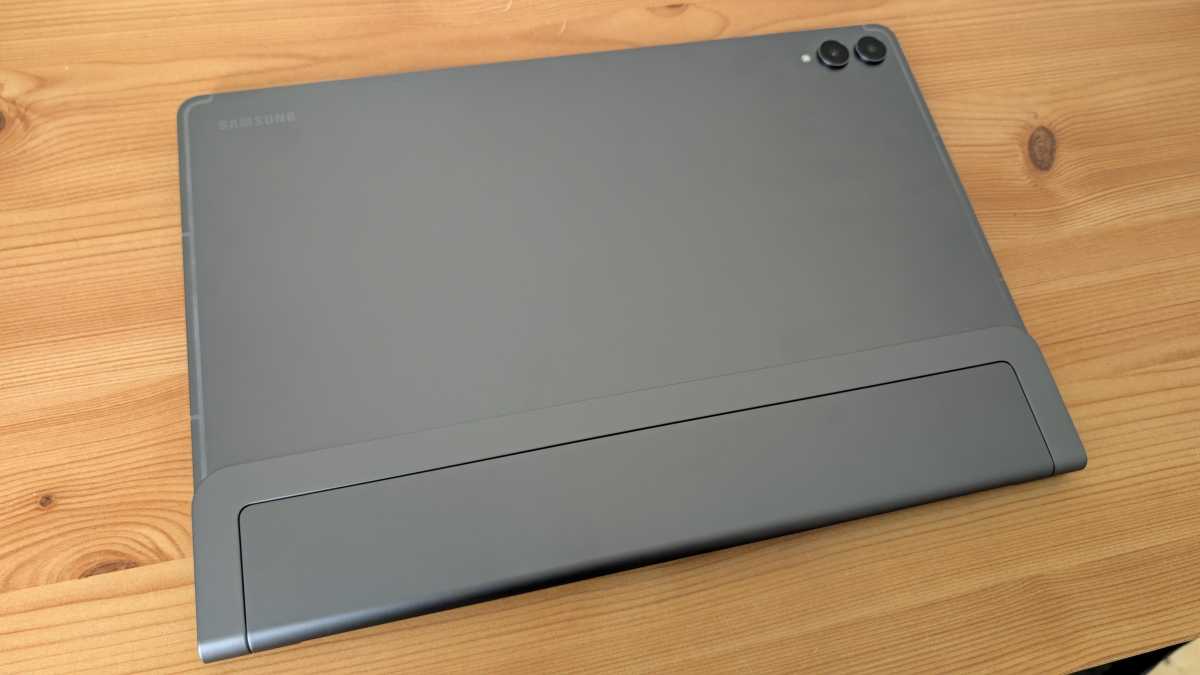
Er, no. After starting the day with around 50% charge, I was left scrambling for the charger just three hours later. The handful of apps I had open weren’t exactly the most taxing, while brightness remained moderate in my controlled home office environment.
Anyron Copeman / Foundry
At that rate, a full charge would conk out long before 5pm. Not exactly ideal.
I haven’t had the chance for further testing yet, as I spent most of the afternoon needing to keep the Tab S12 Ultra plugged in. While 45W charging speeds are decent, a battery that’s more than twice the size of most phones means a full charge takes several hours.
when you replace a laptop with a tablet, giving up on ports is an inevitability
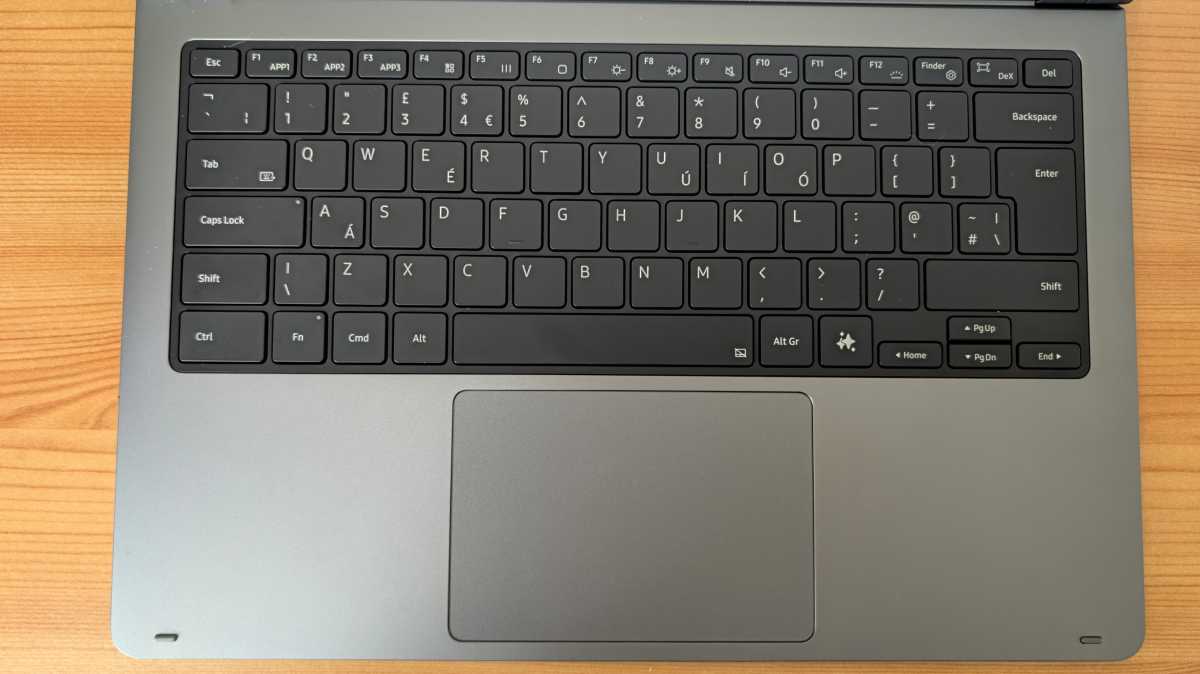
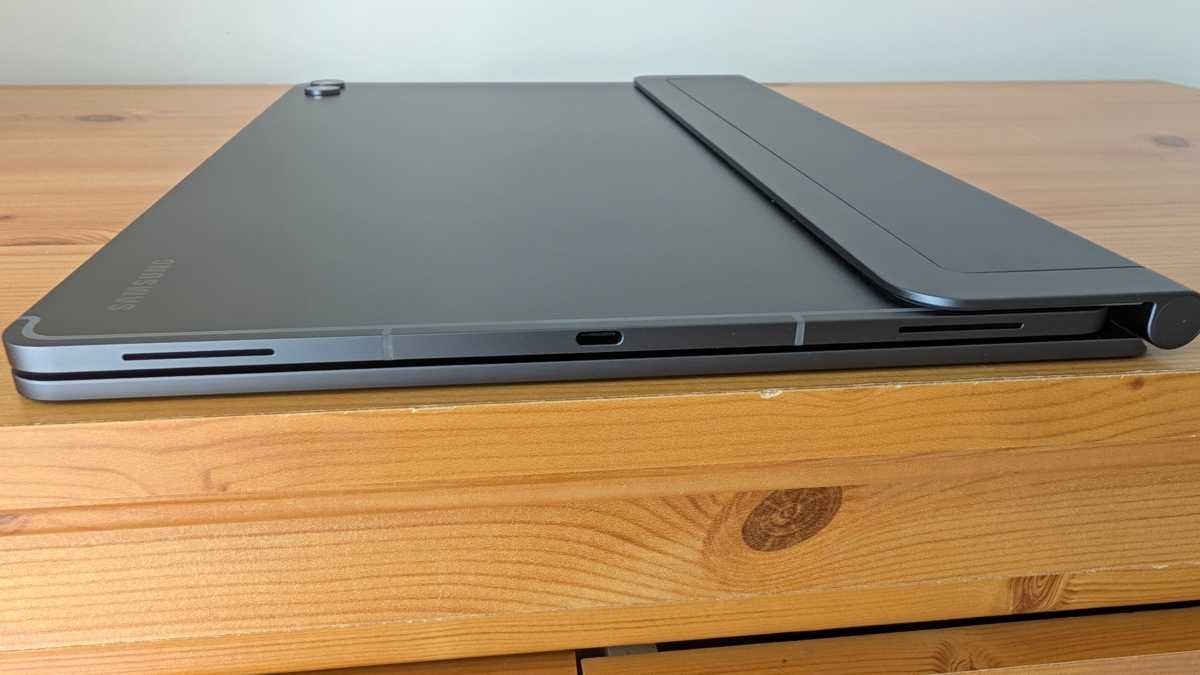
It doesn’t help that the USB-C port is awkwardly located halfway up the right side of the device when docked into the keyboard. It’s the traditional place for a tablet, but gets annoying fast, especially when you need that port for other things.
Speaking of..
An im-port-ant loss
Modern laptops aren’t exactly known for their plentiful port selection. The trend towards thin and light devices massively limits what manufacturers can include.
Still, basically every MacBook and Windows machine looks incredible compared to the Galaxy Tab S12 Ultra. That USB-C port is the only one, so you’ll have to choose between charging and connecting accessories.
Anyron Copeman / Foundry
My wireless mouse relies on a receiver that you plug into a USB-A port. Within minutes of starting work, I was searching my cluttered accessory boxes for a USB-C hub. It did the job, but I’d be lying if I said a chunky accessory hanging out of the port didn’t detract from the Tab S12 Ultra’s design.
Ultimately, when you replace a laptop with a tablet, giving up on ports is an inevitability. That’s something I’m simply not willing to compromise on.
A webcam reprieve
For balance, it’s important to highlight some of the things the Tab S12 Ultra does well.
Top of the list is Teams. Microsoft’s hit-and-miss communications app might sound like a weird choice, but the mobile app is actually better than the desktop version – even with a trackpad or mouse.#
superb hardware can’t undo the inherent software limitations of an Android tablet
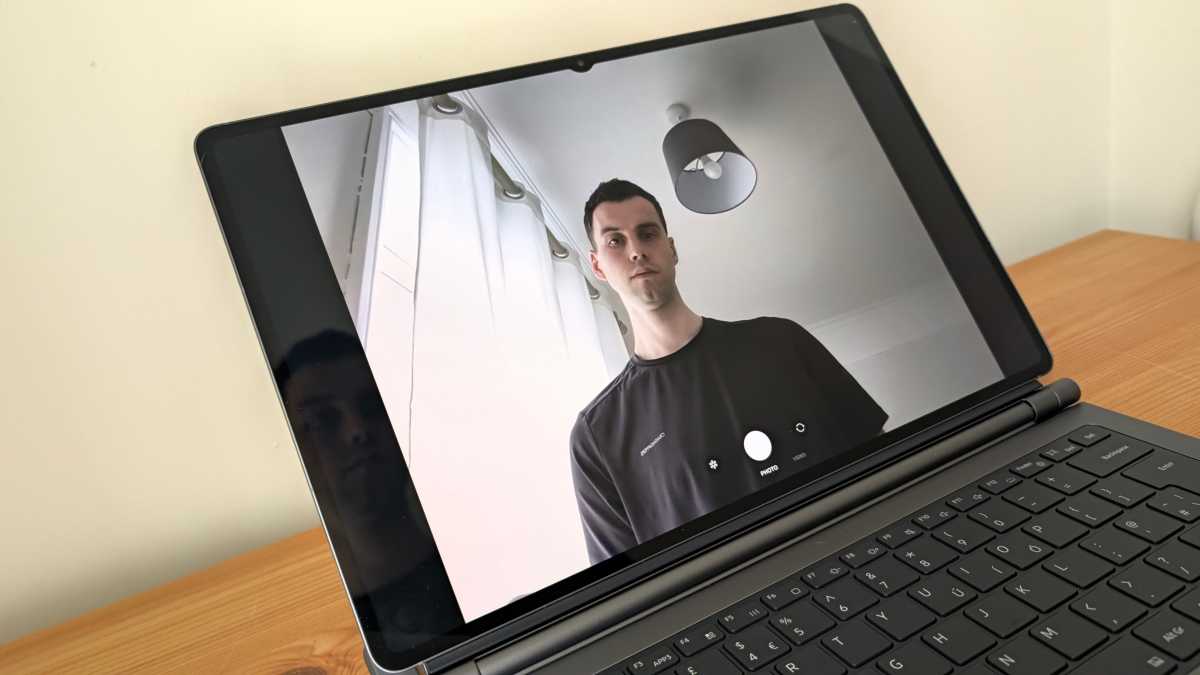
Specifically, it’s video calls where the Tab S12 Ultra wipes the floor with most laptops. Its 12Mp ultrawide front-facing lens is night and day compared to the basic webcams we see in many Windows machines, eliminating any need for an annoying separate accessory.
Alongside three crisp, built-in microphones and a quad stereo speaker system, the video calling experience is superb. I just wish Samsung didn’t feel the need to include an ugly teardrop notch around the camera.
Anyron Copeman / Foundry
Other key strengths include incredible performance from the MediaTek Dimensity 9500 chipset and a truly stunning 120Hz AMOLED display. No laptop can compete with the Tab S12 Ultra for watching movies or TV shows.
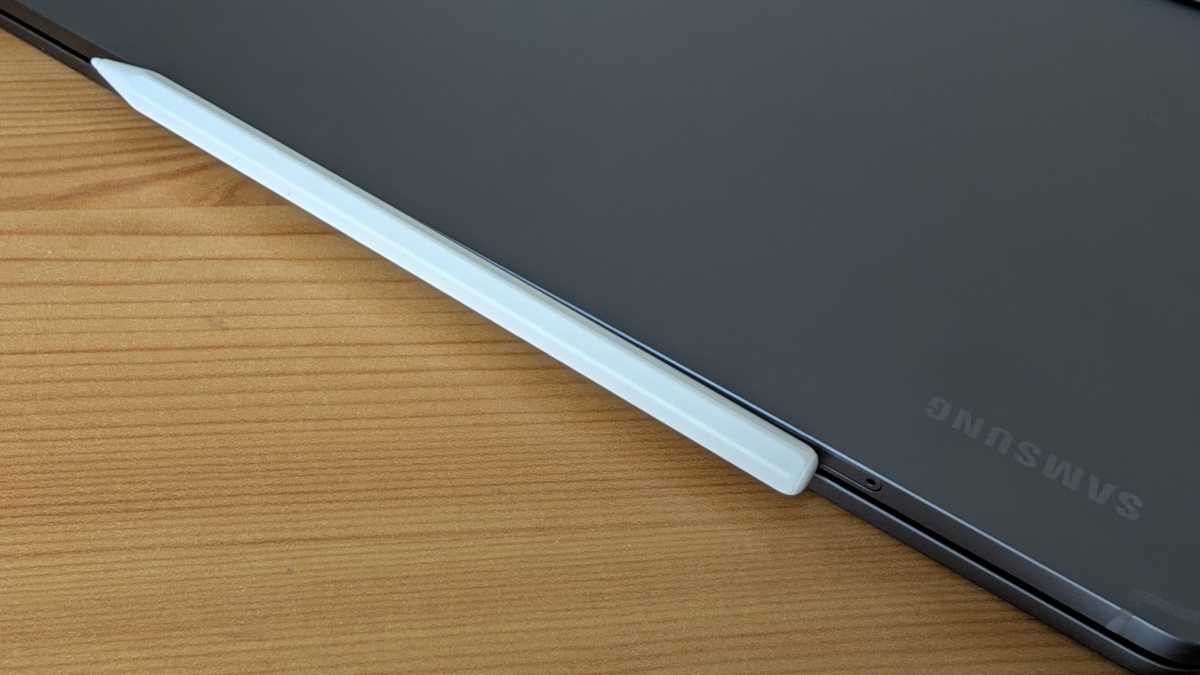
Achieving all this within an impossibly thin (5.1mm) and light (from 692g) chassis is an incredible feat that shouldn’t be ignored. But the superb hardware can’t undo the inherent software limitations of an Android tablet.
Anyron Copeman / Foundry
How much?!
Despite minor upgrades, the Galaxy Tab S12 Ultra is a full £200/$200 more expensive than its predecessor. How very 2026!
It starts at an eye-watering £1,399/$1,399, with the 5G version I’m testing even more expensive. That’s before you get to the keyboard cover – the Tab S11 Ultra’s version costs an additional £399!
You can pre-order one now from the Samsung UK and Samsung US sites, ahead of shipping on 7 October.
Before you know it, you’re spending close to £2,000 on what is fundamentally still an Android tablet. Unless you’ve got loads of money to blow, it absolutely must replace your laptop at that price point.
If the Tab S12 Ultra struggles so much with my relatively basic daily tasks, I dread to think how it might cope with more complex workflows. Until Samsung (and Android more generally) sort out the software issues, it’ll remain an incredible device with no obvious role in most people’s lives.