Android 17: ways to get the update
After a long wait, the moment has finally arrived: Google has officially given the green light to Android 17 and released the first completed version of the new operating system. Previously, all that was known was that the release was expected some time in June.
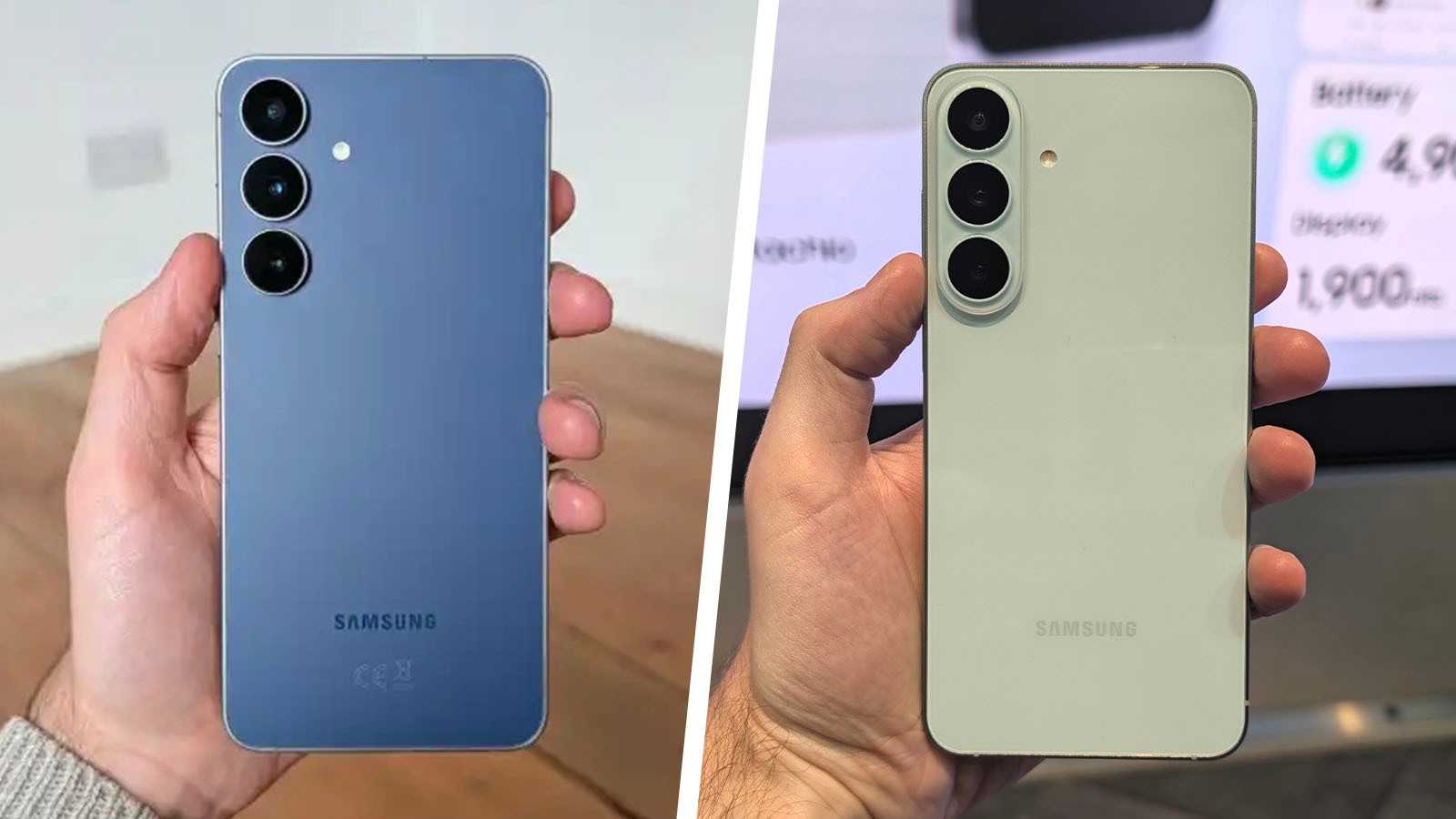
As always, Pixel smartphones such as the Google Pixel 10 are the first to gain access to the new Android version. However, it shouldn’t be long before other manufacturers such as Samsung or Xiaomi adapt and release the update for their users. You can find out which smartphones will receive the update, if you want to check if your phone will make the cut.
How to get Android 17
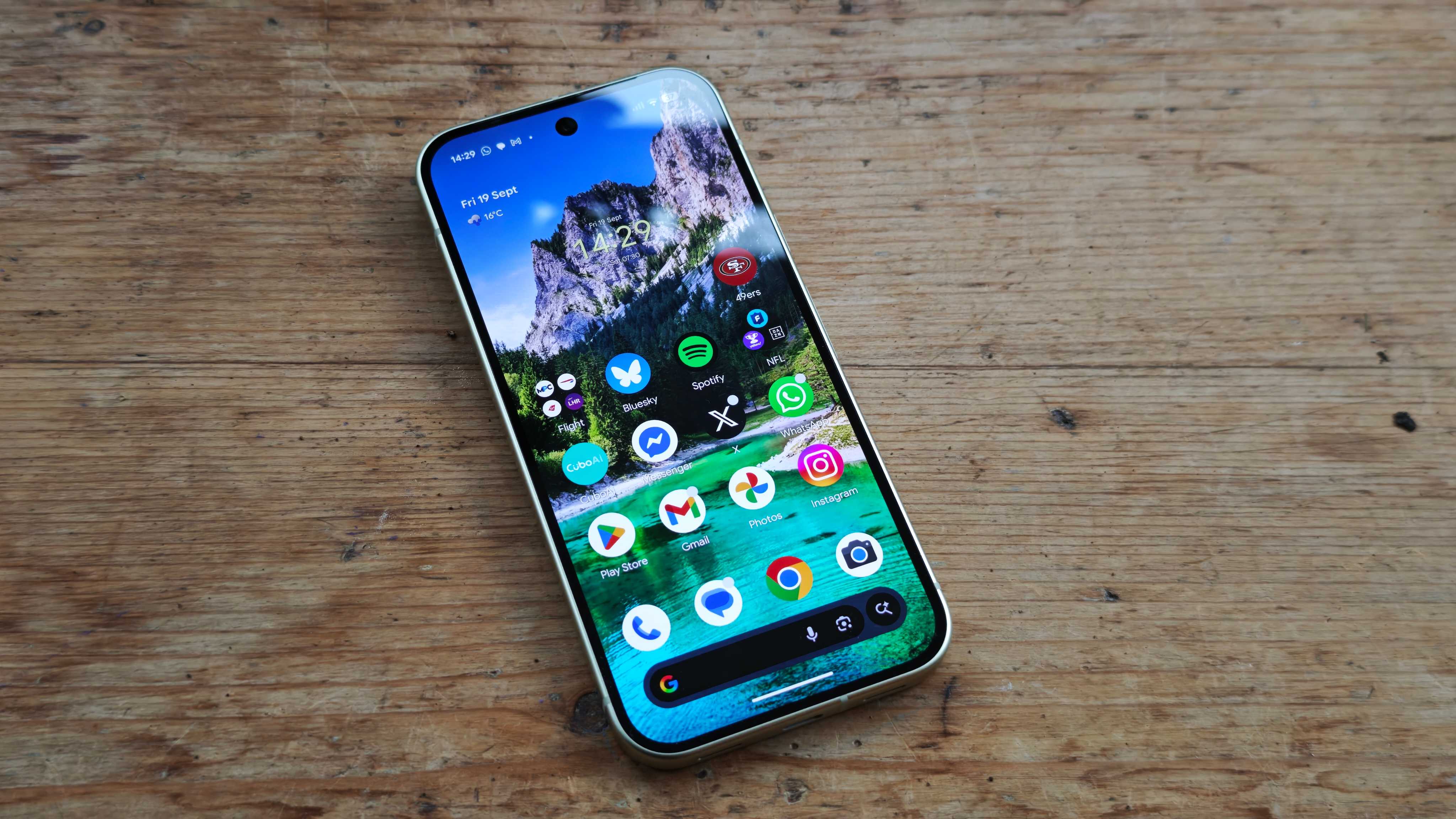
The latest Google Pixel smartphones will be the first to receive the update to Android 17. If you own one, check under System > Software Update > System Update to see if the new version is available.
Devices from other manufacturers will receive Android 17 over the coming months. Tech Advisor will keep you up to date with the new OS launches, so you’ll know when you’ll get access to new features. But be warned: older devices that no longer receive Android updates will miss out. Are you on the list?
Here’s what’s new in Android 17
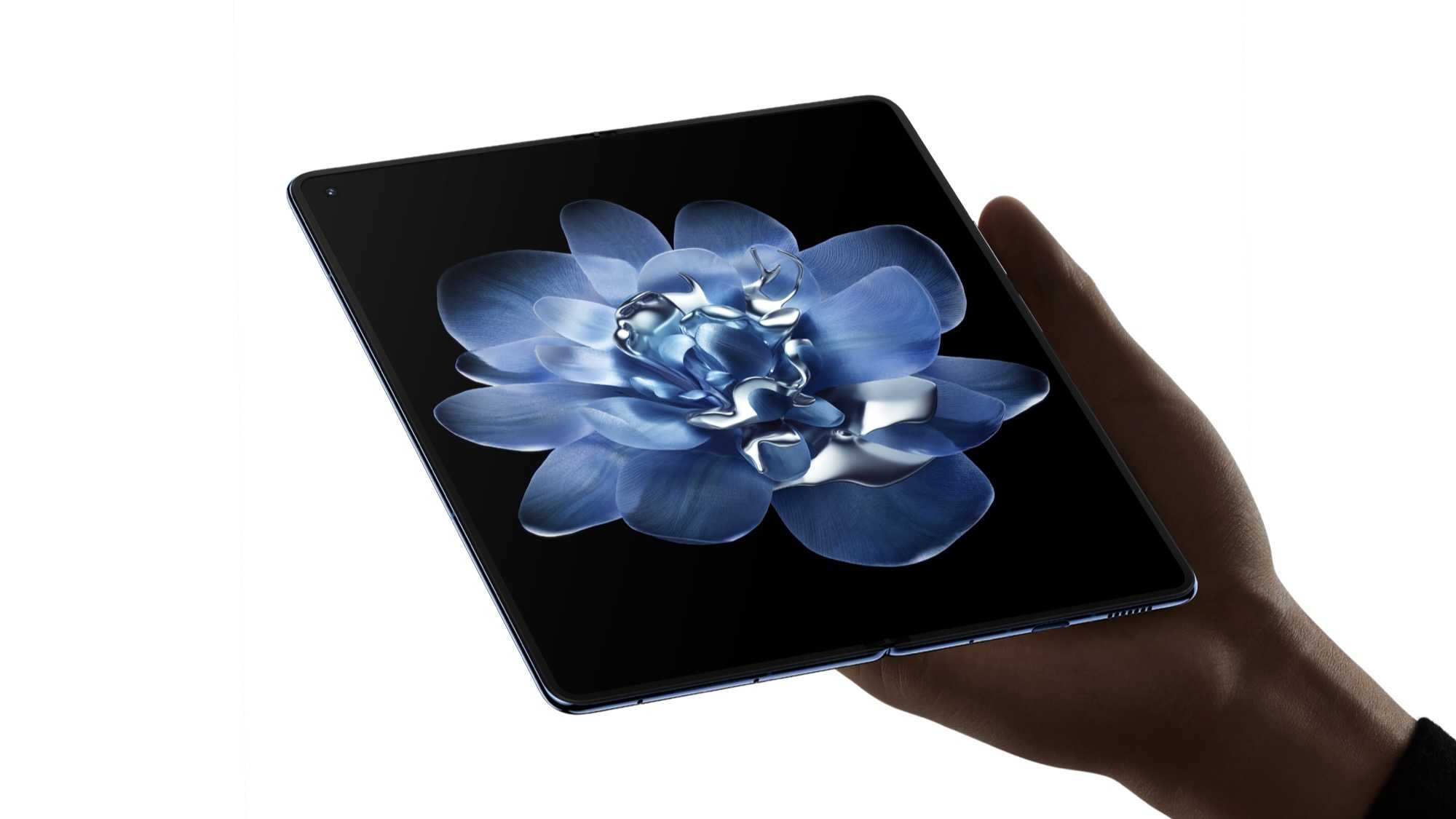
Google unveiled some of the new features in Android 17 (project name “Cinnamon Bun”). Among other things, there are so-called app bubbles, which enable multitasking. These allow virtually any app to be moved into a smaller, floating window. You can then switch seamlessly not just between two, but up to five apps. On foldables, the bubbles appear in a dedicated bar at the bottom of the screen.
Another new feature is Screen Reactions. This makes it possible to use the front-facing camera while recording a video, to capture your own face and reaction to what you’re watching. This could be particularly useful for content creators and social media enthusiasts, for example to react to comments or articles.
At the touch of a button, users will also be able to specify which app is allowed to share their location and for how long. In line with this, Android devices will soon display a blue dot indicating that their location is actively being shared. This is intended to reduce the risk of unauthorised access.
There’s also something new for gaming fans, at least on foldables: a new gaming mode allows the device to be used half-unfolded, so that the top half of the display shows the game. The rest transforms into a gamepad, enabling precise controls. It basically looks like a Nintendo DS.
In addition, Android 17 naturally also improves security. A new feature allows you to mark devices as lost so that they can no longer be unlocked. Data from Google Wallet is automatically deleted and access to personal data and settings is blocked.
If your phone isn’t in line to get Android 17, it may have hit its expiry date. Here’s how to find out.