Google’s 3D emoji has wild Android spec requirements: 10GB of free space, 6GB RAM
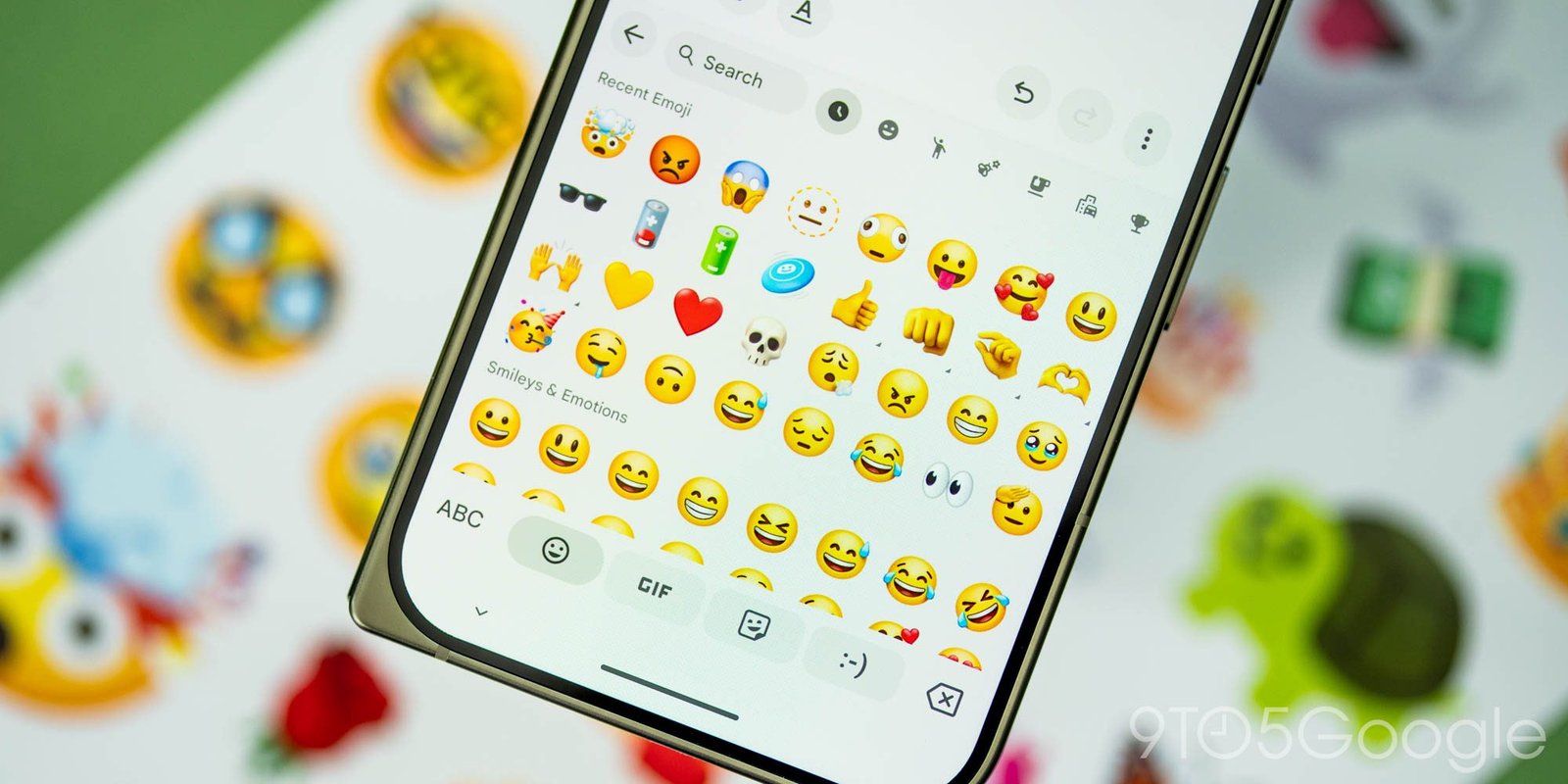
Google introduced 3D emoji on Pixel this year, and has just detailed the minimum specifications required to get them on your Android phone.
Update: Google replied on Reddit to “clear up some confusion” about the Help Center page. The listed storage and RAM requirements refer to the “automatic background download via Google Play services on eligible Android 17 devices that didn’t ship with the 3D font preinstalled.” The support article did not make that distinction.
Noto 3D emoji, with its high-resolution bitmap approach, uses less than 220 MB of storage versus the previous 2D vector font that comes in at around 3 MB.
During installation, Google Play services temporarily needs a bit of extra headroom to copy the file into place before immediately clearing its download cache.
Meanwhile, Google said RAM usage is “minimal & transient” as “Android doesn’t load the 3D emoji font file into RAM.” The support page listed 6 GB as a “cutoff to ensure lower-memory devices stay on the lightweight ~3 MB 2D vector font.”
Noto 3D emoji goes from vector-based 2D emoji to a high-resolution bitmap font. This results in “high-resolution designs” for emoji “with more texture and dimension to characters and icons.” Google has an FAQ section about why the new emoji might look low resolution:
Vector vs. bitmap rendering: Older Android emoji used 2D vector graphics, which scale infinitely to any size without losing resolution. The 3D emoji are bitmap graphics, which are pre-rendered pixel-based images. When these images are scaled up by an app or zoomed in, the pixels stretch, which can cause a softer or lower-resolution appearance.
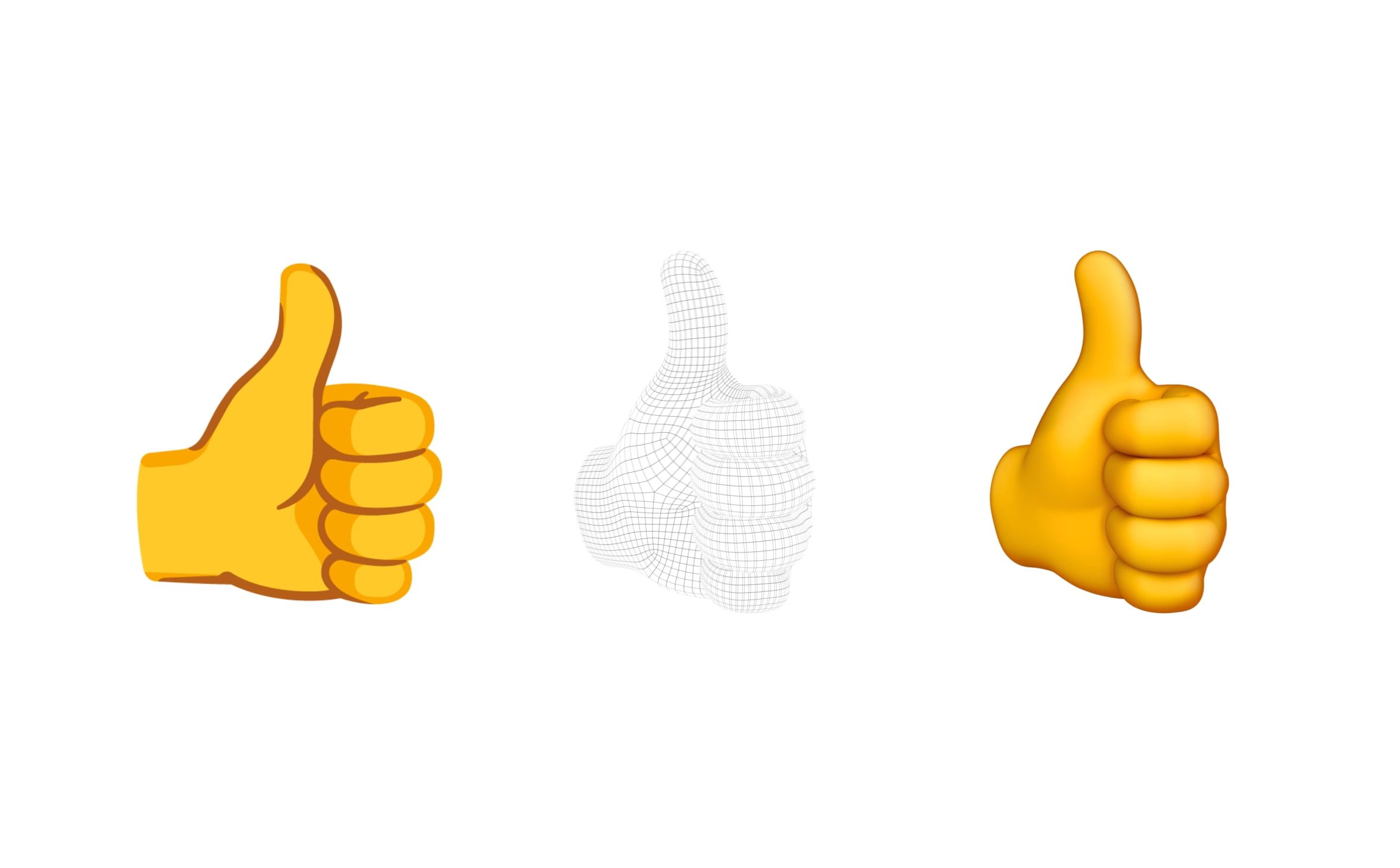


The Google support article published this week lists the minimum specs your Android device must have to get 3D emoji:
- Run Android 17 or later.
- Be from supported manufacturers receiving system or Google Play services updates.
- Have at least 6 GB of RAM
- Have at least 128 GB of total storage & 10 GB of available space.
The last two bullet points are rather surprising. In fact, Google even lists instructions for checking how much memory and storage your device has:
Check your RAM (Memory):
- Open the Settings app and search for “RAM” or “Memory.”
- Tap System
Developer options
- On some phones, you may have to tap Device care
- On some phones, you may have to tap Device care
- Your device must have 6 GB of RAM or higher to use the 3D emoji.
Check your device storage:
- Open the Settings app and search for “Storage.”
- Tap Storage
- Check your total storage and available space:
- Total storage: Your device must have 128 GB of storage or higher
- Available space: Your device must have at least 10 GB of available space
In terms of availability, Google says a supported device will “automatically download the 3D emoji when it’s on Wi-Fi and charging.”
At this time, there isn’t a way to force download the emoji.
Google announced 3D emoji in May, with the new design shipping on the Pixel 11 in August. It has since arrived on older Pixel devices.

In terms of OEM availability, Google explicitly says “Samsung devices use a proprietary emoji font and do not receive the 3D font update.” Additionally:
This is also true for third-party messaging apps, such as WhatsApp, who use their own emoji fonts rather than relying on your device’s system font.