The 10 best Android tablets for gaming, reading and more
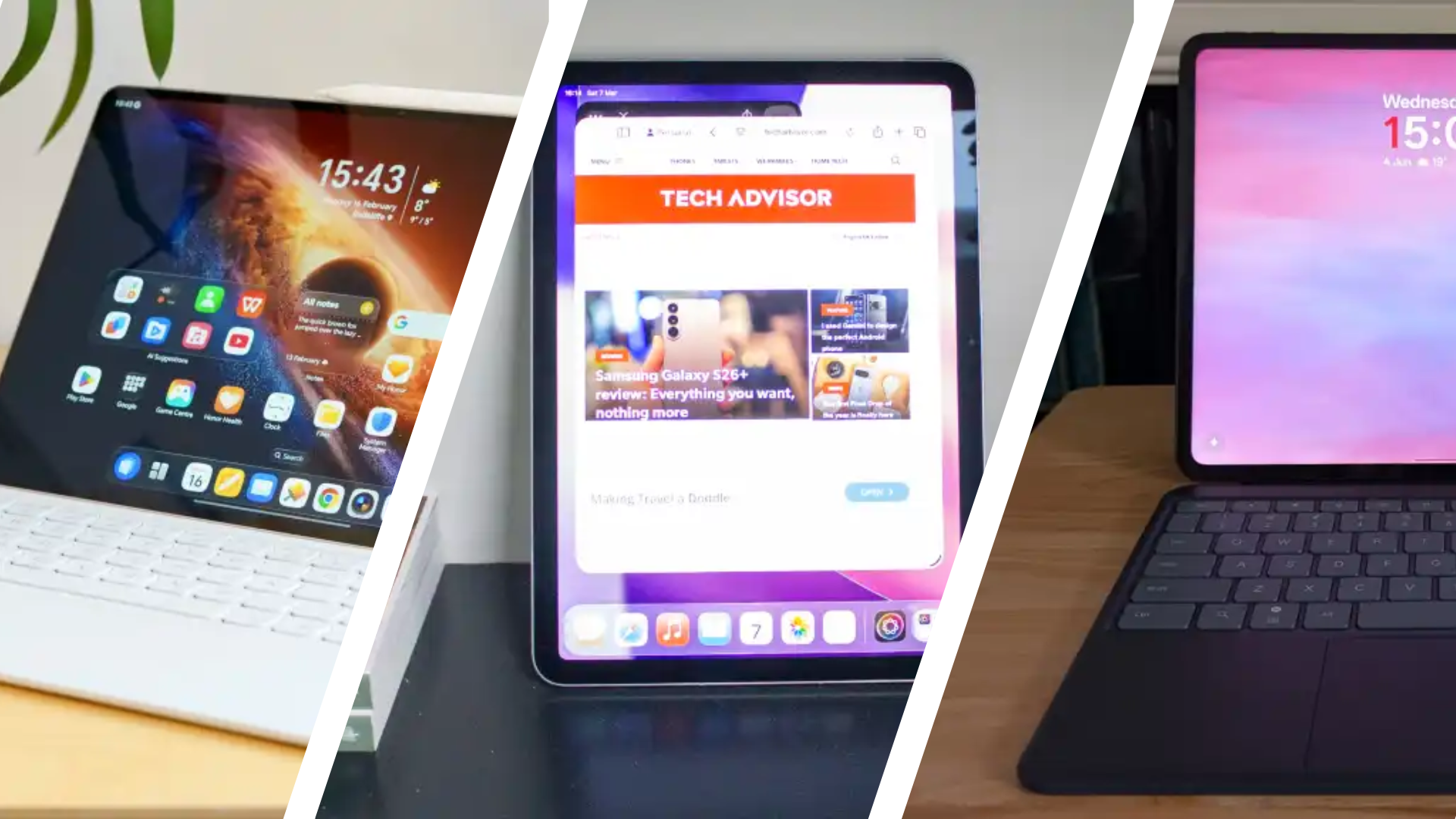
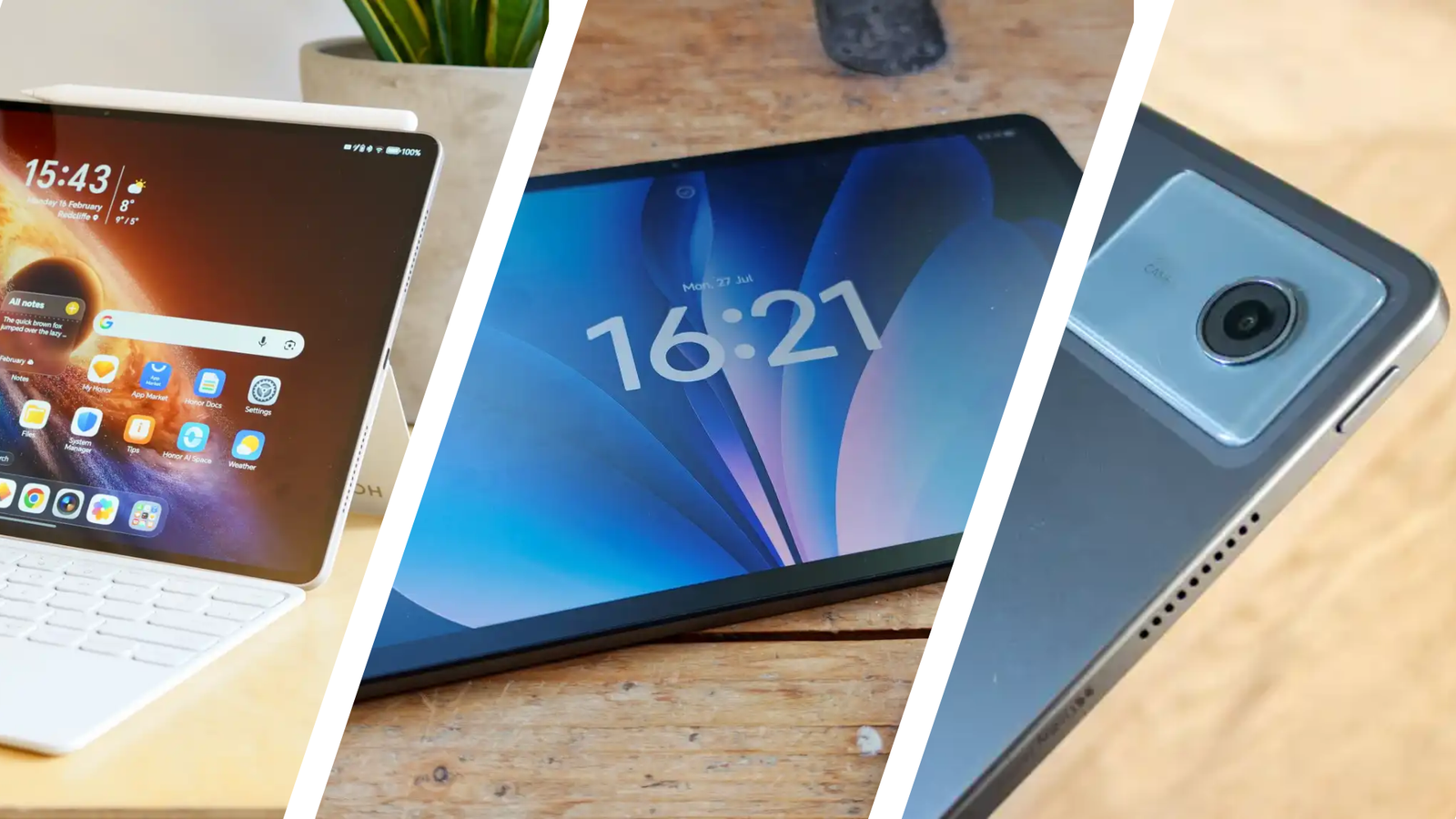
If you’re on the hunt for a new Android tablet in 2026, then you’re in luck, as there’s arguably never been a better time to buy. Thanks to ever-improving chipsets, display tech and battery life, Android tablets are now far more competent than they’ve ever been and in some cases, they can be used as full-on laptop replacements. Curious to know more? Keep on reading to find out which Android tablets impressed our tech experts the most.
While there’s no denying that the best iPads are fantastic tablets in their own right, and if you have an iPhone or are entrenched in Apple’s wider ecosystem, then they’re likely to be the better buy for you, but they pale in comparison when it comes to the sheer amount of choice you can enjoy when siding with Android.
For instance, there are bargain tablets from the likes of Xiaomi and Amazon, which are great for entertainment on the go or keeping the kids occupied so you can have a moment to yourself, while more premium picks from Samsung and OnePlus are able to serve as full-on workstations with a keyboard in tow. In between those picks, there are also Android tablets designed for digital artists with stylus support, not to mention those powered by super-fast chipsets that are perfect for gaming.
To make sure that you’re paired up with the right tablet for your needs, the top picks on this list have been highlighted for the areas they excel in. For example, you can see right away which tablets are best for productivity and which provide the best value for money. Alternatively, our guide to the best tablets is ideal for a general overview of the market, whilst our round-up of the best budget tablets is designed for any buyer hoping to save on their purchase.
Regardless of what tablet you plan on getting, now’s the ideal time to buy thanks to the ongoing Black Friday sale. With all major retailers getting in on the act, this is your chance to save big on the latest tablets and avoid paying full price. You can check out our coverage of the best Black Friday tablet deals to make sure that you don’t miss out on the greatest offers, but if you fancy upgrading your handset then we’ve also got you covered with the best Black Friday phone offers.
Best Android tablet reviews
1. Xiaomi Pad 8 – Best Overall
Pros
- Plenty of power
- Very reasonable price
- Improved battery capacity
- Premium and portable design
Cons
- Few software improvements
- Some accessory bugs
Best Prices Today:

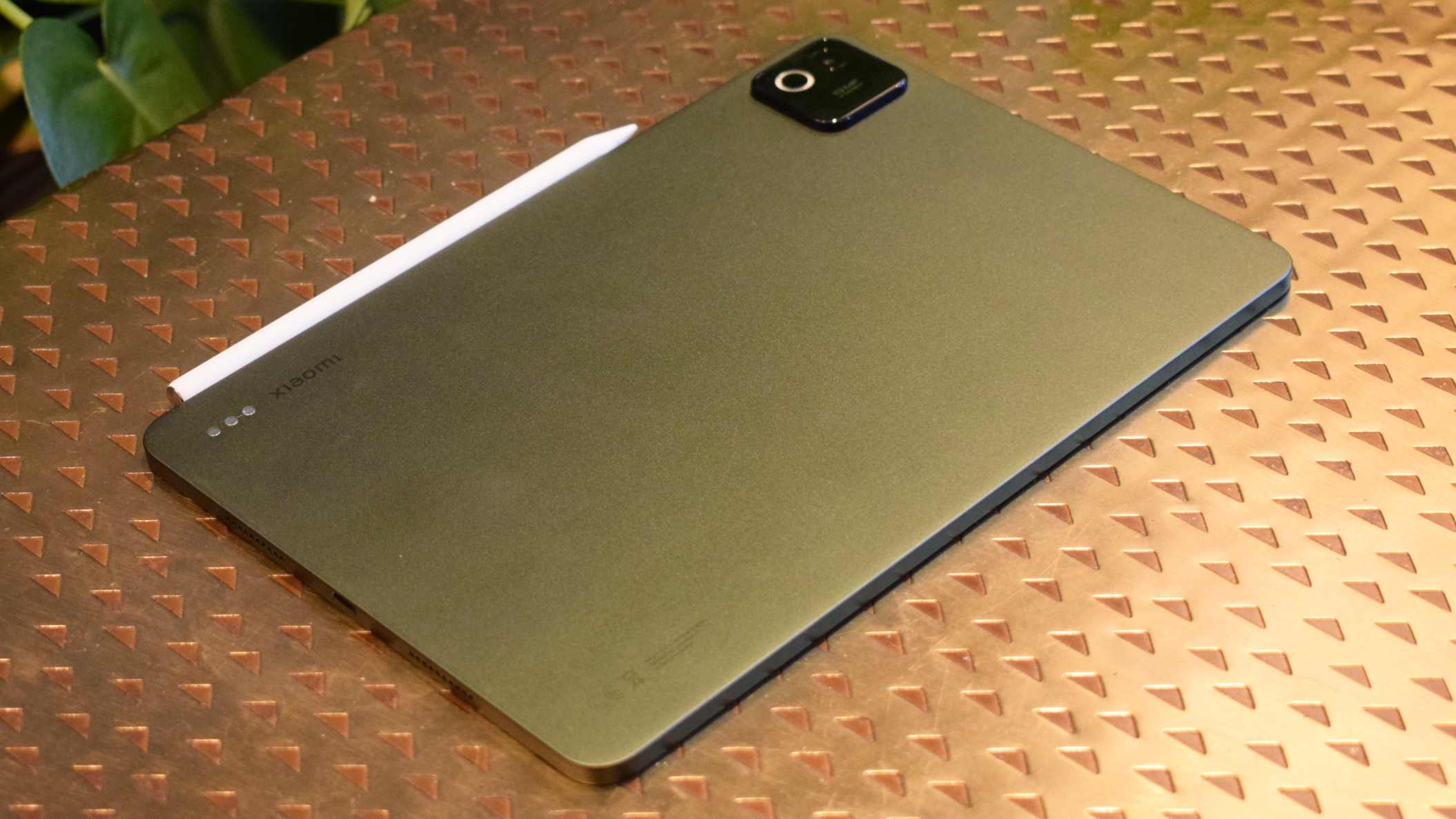
The Xiaomi Pad 7 long stood in as our go-to pick for anyone wanting to get the maximum amount of value from an Android tablet, so it shouldn’t be too surprising that the newer Xiaomi Pad 8 has superseded it. As far as we’re concerned, if you’ve got around £400/$400 to spend on a new tablet, even if you’re considering buying an iPad, then you should really consider picking up the Xiaomi Pad 8 because it is simply unmatched in terms of all the features that you get for your hard-earned cash.
The screen is a sizeable 11.2-inch LCD panel with a stunning 3.2K resolution and a faster 144Hz refresh rate to boot. By comparison, the entry-level iPad (which is a bit cheaper to be fair, but not by much) has a 60Hz 10.9-inch panel with a lower resolution. You’re also getting Dolby Atmos-ready quad speakers which are great for when you’re watching a movie or TV show at home and don’t want to be saddled with a pair of headphones.
Where the Pad 8 really comes into its own, however, is if you invest in the available accessories to broaden the tablet’s scope as a productivity device. Our reviewer used the Focus Keyboard and the Focus Pen, both of which worked beautifully. The Keyboard attachment included a built-in trackpad, so you can use the Pad 8 much like you would a typical laptop, while the Pen proved itself to be one of the best Apple Pencil alternatives we’ve used. With both accessories in tow, the Pad 8 becomes a great option for students.
Outdoing its predecessor on battery life, the newer Pad 8 packs a larger 9,200mAh cell, providing more than enough power to get you through any demanding days with ease. There’s 45W charging to get you back up to full health fairly quickly too. As with any HyperOS-based tablet, the Pad 8 just isn’t as strong on the software front compared to other key brands like Samsung and Oppo.
Who should buy the Xiaomi Pad 8?
Value-conscious buyers who want to stretch every penny on their purchase.
Xiaomi Pad 8: Further considerations
Samsung provides cleaner software and longer OS support.
Read our full
Xiaomi Pad 8 review
2. Honor MagicPad 4 – Best Premium
Pros
- Slim, lightweight body
- Beautiful OLED screen
- Superb performance
- Speedy charging
Cons
- Cluttered UI
- Limited update promise
- Accessories aren’t the best
Best Prices Today:
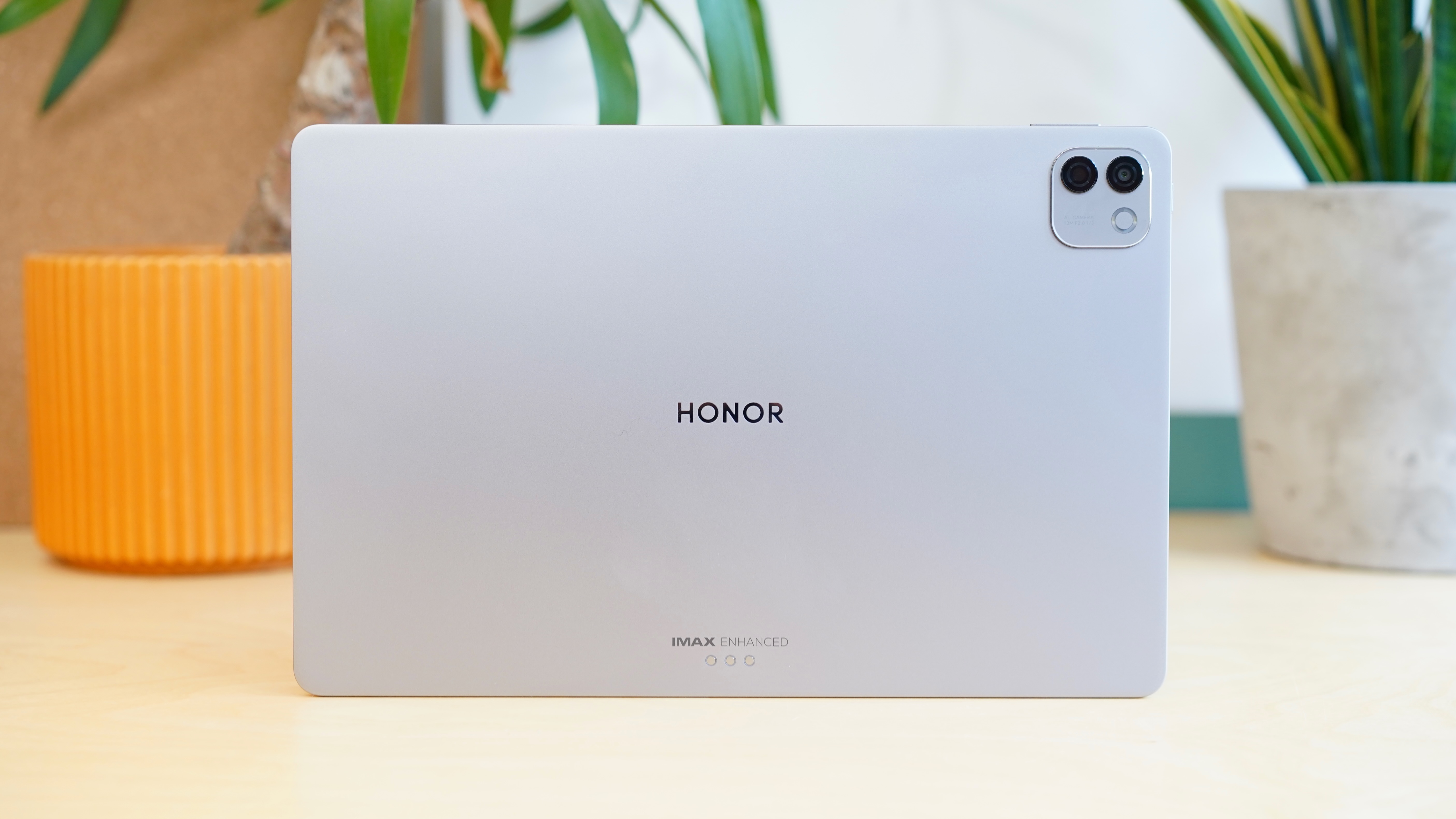
With speedy performance, a luscious screen and a very portable build, all coming in at just £599.99, it’s easy to see the Honor MagicPad 4 as a very tempting alternative to a mid-range laptop. Although it’ll never be a full replacement for most professional work, the MagicPad 4 is a great option for productivity on the go, and certainly a solid pick for students who want a device that’ll last them all day.
The moment you switch on the MagicPad 4, it’s hard not to be dazzled by its stunning 12.3-inch OLED panel, which packs a 3000 x 1920 resolution and a fast 165Hz refresh rate. It’s an absolute feast for the eyes, regardless of whether you’re simply typing up a document or catching a bit of Netflix after you’ve sorted everything on your to-do list.
What ties the whole thing together is the Snapdragon 8 Gen 5 processor onboard, which, despite not being a flagship-level chip from Qualcomm, is just below the 8 Elite Gen 5 and you still get terrific performance here. You can have multiple windowed apps running simultaneously in PC mode, while games, for the most part, run really well.
The only thing that works against the MagicPad 4 is how cluttered and overbearing Honor’s Android overlay can feel at times. MagicOS can be rather incessant regarding battery optimisations and pushing you towards using Honor’s own-brand apps, but it’s not enough to derail just how outstanding this tablet is from a hardware perspective.
Who should buy the Honor MagicPad 4?
Productivity users who want great performance and a beautiful screen to go with it.
Honor MagicPad 4: Further consideration
MagicOS is nowhere near as sleek as Samsung’s One UI.
3. Samsung Galaxy Tab S11 Ultra – Best Big Screen
Pros
- Stunning display
- Great performance
- Clever front camera setup
- Good accessories
Cons
- It’s too big to use without a keyboard or stand
- S Pen is less capable than before
- Astronomical price
Best Prices Today:
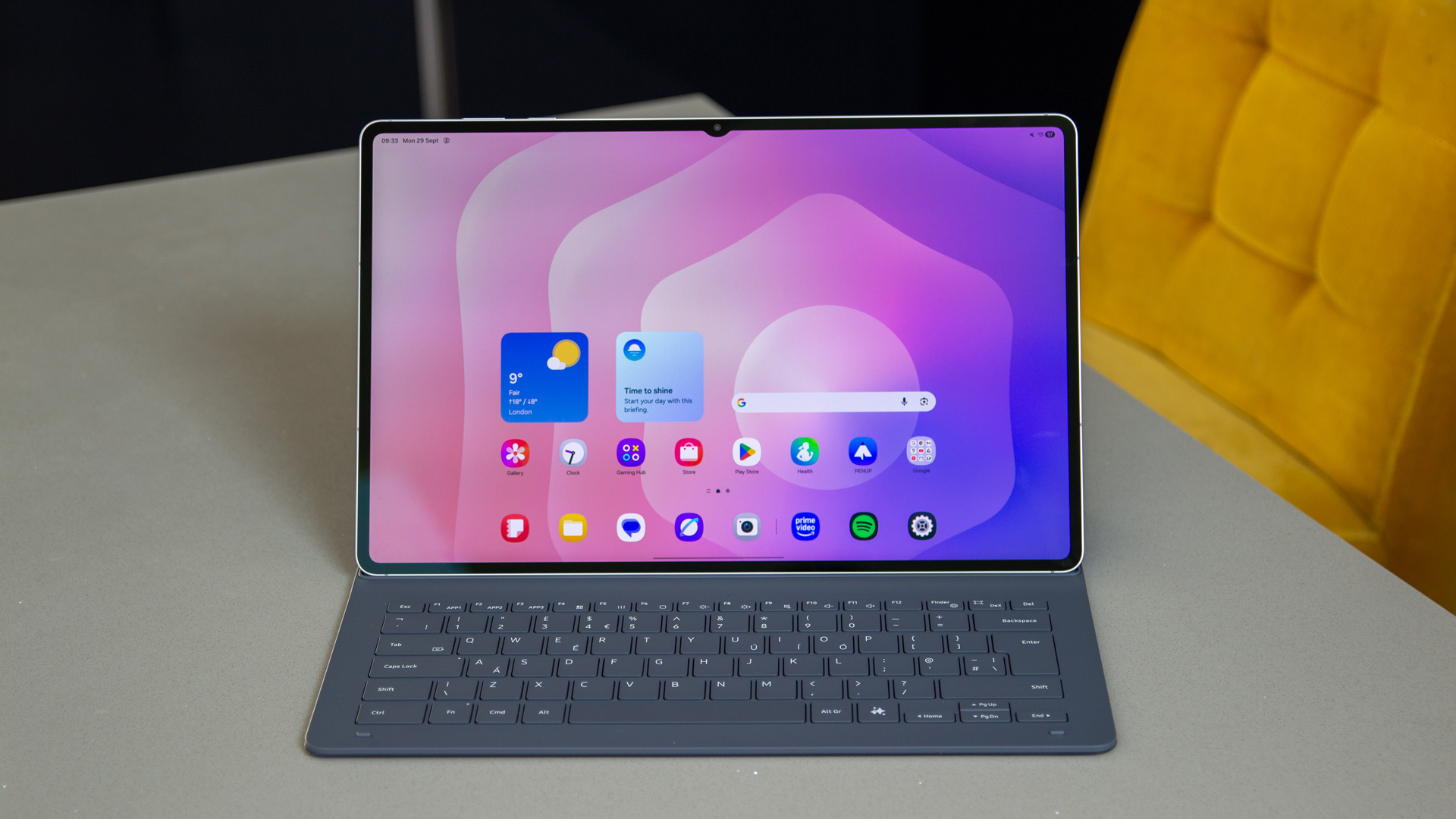
The Samsung Galaxy Tab S12 Ultra is now on the scene and we’re in the process of testing the device, but given that its predecessor, the Galaxy Tab S11 Ultra, can now be found for less, it is a bargain buy for anyone after high-end specs. For instance, with the MediaTek Dimensity 9400+ chipset inside, the tablet has all the grunt you’d need to turn it into a substantial productivity device for editing videos, typing up documents and more.
The 14.6-inch AMOLED display feels almost otherworldly for a tablet and really needs to be seen to be believed, but it paves the way for an unparalleled viewing experience, one that might be preferable to some TVs when you want to catch up on your favourite shows and movies. All that space also makes it easy to multitask with various apps, giving them the room required to spread out.
Admittedly, even at a discounted price, the Tab S11 Ultra is still going to be more expensive than most regular tablets, so it’s worth considering whether or not you’re actually going to make use of all the features onboard. Otherwise, you could pick up a similarly productivity-friendly tablet like the Honor Magic Pad 4, but at a much lower price.
Who should buy the Samsung Galaxy Tab S11 Ultra?
Tablet enthusiasts who use their device for work and entertainment alike.
Samsung Galaxy Tab S11 Ultra: Further considerations
The Tab S12 Ultra is available with a more powerful chipset.
Read our full
Samsung Galaxy Tab S11 Ultra review
4. Honor Pad V9 – Best Mid-Range

Pros
- Well built but portable
- Great display and speakers combo
- Solid performance
Cons
- Disappointing cameras
- No storage expansion
Best Prices Today:
At £399.99, the Honor Pad V9 is a bit more expensive than the entry-level iPad A16, but it’s a great deal cheaper than the iPad Air, so if you’re someone who doesn’t want to spend too much but would ideally like a much better display than what Apple’s cheapest tablet can provide, then this V9 is a great option to consider.
Packing an 11.5-inch display, everything from Google Docs to Netflix looks great on the Honor Pad V9. There’s a high 2800×1840 resolution that helps to keep everything looking crisp, but it’s the 144Hz that’s a surprising addition that you don’t typically see at this end of the market, and it only serves to make the tablet an even better buy for gamers.
Powering the show is the Mediatek Dimensity 8350 Elite which is more than capable of getting through a session of Genshin Impact or PUBG Mobile, and the peak brightness of 500 helped to elevate the colours of these titles. There’s an ample helping of 256GB internal storage too, so you’ll have plenty of room for all your favourite apps.
Strangely enough, you can’t expand the storage beyond that 256GB amount, so if you do want more than that for storing films and TV shows offline, then you’ll need to look elsewhere. The cameras are also a letdown, although if you’re the type of person who rarely ever uses the included camera on a tablet then this won’t be a problem for you.
Who should buy the Honor Pad V9?
Gamers who want a better display than the entry-level iPad but at a reasonable price.
Honor Pad V9: Further considerations
There are no additional storage options beyond the default 256GB model.
Read our full
Honor Pad V9 review
5. Xiaomi Redmi Pad 2 – Best Budget
Pros
- Sleek design
- Decent screen
- Excellent quad speakers
- Solid battery life
Cons
- Slow charging
- Basic cameras
- Software quirks
Best Prices Today:
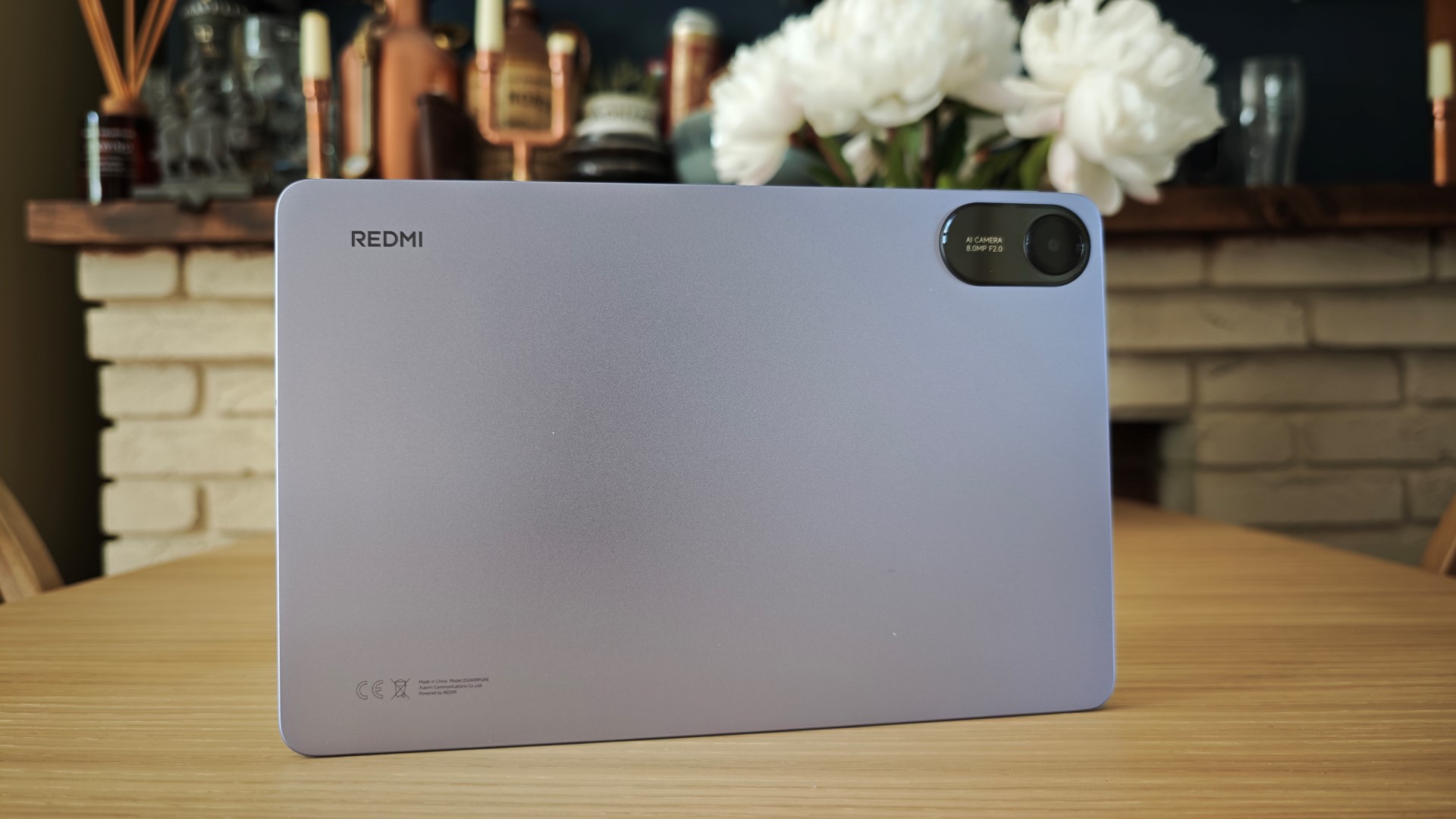
With a price tag of only £169, the Redmi Pad 2 is the perfect example of the value you can get at the sub-£200 level of Android tablets, with this crucially being an area that Apple is just unable to compete in unless you pick up a fairly outdated iPad second-hand. In fact, there’s enough here to even lure some folks away from Samsung’s similarly affordable A-series tablets.
Because this is a cheaper device, the expectation is that you’ll want to buy it to enjoy entertainment on a larger display than your smartphone, and in this area, the Redmi Pad 2 knocks it out of the park. The large 11-inch LCD screen is stunning to look at, with a peak brightness of 600 that really helps to elevate colours in everything from web pages to social media.
The 90Hz refresh rate is a welcome addition as it just makes everything feel that bit smoother in operation, and certainly makes the 60Hz panel on the iPad A16 feel more dated than ever. That 90Hz rate is also appreciated when it comes to a spot of light gaming, as the experience just feels more immersive.
While the reasonably large 9000mAh battery is perfect for getting through a day of use (we picked up a total of 10 hours and two minutes via PCMark), it does take a while to charge it back up, with the speed being capped at 18W. Still, for what you get with this tablet, having to occasionally deal with slow charging is a fair trade-off for everything that you get for the price.
Who should buy the Redmi Pad 2?
Bargain hunters who need a solid yet affordable tablet for entertainment.
Redmi Pad 2: Further considerations
You’ll want to pay a bit more to enjoy full 3D games with solid performance.
6. Xiaomi Redmi Pad 2 Pro – Best for Outdoor Use
Pros
- Gorgeous optional Matte Display
- Amazing battery life
- Brilliant quad speakers
- Face unlock
Cons
- Basic cameras
- Processor isn’t ‘pro’
- Limited brightness
Best Prices Today:
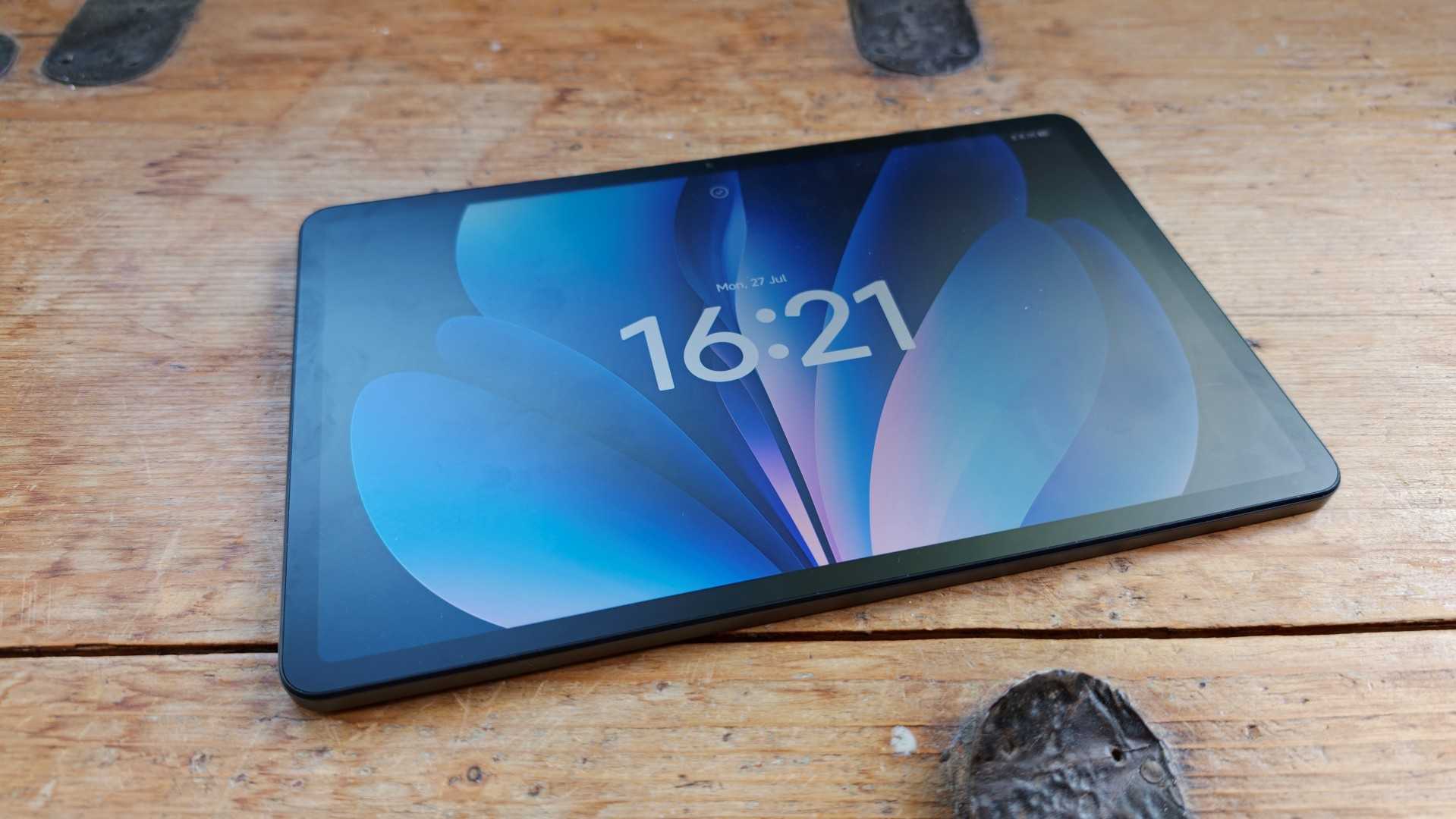
The Redmi Pad 2 might be our go-to recommendation for Android fans after the ultimate budget tablet, but if you are able to spend a bit more, you’ll get plenty for your money with the brilliant Redmi Pad 2 Pro. It’s worth mentioning right off the bat that while you while you can get a version of the tablet without a matte display, we recommend spending the bit extra required to get the panel as it really makes the whole experience.
With a matte display to hand, it’s much easier to use the Pad 2 Pro when you’re out and about as it can downplay reflections so that you’re not left squinting at what’s on the screen, though we would like more brightness available. So whether you’re trying to catch up on some TV during your train ride to work, or you need to send a few emails whilst stationed in a well-lit cafe, you can do that here with very little friction. For context, you typically have to fork out quite a bit for this technology on other devices.
Beyond the display, the larger 12,000mAh battery is so worth the upgrade as it offers up hours upon hours of use, outlasting a great deal of other Android tablets. The charging speed is a bit faster too at 33W. It all works to cement this tablet’s place as a great option for entertainment on a trip, or for light productivity, especially if you bring a Bluetooth keyboard into the mix.
Even if you don’t have a pair of headphones to hand, you can make use of the outstanding quad speakers that present a really compelling soundstage. Strangely, the camera department has also been afforded an upgrade over the standard Pad 2, but it’s the one area that should have been left alone, not only because cameras on a tablet are fairly redundant anyway, but because the 13Mp rear-facing camera just isn’t very good, and neither is the 8Mp selfie cam.
Who should buy the Xiaomi Redmi Pad 2 Pro?
Anyone who tends to use their tablet outdoors where screen reflections can get in the way.
Xiaomi Redmi Pad 2 Pro: Further considerations
It doesn’t quite beat the standard Redmi Pad 2 on pure value.
Read our full
Xiaomi Redmi Pad 2 Pro review
7. Samsung Galaxy Tab A11 – Best Value
Pros
- Stylish & highly portable
- 90Hz refresh rate
- 7 years of software support
- Even cheaper than before
Cons
- Painfully slow charging
- Basic cameras
- Some bloatware
Best Prices Today:
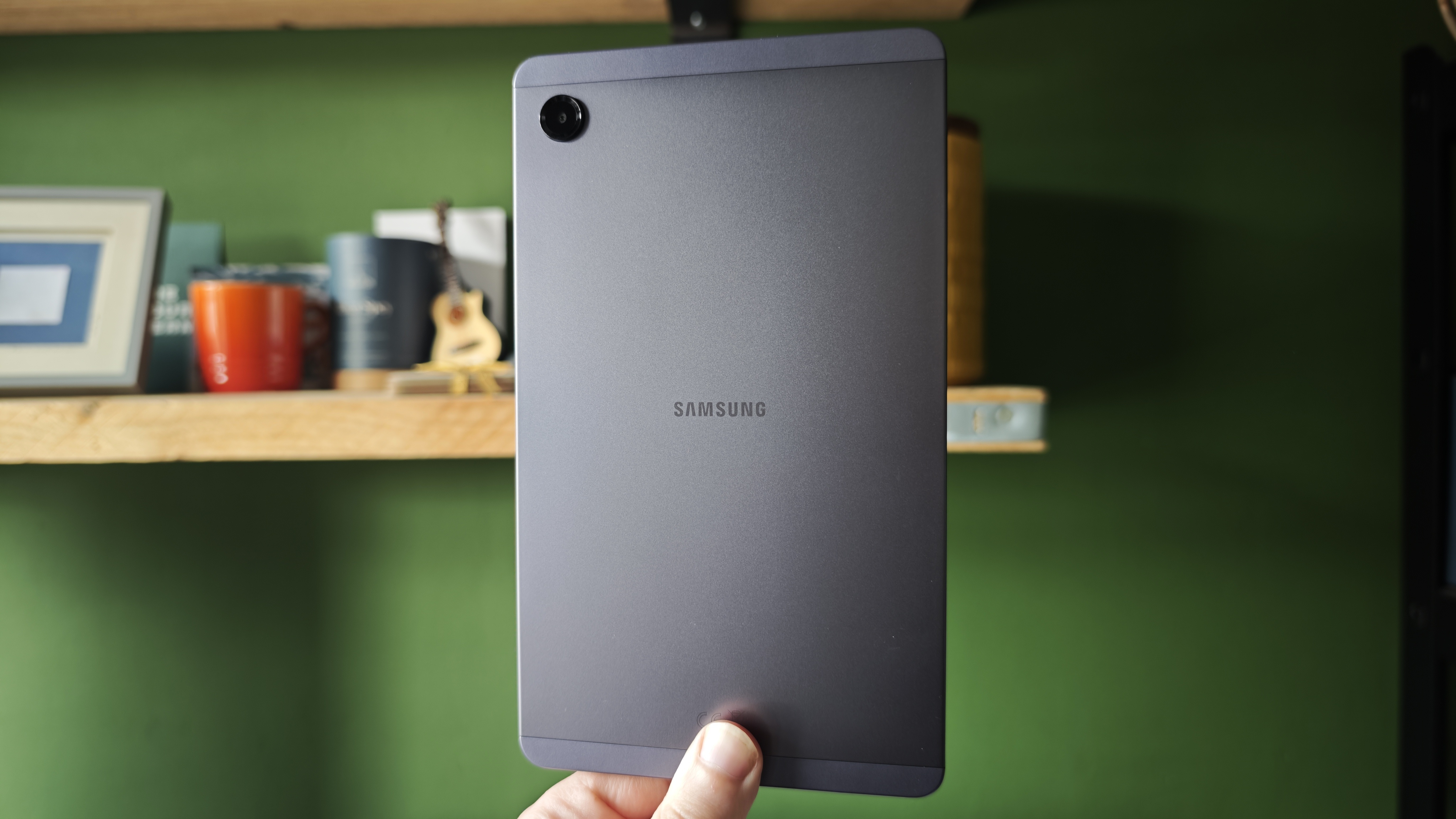
Given just how similar they are, the Samsung Galaxy Tab A11 isn’t an instant upgrade for those who currently own the Tab A9, but if you’re looking to buy your first budget tablet and you would like to have one with a bright future ahead of it, Samsung’s offering is the undeniable go-to pick.
The big feature working in the device’s favour is the promise of seven years of software updates from the time of launch, so you can enjoy a bit of web browsing and light entertainment on this thing for quite some time to come, content in knowing that it’ll receive whatever the next version of One UI has in store.
It’s not a complete retread over what came before, however, as there are two quality of life updates in the form of a 90Hz refresh rate for smoother everyday use, alongside a beefier 5Mp camera for when you want to take a quick video call with family or friends. These features aren’t groundbreaking, but they do offer something to point to for anyone weighing up whether to buy the Tab A11 or the A9.
With a 5100mAh battery inside, the Galaxy Tab A11 has the capacity to keep going all day. In our PCMark battery test, the tablet ran for 12 hours and 59 minutes, which is more than enough for most people. The downside is that with only 15W wired charging available, it can take an age to get the battery back up to 100%.
Who should buy the Samsung Galaxy Tab A11?
Budget buyers who want a long-lasting tablet.
Samsung Galaxy Tab A11: Further considerations
The Galaxy Tab A9 isn’t all that different and can be found for less.
Read our full
Samsung Galaxy Tab A11 review
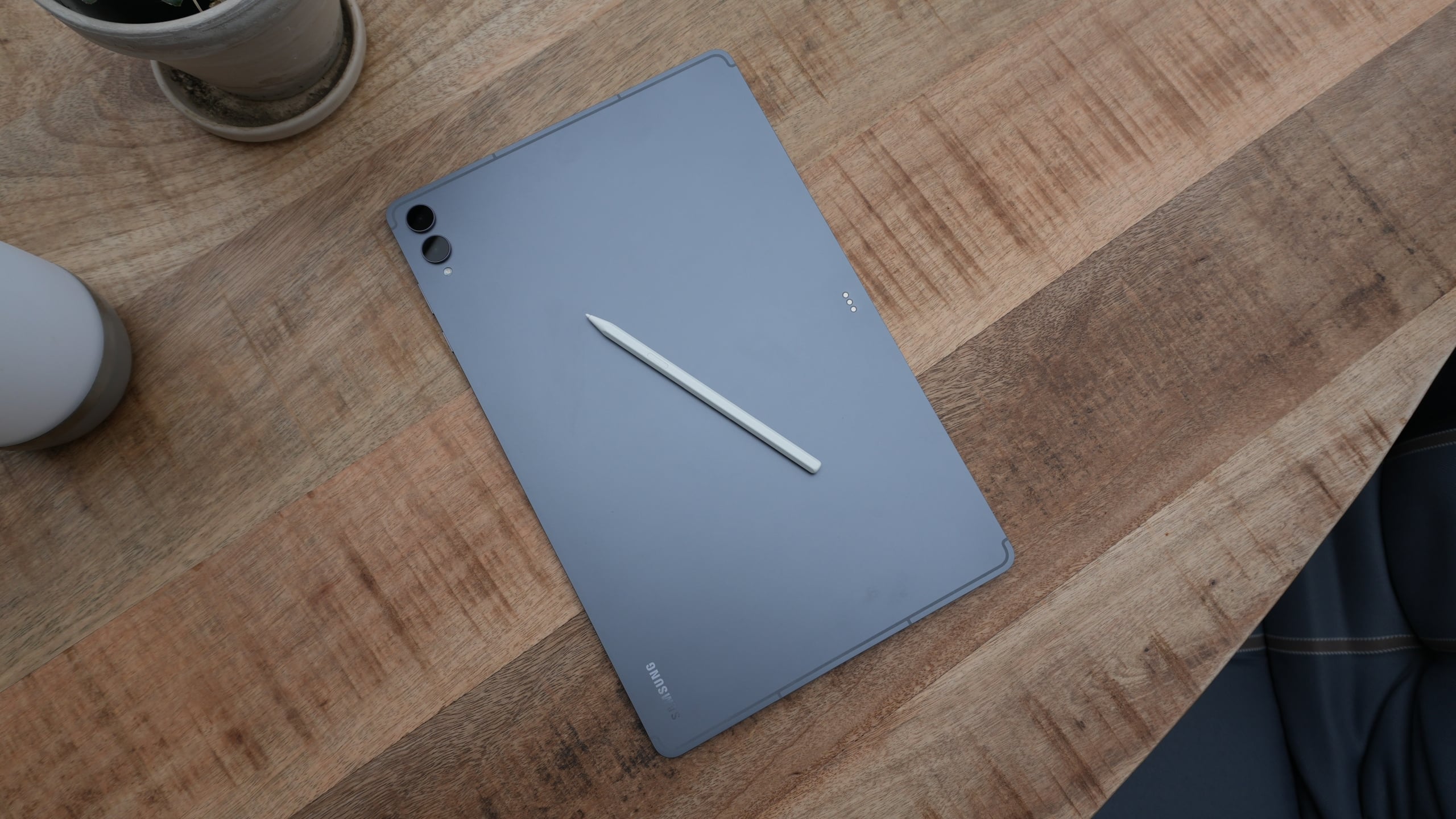
8. Samsung Galaxy Tab S11 – Great All-Rounder
Pros
- Lovely AMOLED display
- Stunning quad-speaker sound
- Excellent bundled S Pen stylus
Cons
- Feels expensive
- No charger
- Some rollbacks on screen and S Pen specs
Best Prices Today:
After a year’s absence, the regular Galaxy Tab flagship returned in 2025.
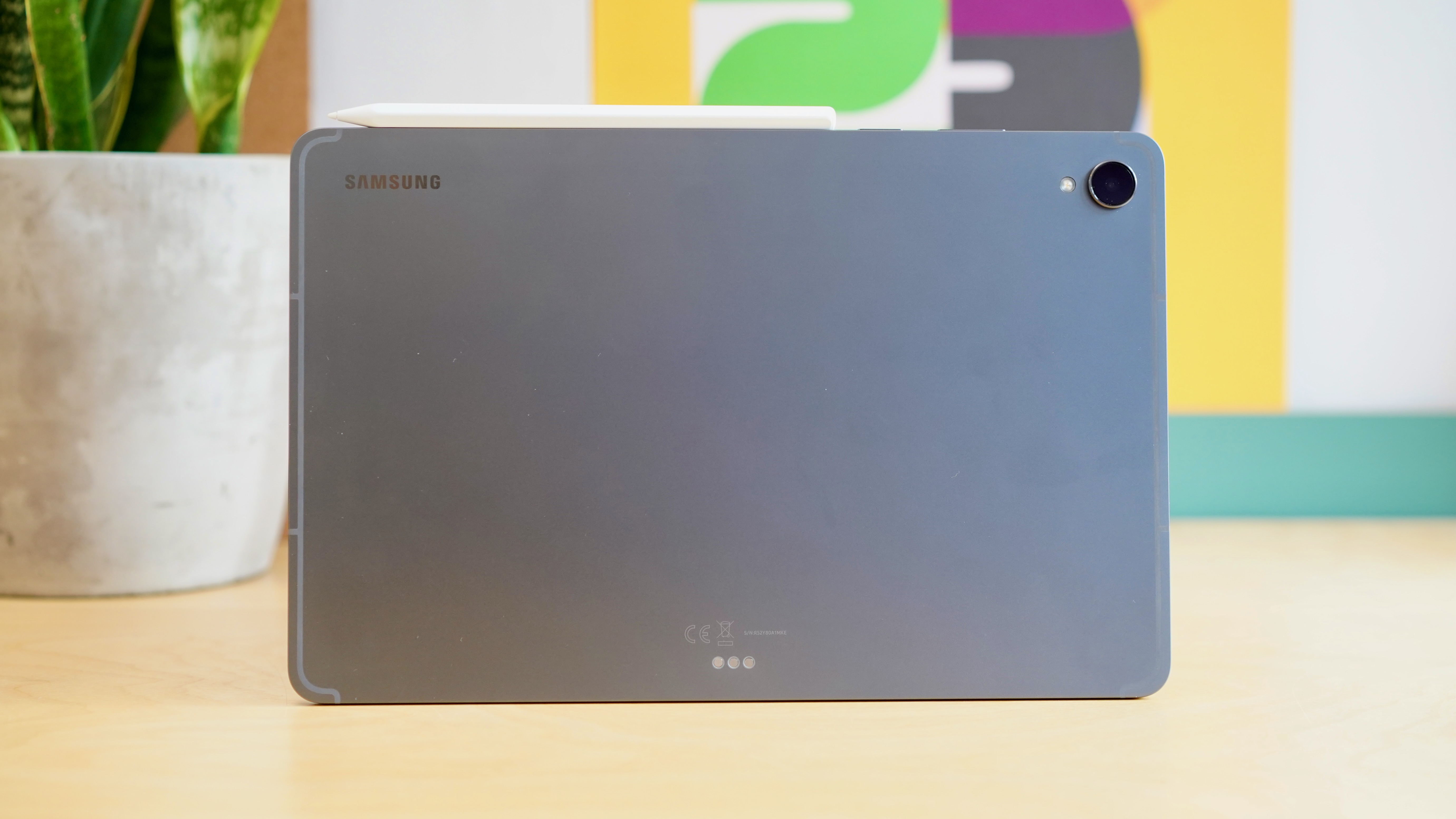
To the surprise of very few people, it’s a very good 11-inch tablet. The AMOLED display is a real highlight, especially when combined with the quad speaker setup for a stunning movie-watching experience.
The Tab S11 is equally adept at note-taking and digital art, with the bundled S Pen stylus coming into its own. And the MediaTek Dimensity 9400+ chipset ensures there’s plenty of performance to keep things running smoothly.
With solid battery life, the best software you’ll find on any Android tablet (One UI 8) and seven years of updates, the Tab S11 has plenty going for it.
However, it’s also relatively expensive for what you’re getting, and not all of the specs are as premium as the price might suggest.
It’s still an excellent tablet, albeit not a particularly exciting one within the context of its predecessors.
Who should buy the Samsung Galaxy Tab S11?
Anyone looking for a strong all-round tablet with a great display and top-tier speakers.
Samsung Galaxy Tab S11: Further considerations
Look elsewhere if you want a bigger screen, a more modern design or great value for money.
9. Lenovo Idea Tab – Best Budget Alternative
Pros
- Good value
- Stylus included
- Compact design
- Good battery life
Cons
- Stylus not as precise as others
- Performance will only handle basic tasks
- Display viewing angles not brilliant
Best Prices Today:
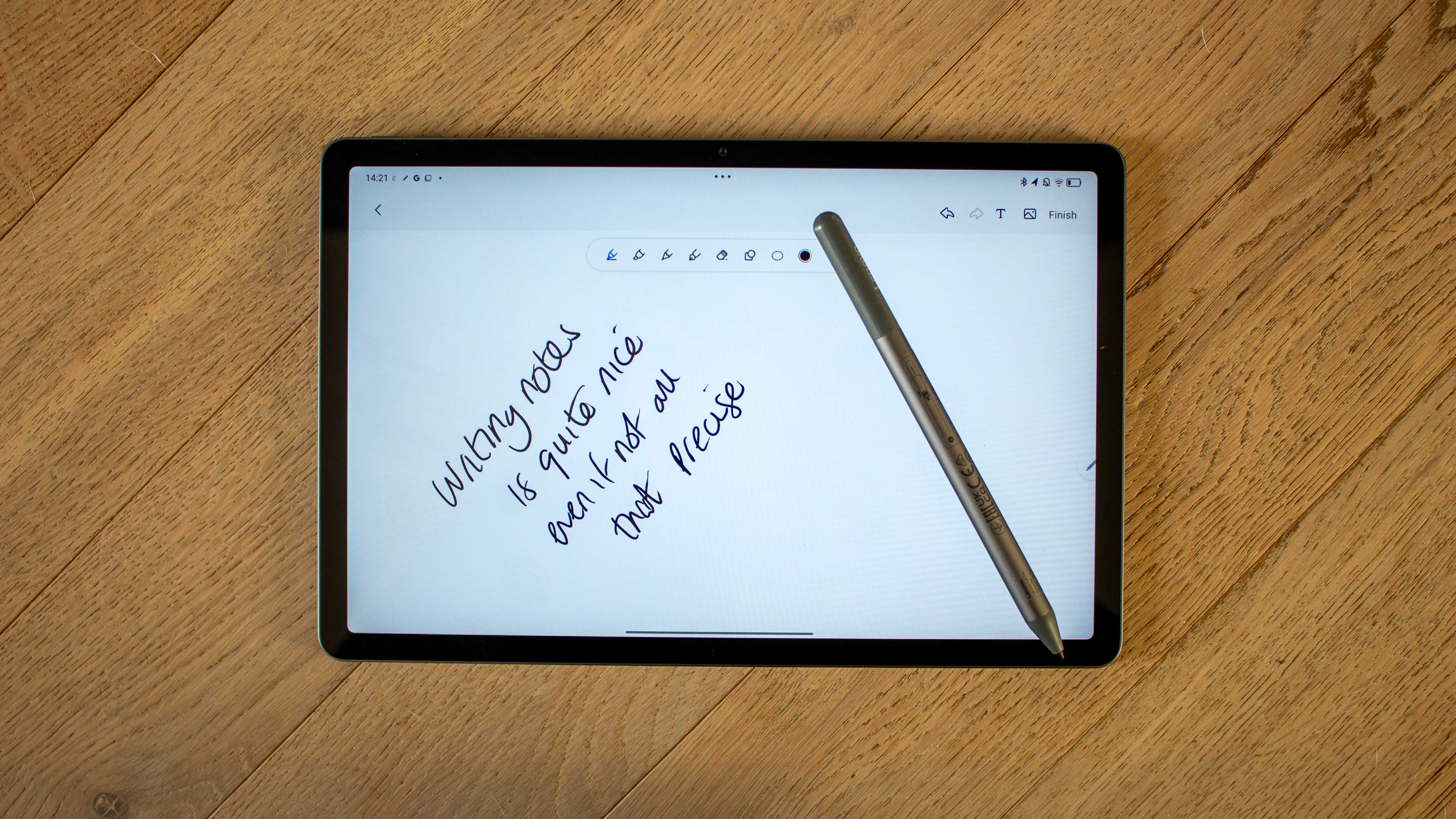
Even though we tout the Xiaomi Redmi Pad 2 as the best budget Android tablet to buy, if you’re not too keen on the brand’s HyperOS overlay and would rather seek out something else then the Lenovo Idea Tab is an easy option to recommend. At £199.99/£209, it’s an expensive buy, but even with that price tag, Lenovo has managed to include a stylus at no extra cost.
With the Lenovo Tab Pen in tow, the Idea Tab is a great option for taking notes during a lecture, or for indulging in a bit of digital drawing if the mood strikes you. As you might imagine, the stylus experience, while solid enough, isn’t quite as good as what you’ll find with an Apple Pencil, or even some pricier Lenovo tablets, but when you consider that iPads cost a lot more and all Apple Pencils have to be bought separately, it’s hard to argue with the value here.
At just 480g and with a 6.99mm thickness, the Idea Tab is very easy to carry around in the hand, and you’ll barely notice that it’s there when stowed away in a bag. Annoyingly, the visual experience does take a hit when viewing the screen from a slight angle, so to make sure that nothing’s warped, you’ll want to view the screen head-on.
As you might expect for such an affordable tablet, it’s good to temper your expectations on performance too. You won’t have any issues with web browsing, sending emails or using reading apps, but the MediaTek Dimensity 6300 Processor chipset can’t handle high-end 3D games. Thankfully, the battery life is great for those less intensive tasks, as the 7,040mAh cell can easily see you through a day of use.
Who should buy the Lenovo Idea Tab?
Users who want a cheap tablet for drawing or taking notes.
Lenovo Idea Tab: Further considerations
The Redmi Pad 2 is cheaper and a better option for battery life.
Read our full
Lenovo Idea Tab with Tab Pen review
10. Nubia Redmagic Nova – Best for Gaming
Pros
- Excellent performance
- Compact and sturdy design
- Loads of gaming-specific software tweaks
- Well priced
Cons
- Only 2 years of security updates
- Average battery life
- Display struggles in bright light
Best Prices Today:
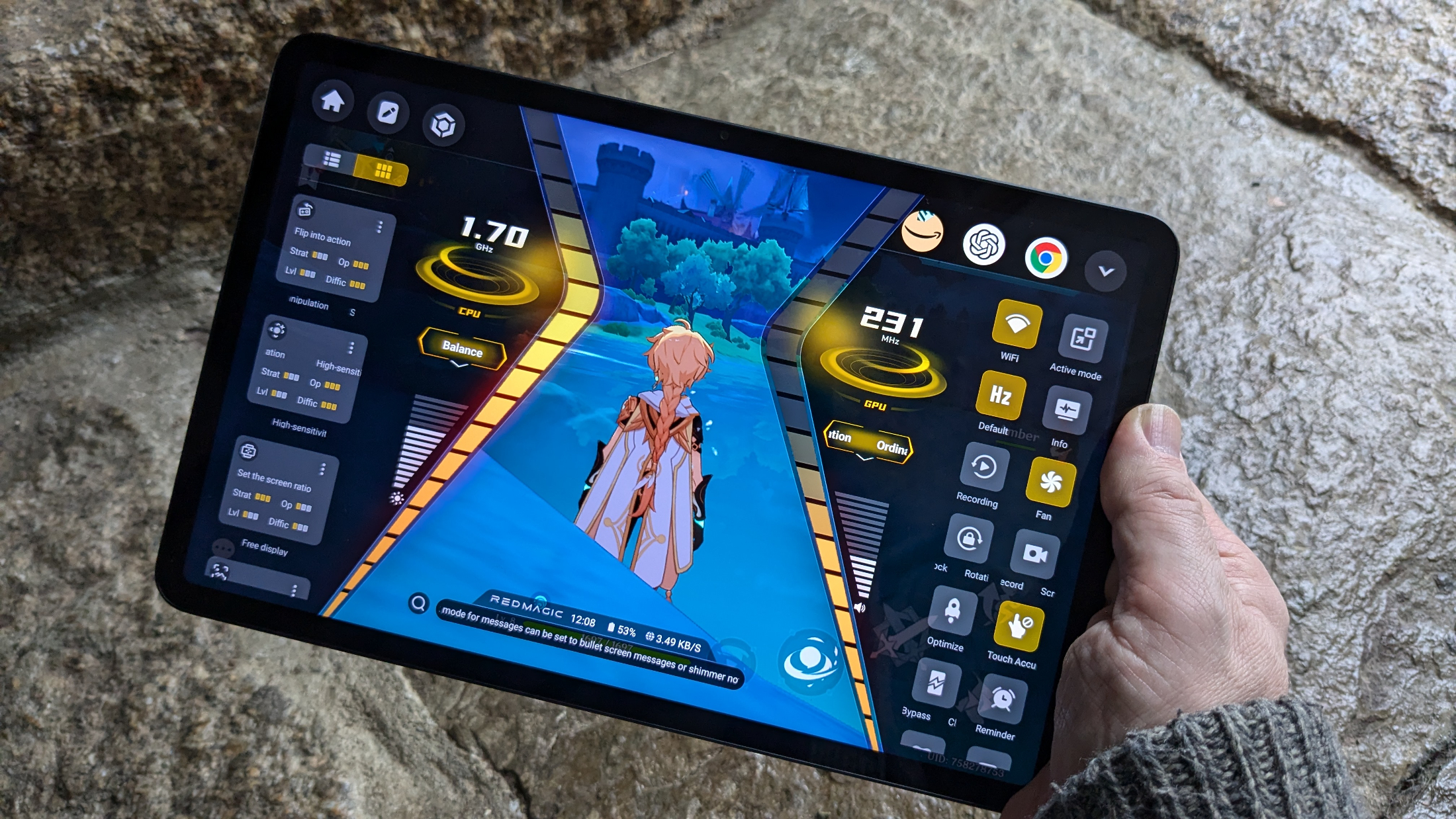
In only a relatively short period of time, Redmagic has become one of the go-to brands in the world of mobile gaming, and the company’s prowess in the smartphone has thankfully carried over in the outstanding Redmagic Nova gaming tablet. Without going overboard on your budget, the Nova is easily the best gaming tablet that can be found for less than £500/$500.
The main reason why the tablet is so capable for gaming is the powerful 3.2GHz Snapdragon 8 Gen 3 Leading Version chipset that can be found under the hood. This suped-up version of Snapdragon’s CPU was able to destroy similar tablets like the Honor MagicPad 2 and the OnePlus Pad 2 in our testing, ensuring that even high-end titles like Genshin Impact can run smoothly even during more chaotic moments of gameplay.
The large 10.9-inch IPS display is ideal – it’s big and bright enough to offer an immersive visual experience that draws you into each digital world, but not so big as to make holding the tablet feel uncomfortable over longer periods of time. There’s even a 144Hz refresh rate, which really comes in handy for fast-paced racing titles that benefit from the added speed.
It is a shame that the Nova only comes with two years of software updates, although this is unfortunately a regular theme with most of Redmagic’s devices. Still, given that it’ll only set you back £439/$499 and it provides a ton of top-shelf specs in return, it’s a decent trade-off that very few other tablets can match.
Who should buy the Redmagic Nova?
Mobile gamers who want a larger screen to enjoy triple-A titles.
Redmagic Nova: Further considerations
The lack of long-term software support means that Redmagic falls behind the likes of Samsung by quite a wide margin.
Read our full
Nubia Redmagic Nova review
Other Android tablets tested
While the list of tablets featured above encompasses a wide selection of options, there are still tons of other Android tablets we’ve tested that just missed out on making the cut, even though they are still great options in their own right.
- Nubia Pad Pro – While just slightly missing out on being included here, the Nubia Pad Pro is another instance where an Android tablet punches far above its price range with premium specs. Even though it’ll only set you back £359/$399, it still comes with a top-of-the-line 3.3GHz Snapdragon 8 Gen 3 chipset, which very much outdoes most of the competition within its price range on performance.
- Samsung Galaxy Tab S10 Ultra – The Tab S10 Ultra was removed from this list after being supplanted by the Tab S11 Ultra, but that does not stop the previous flagship from being a worthwhile buy. After all, one of the biggest problems we had with the S10 Ultra was that it was simply too expensive when compared to most of the competition, but now that it can be picked up for a lot less when you shop around, this is no longer an issue.
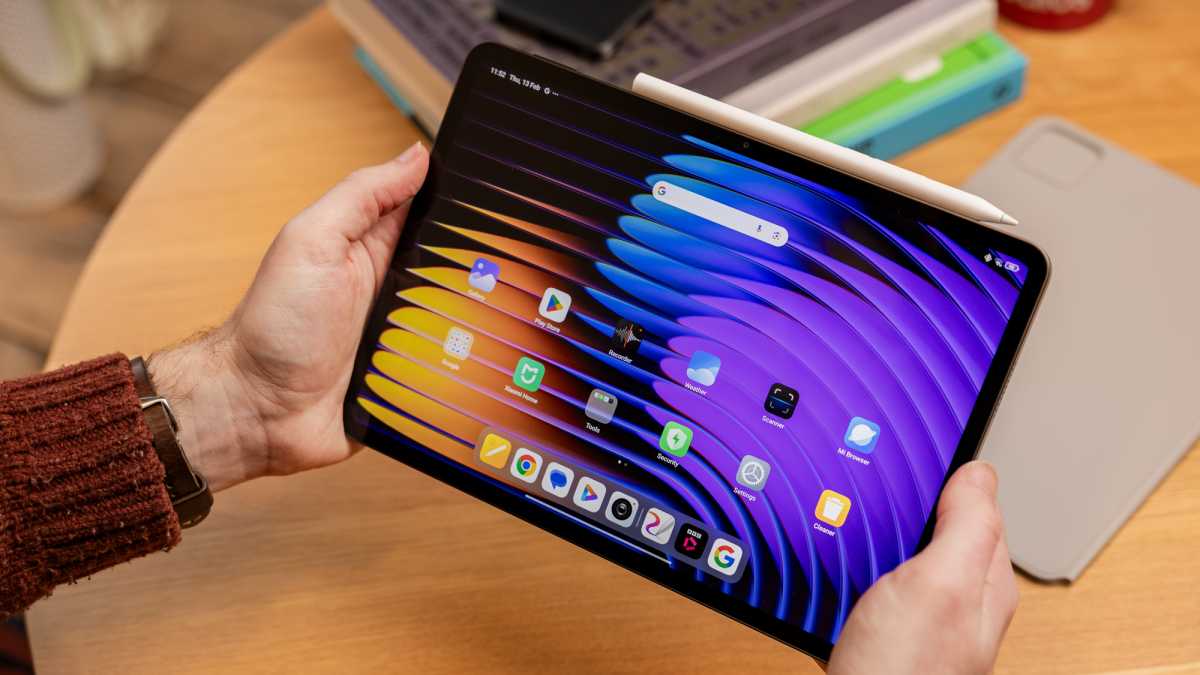
- Xiaomi Pad 7 – Even though it’s been supplanted by the newer Xiaomi Pad 8, the Pad 7 (below) is still a great option for those looking to bag an absolute bargain. After all, the tablet was already brimming with value, bringing a work-friendly 3.2K 144Hz display down to an affordable rate, but now it can be found for even less.
Dominik Tomaszewski / Foundry
Here are some other options you might want to consider:
Android tablet news that could affect your buying decision
If you’re tempted by the idea of having a smaller tablet that’s easy to carry around, while there are plenty of great options within the Android space, there’s no denying that the newly announced iPad Mini OLED is a pretty tempting option, so long as you’re willing to jump ship into Apple’s ecosystem.
Given that the new Mini finally packs an OLED screen, it’s a much better shout for entertainment on the go, although it does come with a fairly hefty price increase, starting at £699/$699. If you do want a more affordable alternative, the Honor Pad X7 packs a similarly sized 8.7-inch display, although it won’t come with the same horsepower as the iPad Mini.
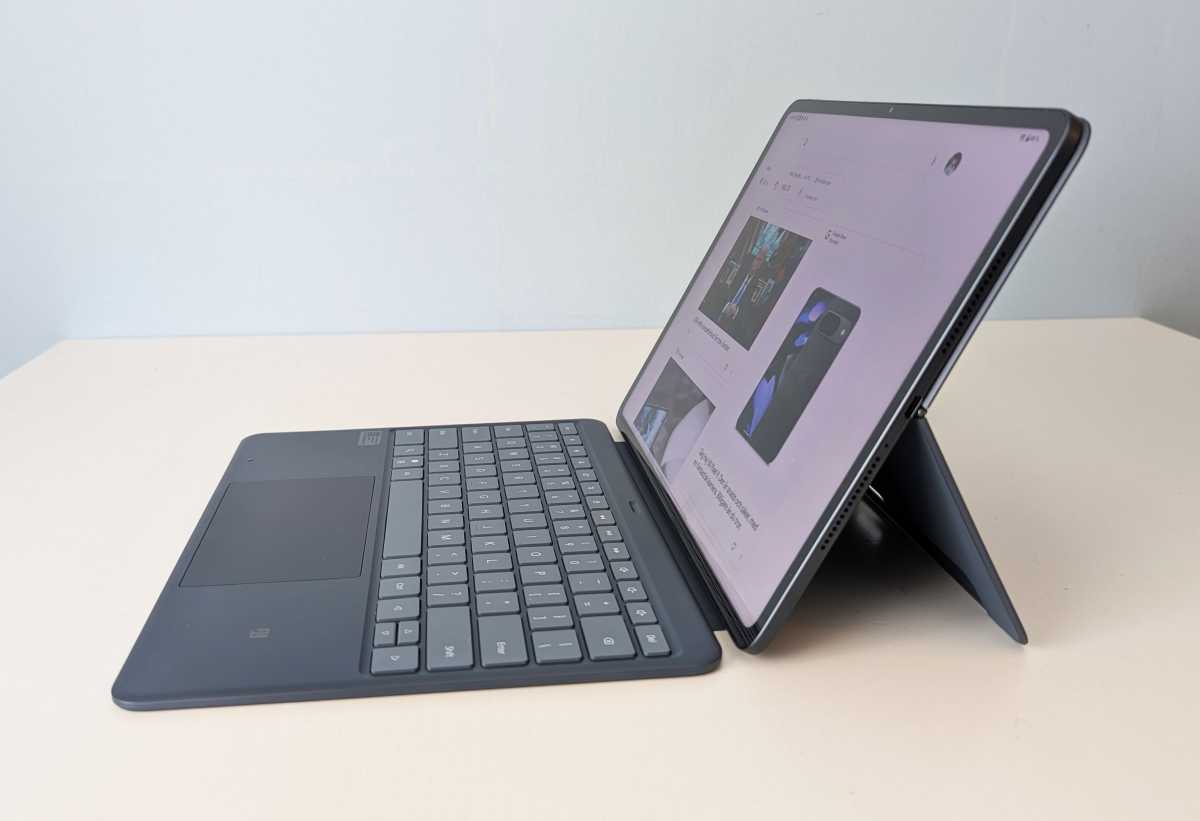
Even though it was bestowed with an extra two OS updates in a surprisingly consumer-friendly move from Google, the Pixel Tablet has since been quietly discontinued. You might still find some stock at the odd place, but it’s effectively gone, so we’ve removed it from our list.
Mattias Inghe
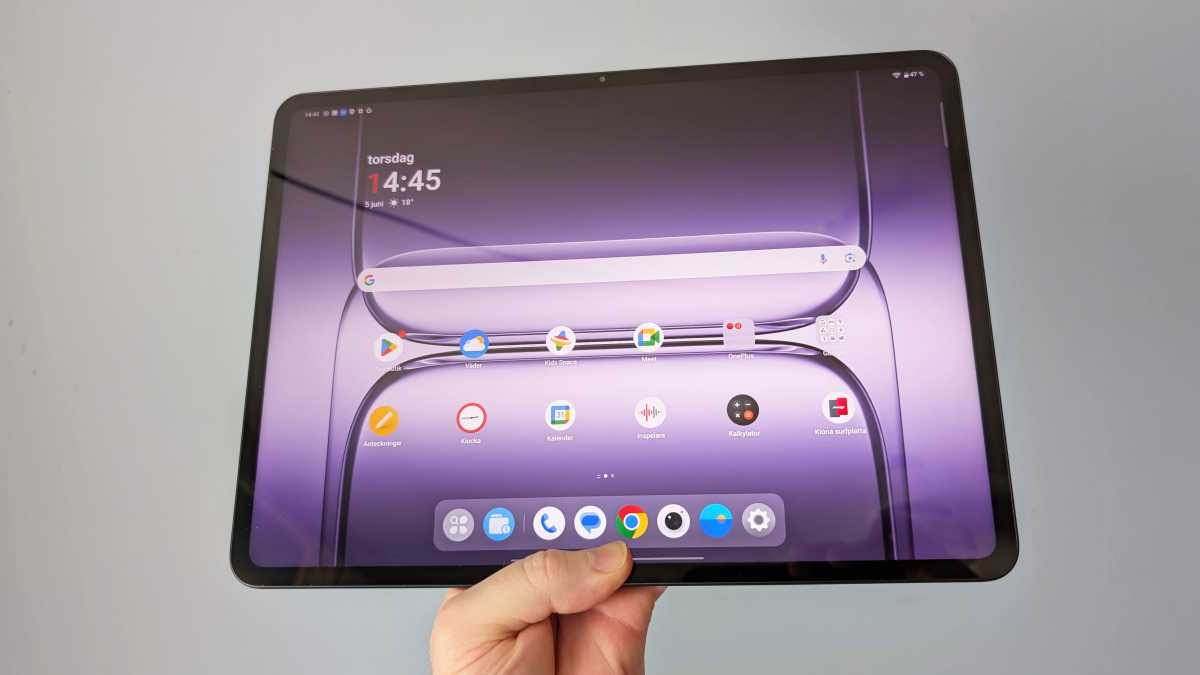
For a good while, the OnePlus Pad 3 served as our favourite Android tablet of this entire list, but OnePlus has since pulled back from the West, focusing its efforts elsewhere in the world. This means we won’t be seeing any new OnePlus devices in Europe, the UK or the US, and OnePlus no longer sells the Pad 3 in these territories.
Anyone who currently owns a Pad 3 or any other OnePlus tablet will see the brand honour any outstanding OS updates that have been promised, but these devices will transition from using OnePlus’ signature OxygenOS platform, instead adopting ColorOS, which is currently used by the brand’s parent company Oppo.
Can I get a better Android tablet deal?
While the deals widgets in the entries above can show you the best possible prices available, if you are currently in the market for an upgrade then you’ve arguably picked the best time of the year to buy thanks to the ongoing Black Friday sale.
Big US retailers like Amazon and Best Buy get in on the action, just as the likes of John Lewis and Currys have their own Black Friday fare in the UK. While that might sound a bit daunting, it means that there’s deals in abundance, and thanks to the hard work of our team, you can skip the noise and get straight to the point with our collection of the best Black Friday tablet deals.
Mattias Inghe
How we test tablets
Just like with smartphones, we make sure to use each tablet that comes our way for at least a week, ensuring that we gather a true understanding of what it’s like to use the device day to day. We also put the tablets through a series of benchmarking tests using apps like GeekBench and GFXBench, which then provides you with a statistical understanding of how a tablet objectively compares to its closest competitors.
Read more about how we test tablets.
Why you should trust Tech Advisor for tablet reviews and buying advice
Tech Advisor has been on the scene, testing the latest tablet computers ever since the very first Samsung Galaxy Tab hit store shelves way back in 2010. Just as it was then, our goal has always been to provide you, our readers, with unbiased and thorough buying advice so that your hard-earned cash is never misspent on a device that isn’t up to par.
Who curated this article?
This article has been put together by Tech Advisor’s Mobile Editor, Anyron Copeman. As someone who spends most of his time knee-deep in the Android ecosystem, no one can match Anyron’s understanding of the software and that’s exactly why he is best placed at all times to know whether or not an Android tablet is really as good as the hype claims it to be.
How to choose the best Android tablet
The process of selecting the best Android tablet for your needs is more or less the same as trying to narrow down a choice from the best tablets overall. You need to know ahead of time exactly what it is that you plan on using an Android tablet for.
For instance, if you have your eyes set on using a tablet just for entertainment, and like the idea of streaming content to a display that’s much larger than the one found on your smartphone, then you don’t need to spend too much money. You can find plenty of great tablets designed for exactly that which shouldn’t set you back more than £400/$400.
When it comes to light productivity, such as using web-based apps when you’re on the go, it’s worth seeing if you can get accessories like a dedicated keyboard bundled in. Otherwise, you’ll have to consider the added expense of buying such things separately.

Lloyd Coombes / Foundry
The only reason you should ever spend over £700/$700 on a new Android tablet is to have all the bells and whistles required for a top-shelf experience, and also enough processing power for more intensive apps like animation and multi-layered video editing.
If you’re an iPhone user, then you can still pick up an Android tablet and find a great experience waiting for you, but bear in mind that you won’t have the same type of seamless connectivity that you’ll find when adding an iPad to your ecosystem.
This won’t be an issue for web-based apps where data is stored in the cloud, but for features like sending files locally via AirDrop, or having your AirPods switch seamlessly to the tablet when in use, iPads are the way to go.
Android tablets buying guide
What size tablet should I buy?
The first thing to consider (apart from budget) is screen size. This ranges from around 7- to 13-inch, although for most people, an 8-inch or 9-inch tablet represents the best compromise between usability and portability.
With bigger screens comes more weight. Aim for a maximum of around 450g, as anything heavier can be uncomfortable to hold for long periods, such as when watching a film. That said, if you intend for your new slate to spend most of its life propped up on your lap or on a desk, weight isn’t likely to be so much of an issue.
How much storage do I need?
Ideally, you should aim for 64GB of internal storage as an absolute minimum, but more is better for downloading media.
Some, but not all, Android tablets feature a microSD card slot, so you can add more storage when you need it. If you’re going for a tablet with no slot, make sure you buy the biggest capacity you can afford, as videos and some apps can use up an awful lot of storage in a single hit.
And don’t forget that the big number on the box – 128GB, say – is the total amount. The usable amount, i.e. the amount which is empty and available for you to use after the Android OS itself is installed, can be quite a lot less than that headline figure.
What about the screen?
Few tablets these days have poor-quality screens, but some do. Look for an IPS LCD or (better yet) OLED/AMOLED screen and avoid anything with a ‘TN’ screen as these have poor viewing angles.
In terms of resolution, higher is better, but the more important number relates to pixel density. Aim for 300 pixels per inch (often abbreviated to ‘ppi’) or higher, as this will ensure a sharp-looking image that’s not jagged or blocky.
What features do I need?
Most Android tablets feature Wi-Fi and Bluetooth as their primary means of connectivity, and some have NFC as well. NFC may come in handy for pairing to other compatible devices quickly, but it’s by no means essential.
What’s more useful is a video output so you can connect your tablet to your TV (usually via HDMI). However, you can use most Android tablets with Google’s Chromecast for watching catch-up TV, YouTube and other internet video services that are supported.
Some tablets have GPS – which makes them useful for navigation – but not all do. Another thing to watch for is a SIM slot. This is useful if you want to get online when you’re travelling or out of Wi-Fi range.
However, you’ll usually pay more for a cellular (4G/5G) tablet, and you will need a dedicated SIM card with a data-only plan to enable in. In truth, it’s better to tether your tablet to your smartphone, if your mobile plan/carrier allows this but an eSIM, if supported, is a very neat solution, especially for travel abroad.
What about performance, battery life and cameras?
If you want to know if a particular model is great for gaming or too slow for web browsing, then read our reviews, which include benchmark results for a more empirical comparison; you can’t rely on specifications such as processor speed or number of cores it possesses to guarantee good performance.
We also test battery life, to give you an accurate idea of how long each tablet should likely last between charges. The best tablets last around ten hours or more, while the worst only manage four to five hours on a charge.
The same applies to cameras, and as with performance, you shouldn’t judge by the number of megapixels. Instead, check out reviews to find out what they are really like. Few Android tablets have great cameras, and quite a few have awful ones, so if photos, videos and video calls are important, don’t buy before you’ve read our reviews.