The hidden Samsung Galaxy feature that could be giving you headaches: A Practical Look
My view on which smartphone works best for me has fundamentally shifted in the last few weeks. And it all started with a lazy Sunday afternoon Google search that changed how I look at screens forever.
After yet another quick-onset headache, I vented to Gemini without even thinking: “I find myself getting a headache way quicker on a phone than a laptop. I can only tolerate like 30 mins at a time”.
Alongside the usual reasoning – smaller screen, closer to your face, awkward angle – one of its responses really piqued my interest. PWM (Pulse-Width Modulation) Flicker, it explained, is widely used on OLED screens and could explain the rapid strain that caused my headaches.
I was shocked. Was my phone display really working against me? After going down a huge research rabbit hole, I concluded that the answer was a resounding yes. And I’m definitely not alone.
Wait, what even is PWM dimming?
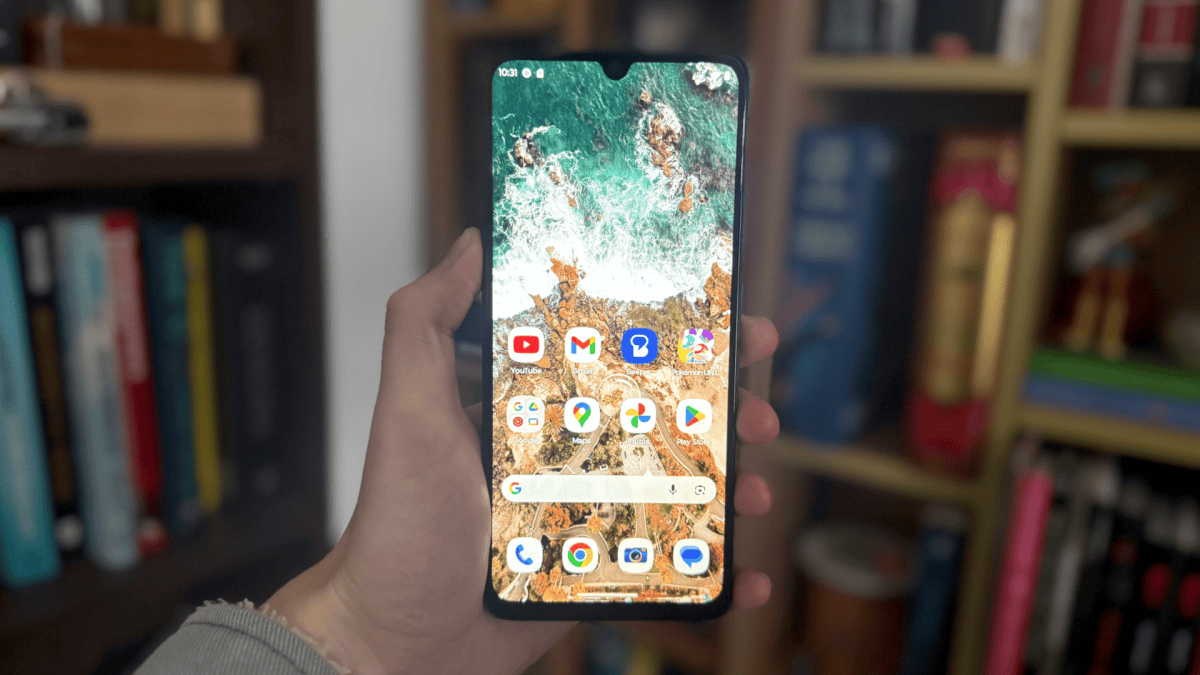
Pulse-Width Modulation (PWM) is a display technology that most phone manufacturers use to control screen brightness. Instead of actually dimming the light, it flashes the screen completely on and off hundreds or even thousands of times a second to simulate the effect.
It’s impossible for the human eye to detect, making it highly effective for giving the appearance of a dimmer screen without compromising on image quality. By contrast, classic DC dimming (found on most LCD panels) actually reduces the electrical current being output to the display, but can warp colours and tends to consume more power.
Adam Smith / Foundry
However, while the image quality and battery benefits are undisputed, PWM dimming has a hidden secret that could be affecting a lot of people.
Of course it does…
There’s always a caveat!
The issue with PWM dimming is that it causes the display to constantly flicker on and off. For most people, this isn’t an issue: they’re fused into a single, consistent image without any ill effects.
However, for a significant majority, the flickering light is impossible to ignore. Every single one of those flashes is registered by the eye’s optic nerve and, as a consequence, the brain. Over time, this causes significant symptoms, with eye strain, headaches and nausea all common.
Luke Baker
And it’s more widespread than you think. Evidence suggests that it affects in excess of 10% of the population. If you find yourself struggling with OLED screens (especially the one on your phone) but are unaffected by LCD panels, PWM is likely to blame.
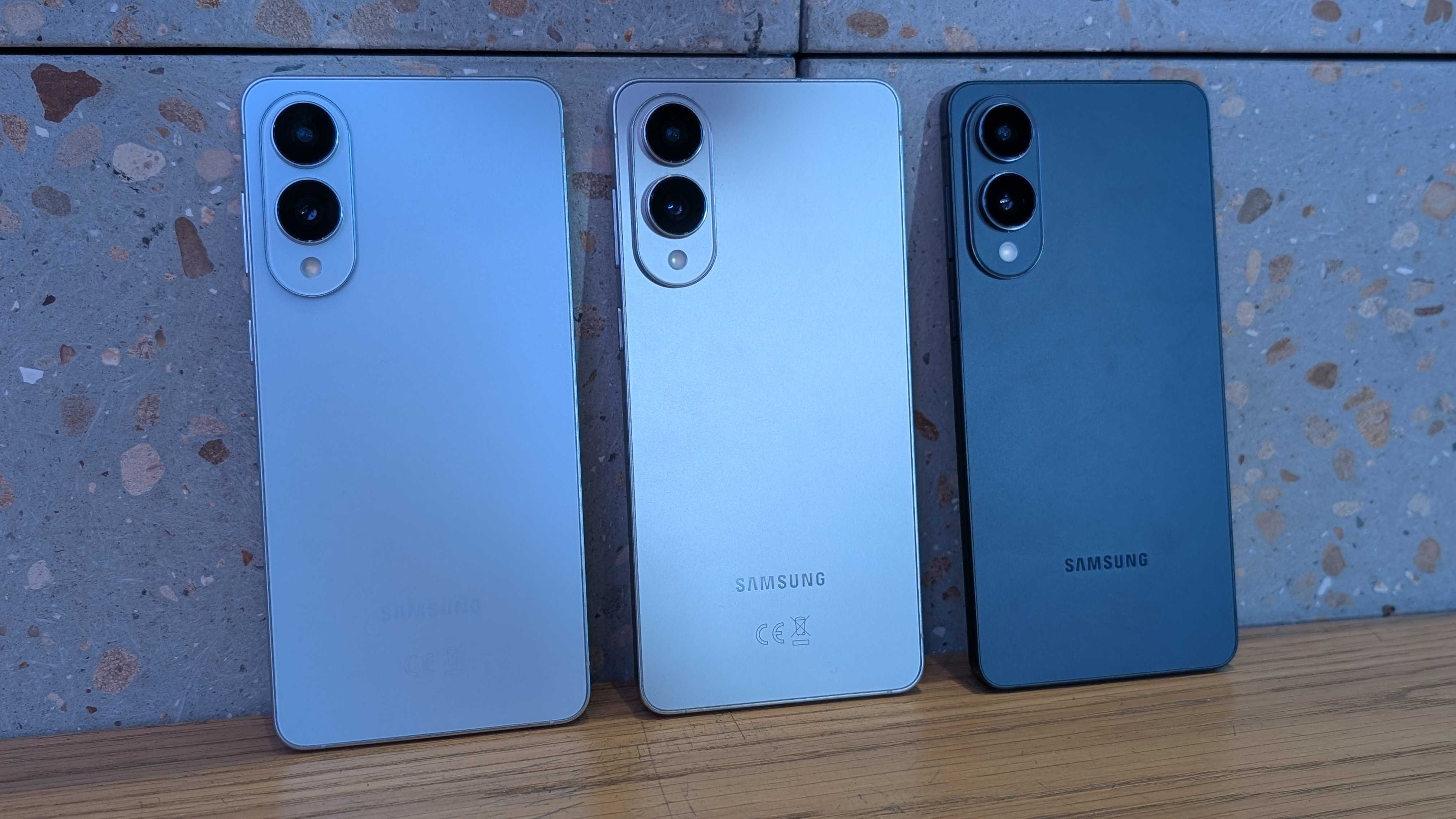
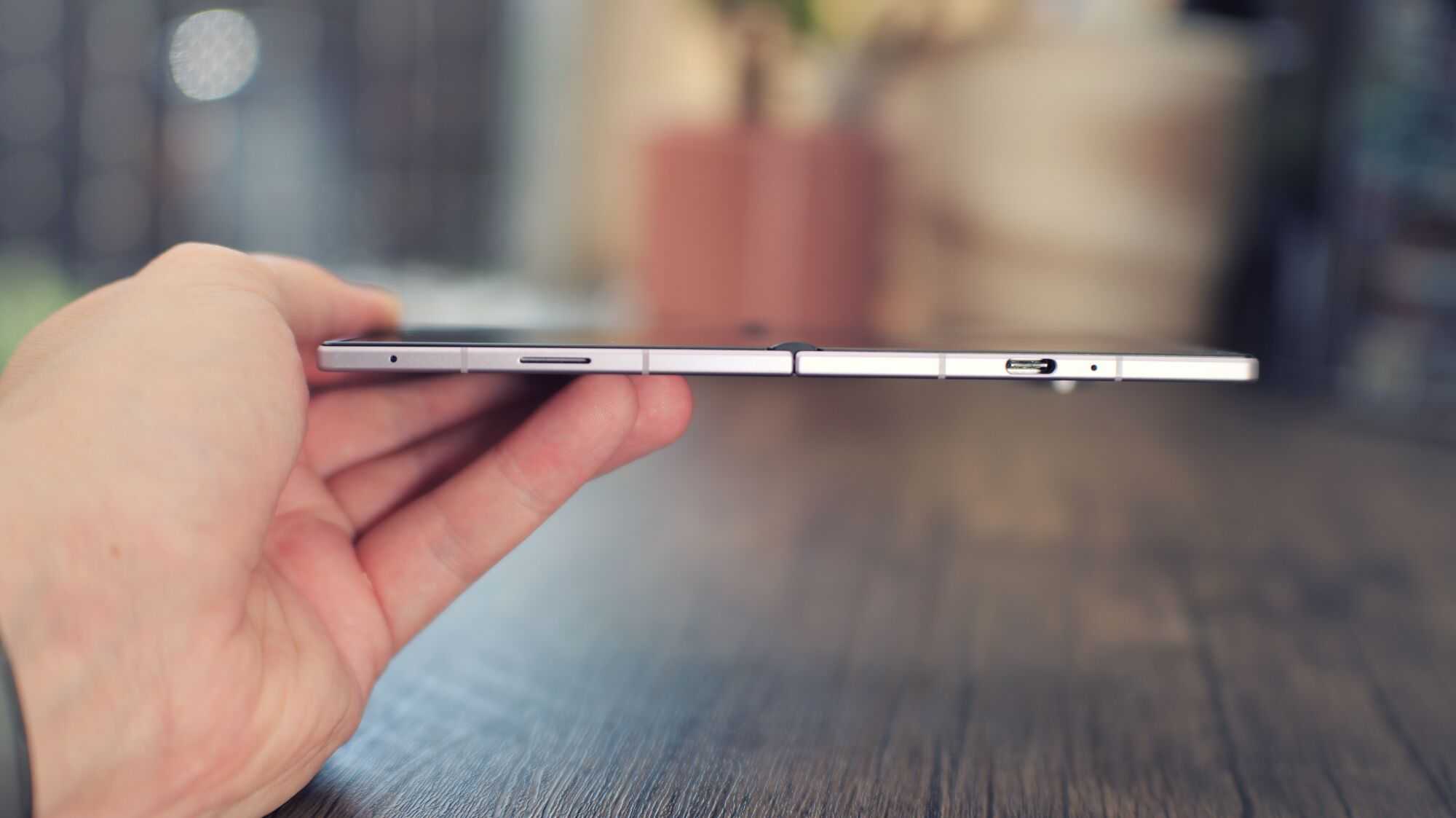
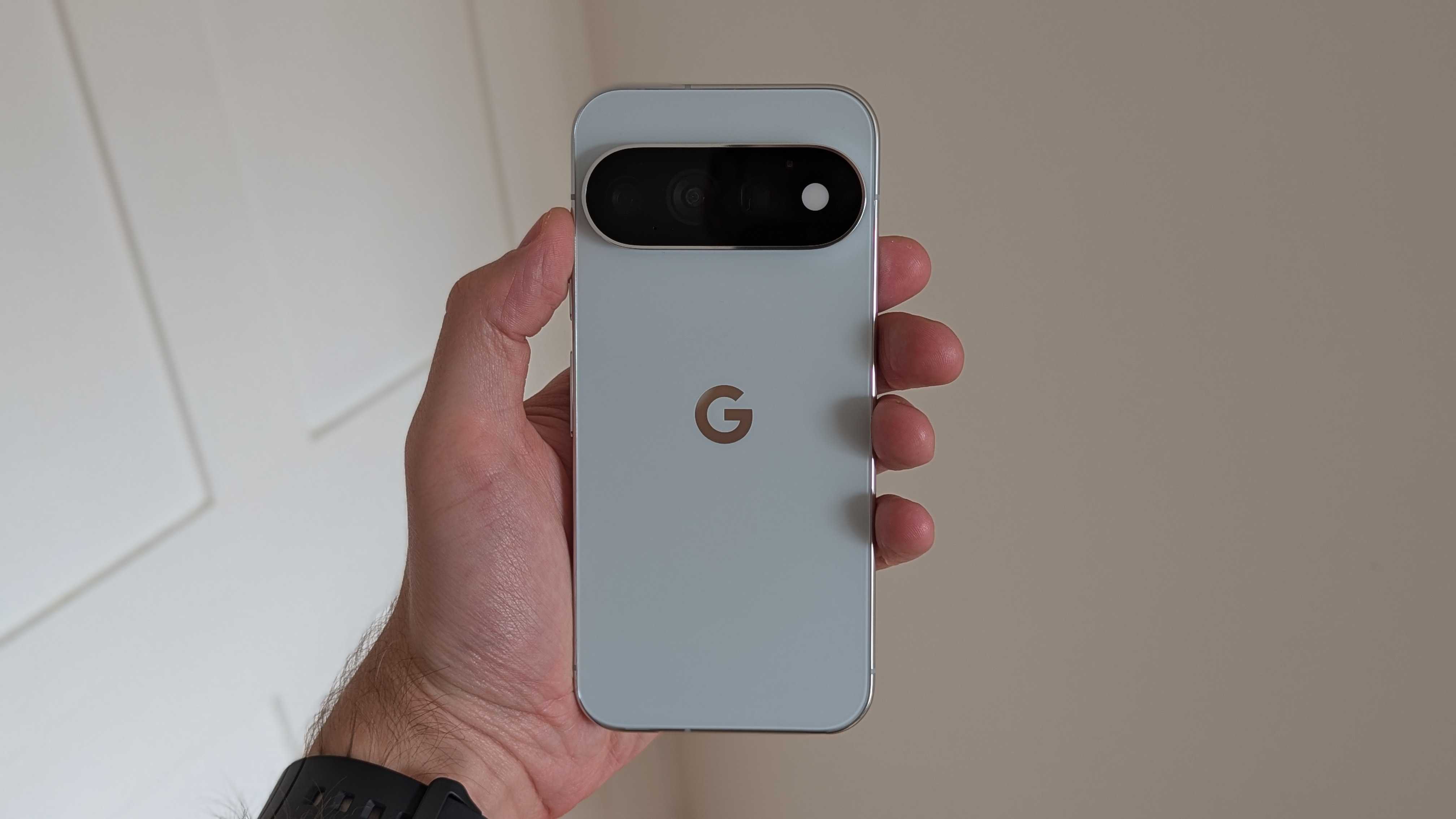
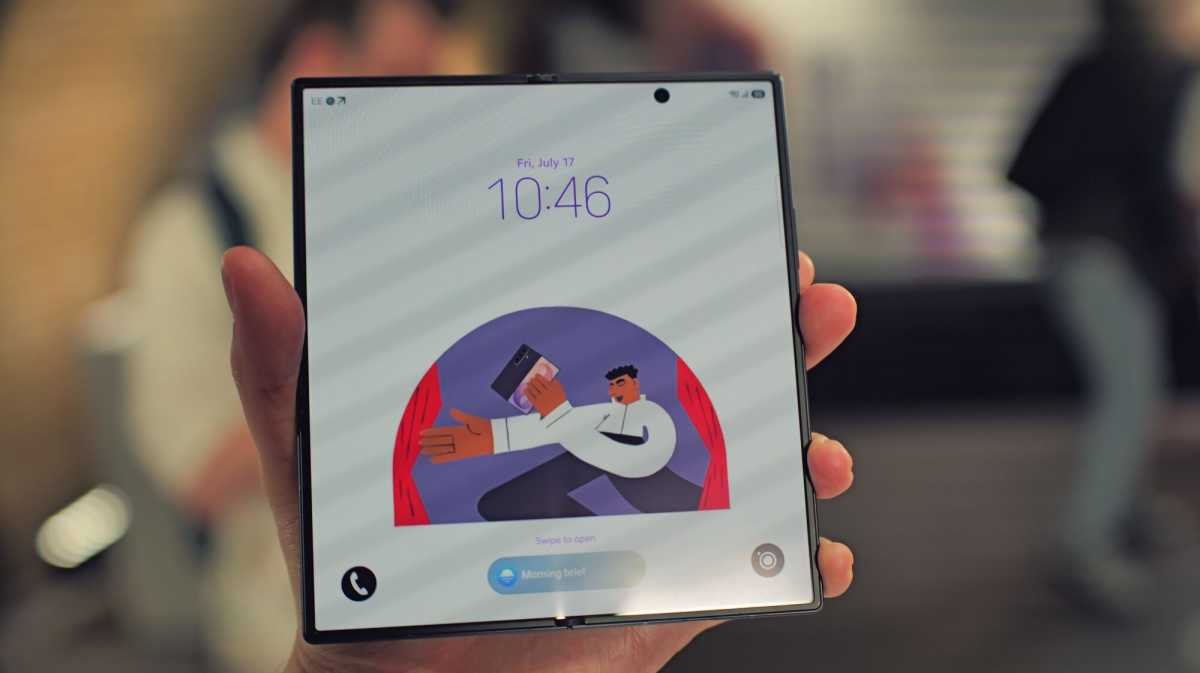
It explains why I can comfortably work from my LCD Dell Latitude 7430 work laptop all day, yet struggle within minutes of picking up the Galaxy Z Fold 8 Ultra or Pixel 11 Pro.
Does my phone have PWM dimming?
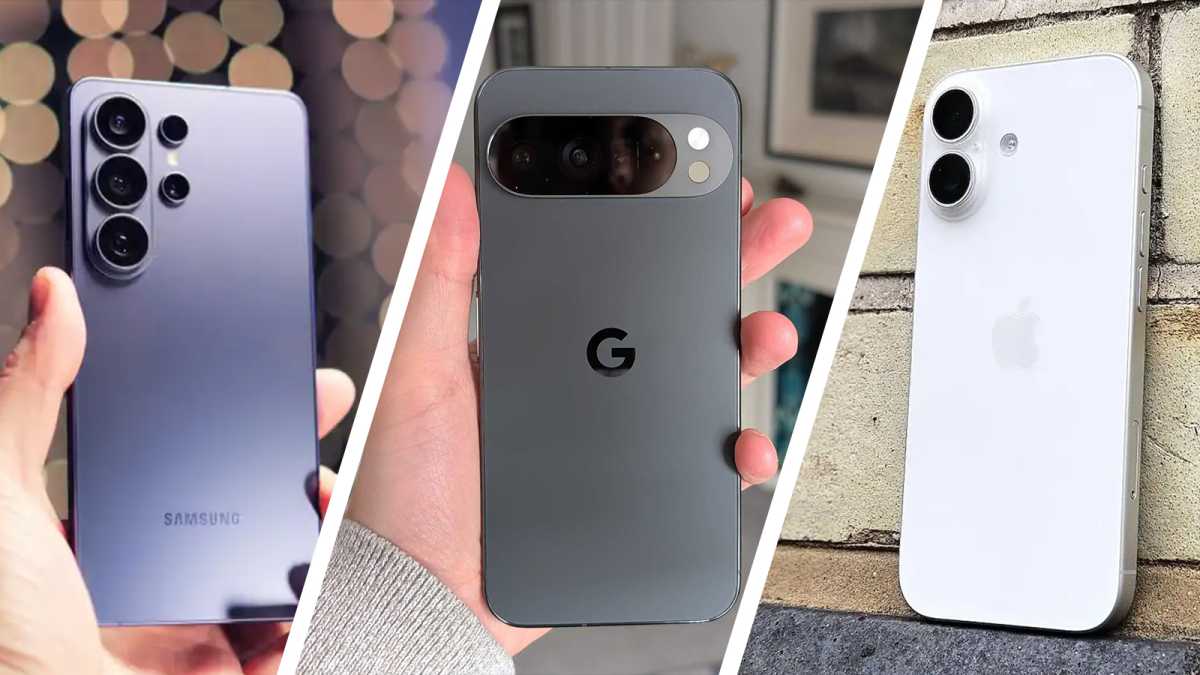
Probably. Basically every modern mid-range and flagship phone features the technology, making it almost impossible to ignore.
This includes every single iPhone, Samsung Galaxy and Google Pixel handset you can buy right now.
Foundry
If you want a truly PWM-free phone, you’re basically limited to budget phones. Common options include the Xiaomi Redmi 15 5G and Motorola’s Moto G06 Power and Moto G Power, but there’s not much choice these days.
So I have to buy a budget phone if I’m PWM sensitive?
Fortunately, no. While PWM dimming is found in almost all modern handsets, the key metric is the frequency.
Apple, Samsung and Google handsets tend to operate between 240-480Hz, making it very difficult for anyone who is PWM sensitive. According to the IEEE 1789 standard, anything under 1,250Hz is considered “high risk”.
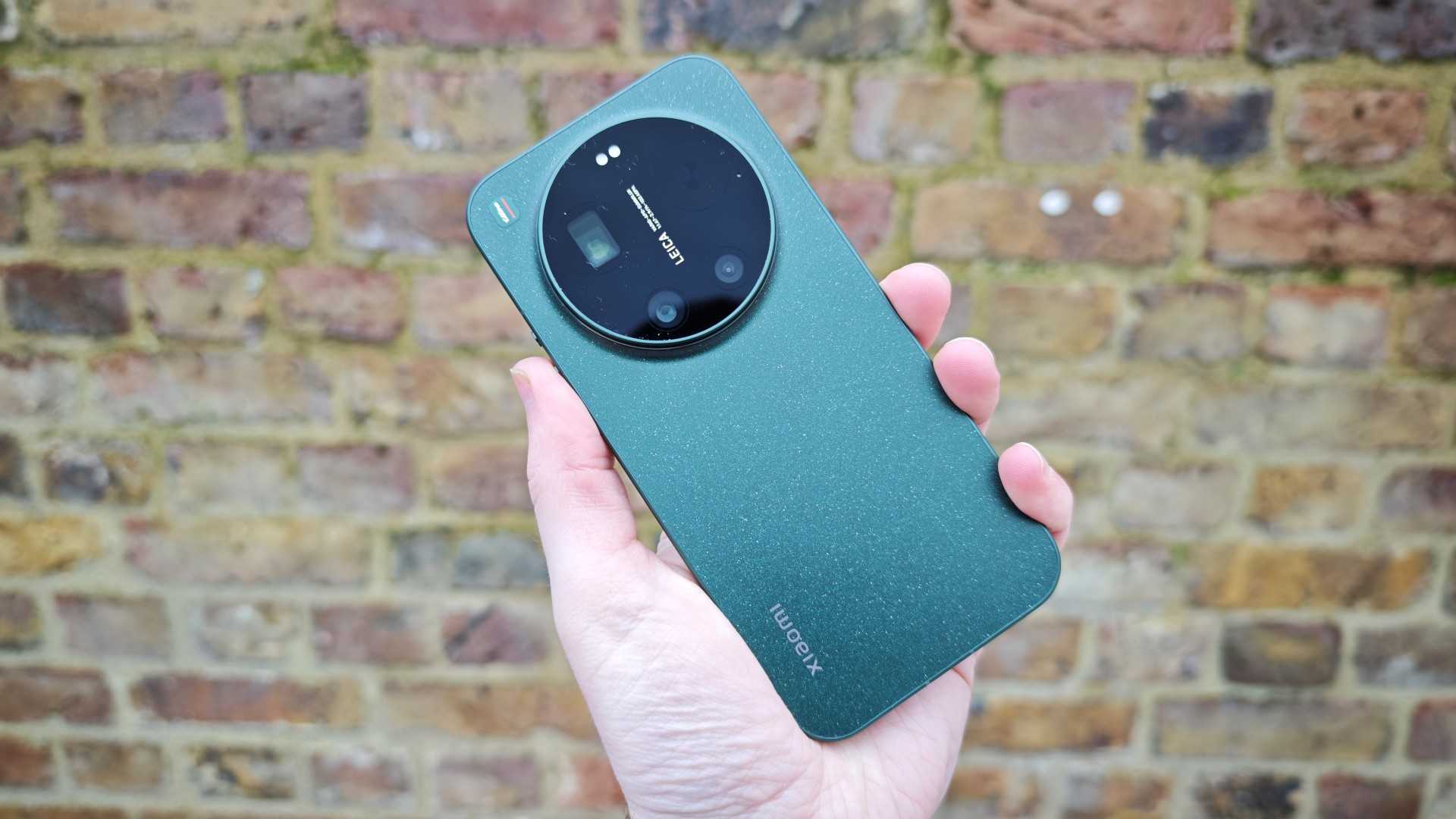
The next region, deemed “low risk”, sits between 1,250Hz and 3,000Hz. Here, the flickering is less damaging, meaning most of the severe health complications are avoided, though headaches and other symptoms are still likely for many people. Modern phones that fall into this category include the Xiaomi 17 and 17 Ultra, OnePlus 15 and Sony Xperia 1 VIII.
Chris Hall / Foundry
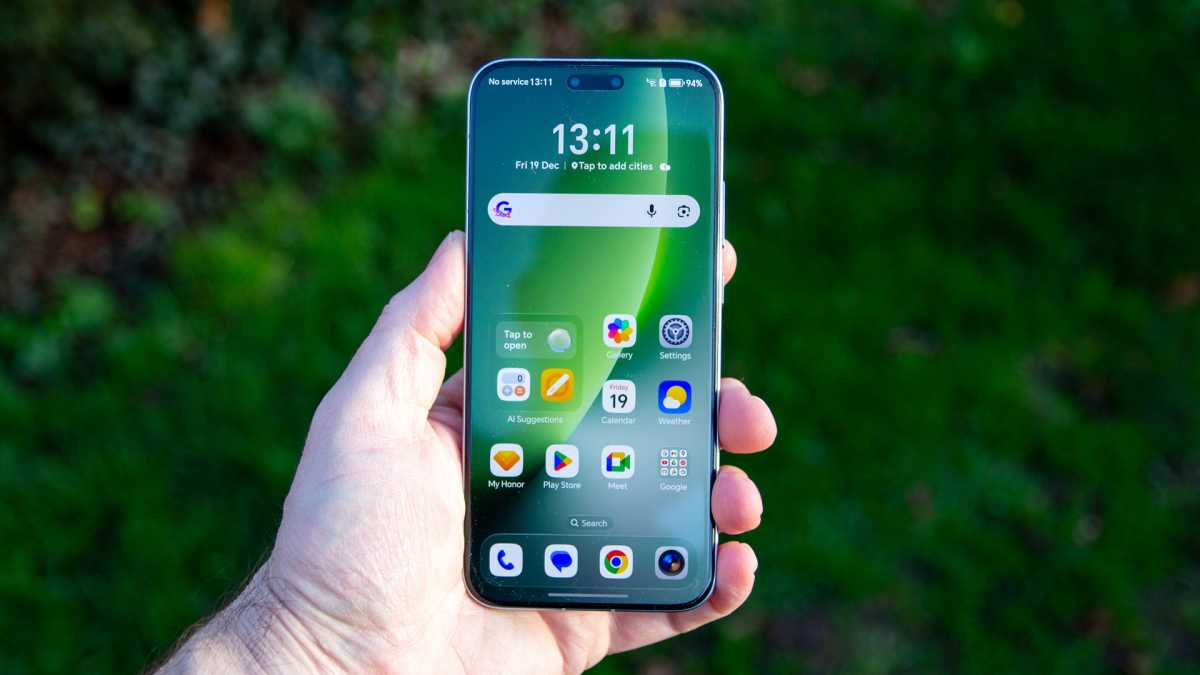
Then, there’s the supposedly “no risk” category, which includes the Honor Magic 8 Pro and Poco X8 Pro and Pro Max. This PWM dim at frequencies about 3,000Hz, which is too fast for almost everyone’s eyes and brain to detect. Here, you should be able to get all of the benefits of PWM dimming without any of the downsides.
This all sounds very expensive…
Not so fast. While buying a brand-new phone just to help with PWM sensitivity is expensive, it might not be necessary.
In recent years, more and more companies are realising the need to cater to this significant chunk of their potential audience.
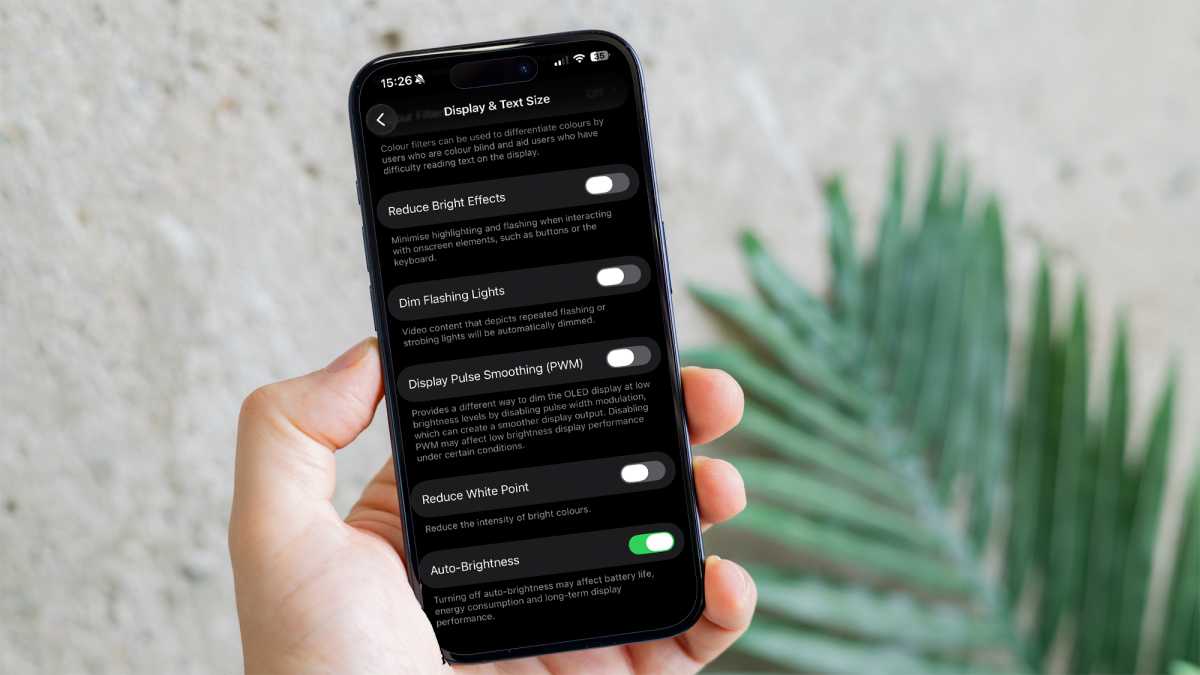
That includes Apple, whose latest iPhone 17 series has a dedicated toggle for PWM dimming. Within Settings > Accessibility > Display & Text Size, make sure you disable “Display Pulse Smoothing”.
Foundry
When disabled, PWM dimming is turned off when the brightness goes below 25%, which is considered the most damaging range for our eyes. It’s not a perfect solution, but a useful workaround, although it only works on Apple’s latest flagships.
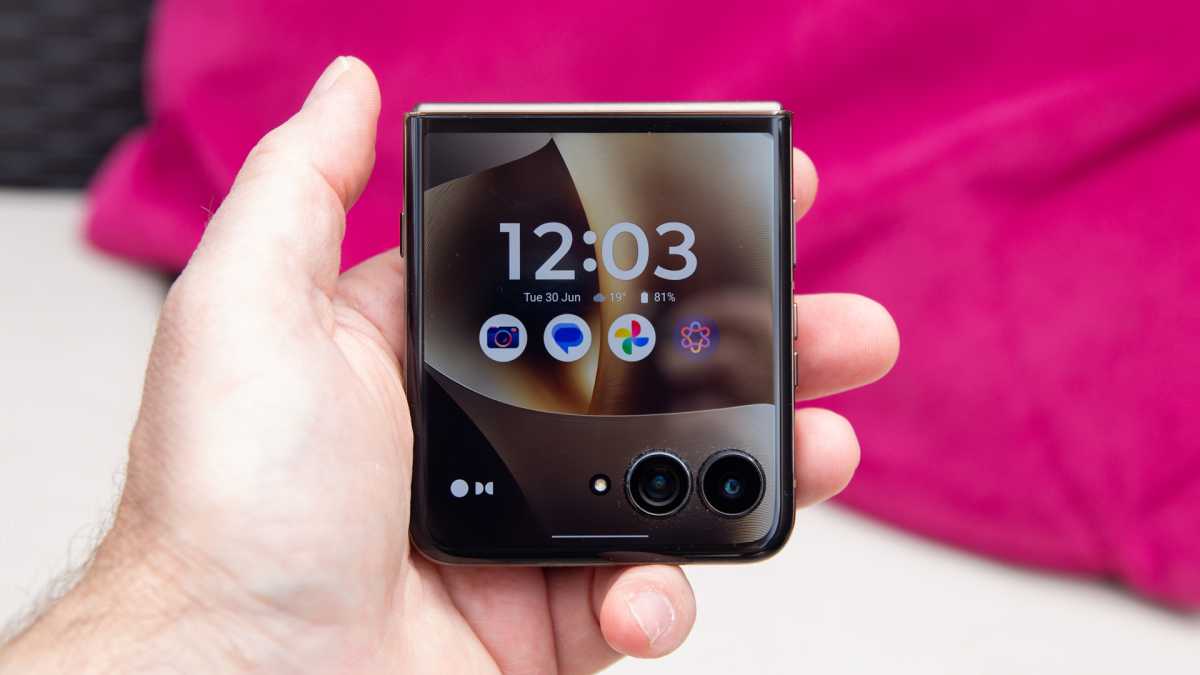
Elsewhere, all recent Motorola Razr, Edge and Signature devices have a dedicated ‘Flicker Prevention’ toggle. Just head to Settings > Display and enable Flicker Prevention (also sometimes known as ‘Flicker Protection’ or ‘Anti-Flicker’).
It goes further than Apple’s, allowing you to fully disable PWM and switch to traditional DC dimming, which won’t affect sensitive eyes at all.
Chris Hall / Foundry
However, if you don’t have one of those phones, you’re out of luck.
Can’t I just fix my current phone?
No. PWM dimming is coded directly into the display, so it can’t be “fixed” using software. However, there are some settings you can change to mitigate its impact.
Firstly, you’ll want to turn off the adaptive brightness feature to ensure that brightness stays out of the more damaging lower reaches. Also, disable the high refresh rate (sometimes known as ‘Smooth display’ or ‘Motion smoothness’) to ensure it outputs at a standard 60Hz, and set the display colours to a ‘Natural’ setting.
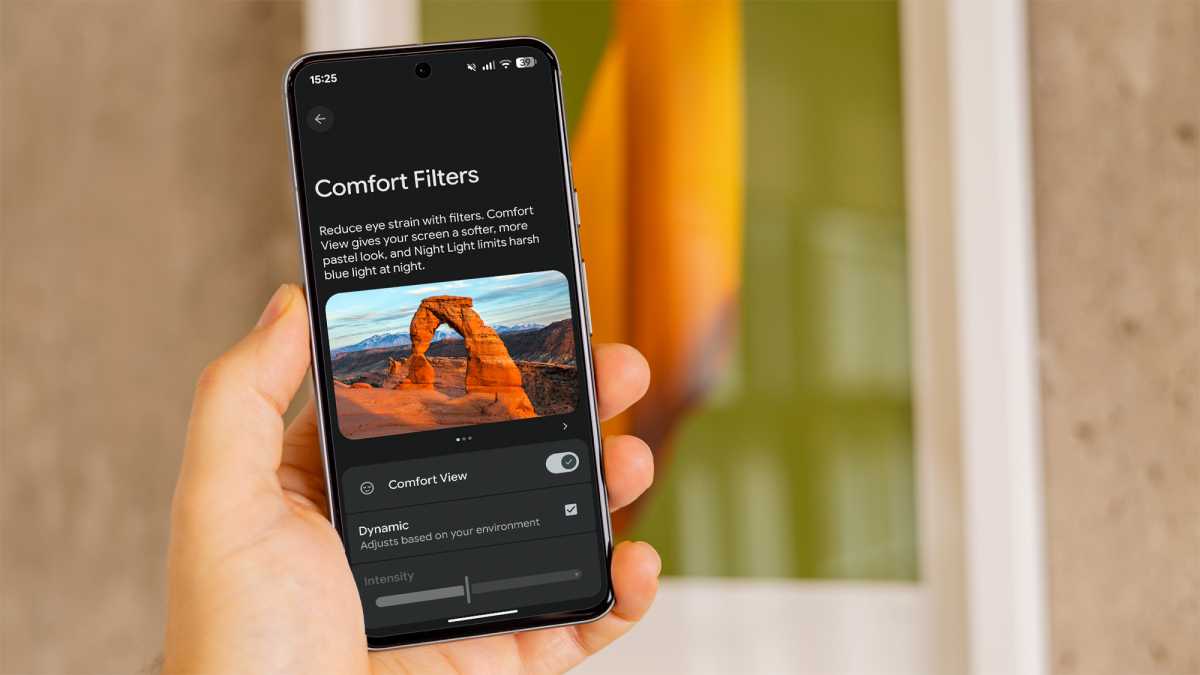
On Google Pixel phones, head to Settings > Accessibility and enable the toggle marked ‘Adjust brightness of sensitive eyes’, which doubles the PWM rate from 240Hz to 480Hz. Then, open Settings > Display and touch > Comfort Filters and turn on ‘Comfort View’.
Foundry
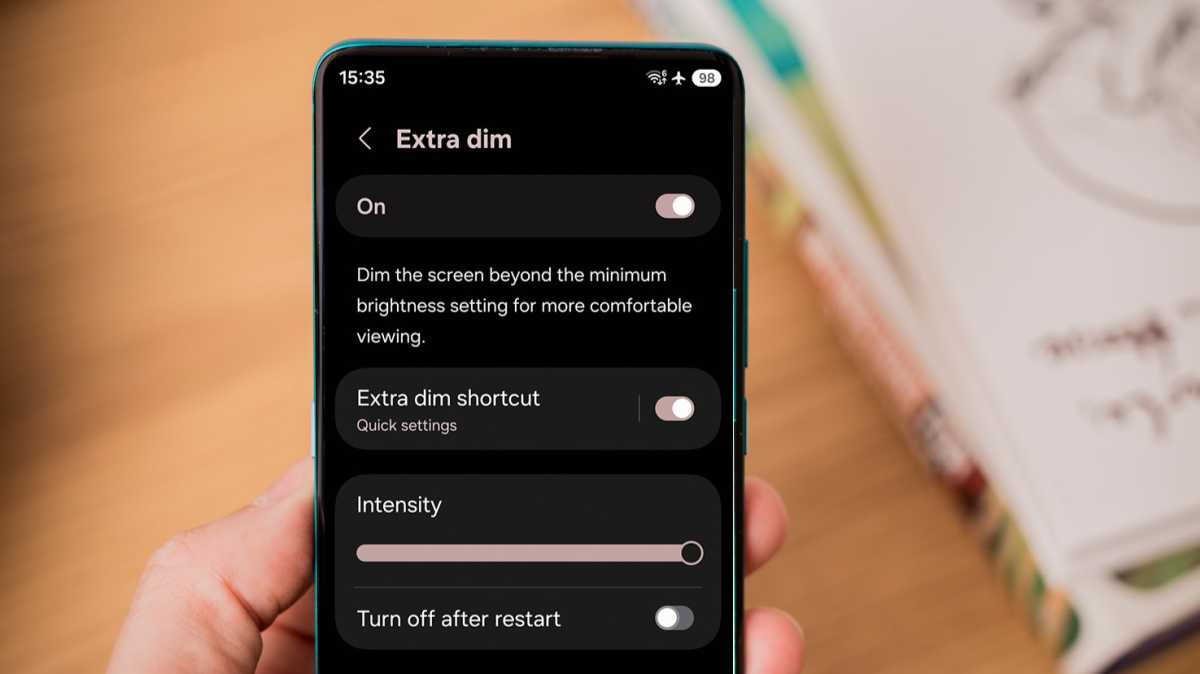
Google has removed the ‘Extra Dim’ setting, meaning you’ll need a third-party app. But Samsung phones still have it – head to Settings > Accessibility > Vision enhancements. To make this most effective, manually set the device brightness to at least 85%.
Foundry
These are workarounds, rather than addressing the root cause of the problem. But if you own a Galaxy or Pixel, they’re definitely worth trying before you ditch your phone.
For someone who’s used both Samsung and Google phones extensively in the last few years, realising I was sensitive to PWM dimming was a major wake-up call. When I decide which phone to buy next, reducing the effects of PWM will be right at the top of my wishlist.