Understanding why you should never put your phone in the fridge
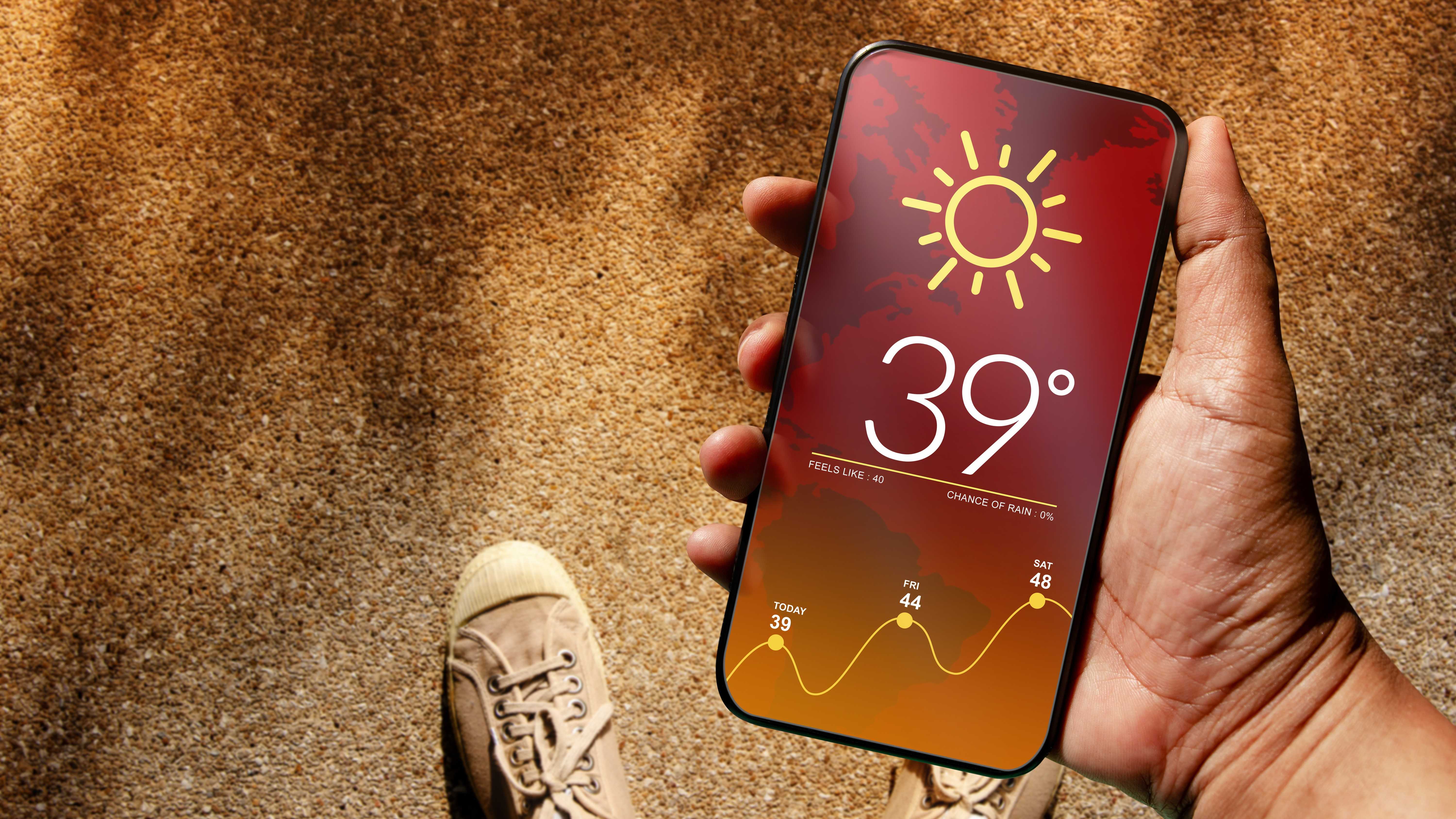
Temperatures remain high, typical of summer, and this also affects electronic devices. Smartphones, tablets and laptops in particular overheat quickly if they are not adequately protected. As a result, a so-called ‘insider tip’ is currently doing the rounds on social media, recommending that phones or affected devices be put in the fridge.
However, it is precisely this trend that is leading to an increase in the number of faulty smartphones being sent to repair shops, according to Techspot. This is because the rapid cooling in the fridge can cause serious damage to the hardware.
There are several reasons for this. Firstly, the rapid cooling of the warm air inside the smartphone causes condensation, which can settle in gaps or even on vital components. The device warming up again as soon as you remove it from the fridge increases the risk of moisture build-up even further. Even if your device has a high IP rating, this is extremely harmful.
Foundry
Furthermore, the lithium-ion batteries used in smartphones are not designed to withstand rapid temperature changes – neither from hot to cold nor the other way round. This is why it is so important not to leave devices outside for too long, whether in summer or winter.
In the worst-case scenario, this can lead to battery damage, ranging from accelerated wear and tear to the battery swelling and even catching fire. A fire that is anything but easy to put out. Even if the battery isn’t yet faulty, repairing the damaged hardware can be very expensive.
A better approach
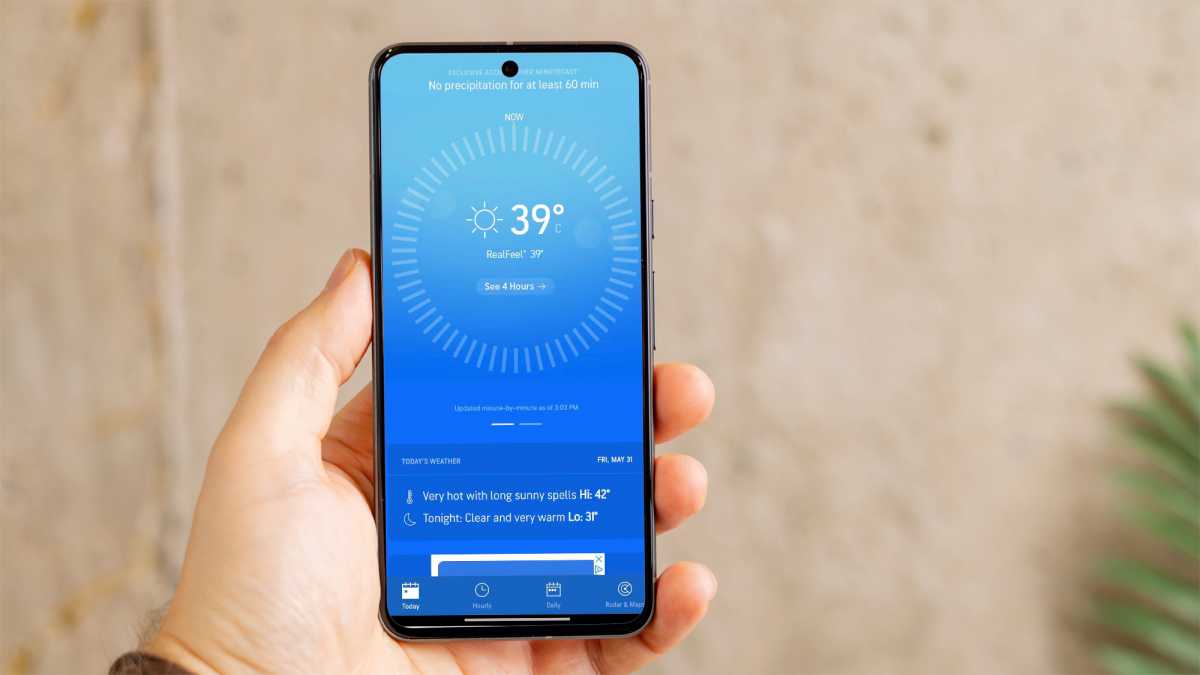
If you notice that your smartphone is overheating, you shouldn’t act rashly. Disconnect it from any chargers or power banks and place it somewhere out of direct sunlight. This will allow it to cool down slowly and safely.
Close any apps and processes that are putting a strain on the RAM or running continuously in the background and consider switching airplane mode on. Otherwise, this will further increase heat build-up. Removing protective cases can also help, as those made of silicone or leather in particular can trap heat underneath.
If the device still doesn’t cool down, activate power-saving mode or shut it down completely straight away. This prevents further strain on the battery. Special mobile phone coolers are also available to buy on Amazon and similar sites, although their effectiveness has not been proven.