ways to reserve your WhatsApp username so you don’t have to share your phone number
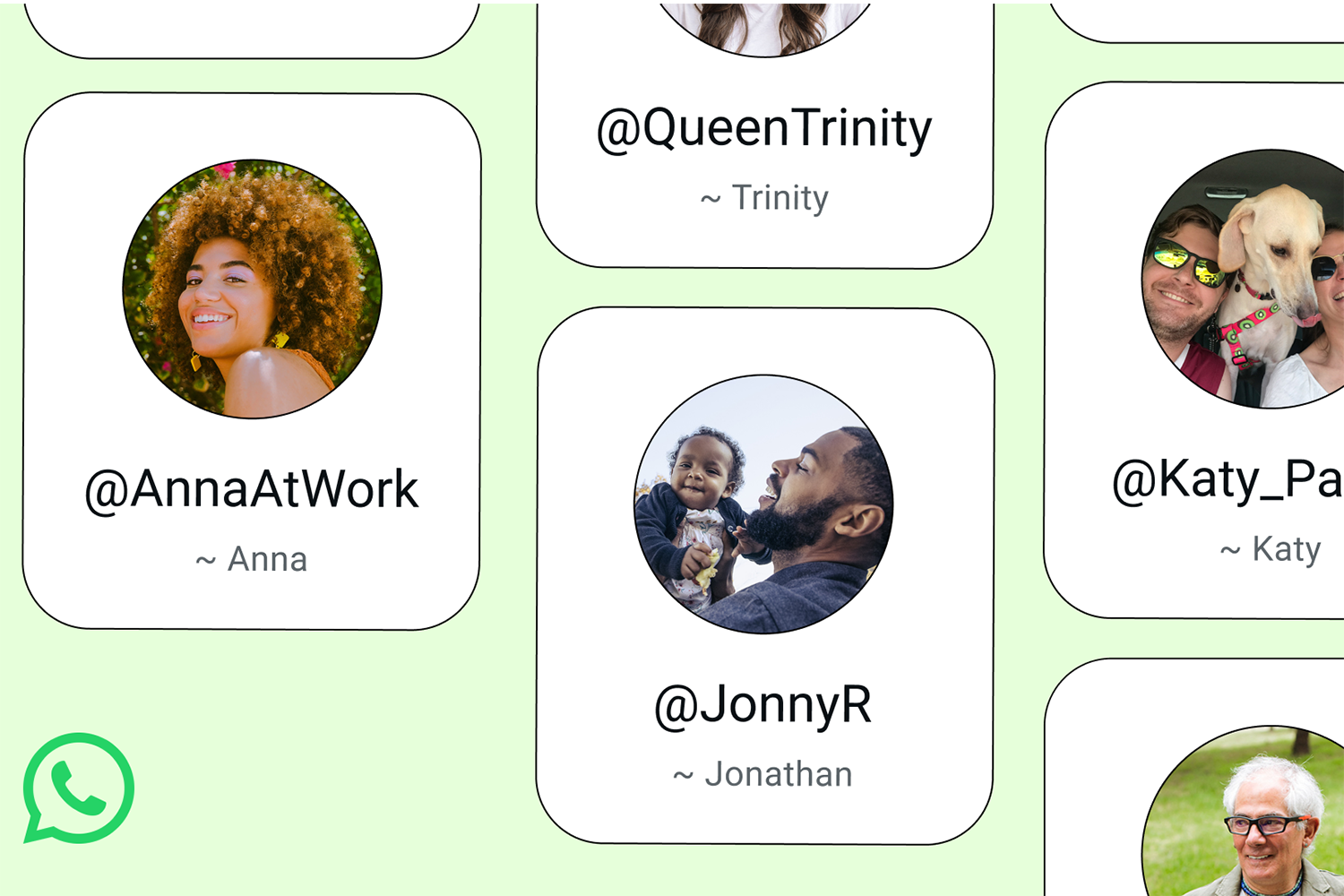
Recently, WhatsApp revealed it would enable users to add others using usernames. Interestingly, you won’t be able to browse for other users this way – you will instead need to know their complete username so they will have to tell you themselves in the same way you’d have someone else’s phone number. There is no public directory of usernames.
Although the feature isn’t officially launched yet, WhatsApp is enabling you to reserve your username now, providing someone hasn’t grabbed the same thing already. Reserving a username isn’t currently available on WhatsApp Web or Desktop so you need to use your phone to do it. It’s also completely optional – you don’t have to reserve one and WhatsApp will keep working in the same way. You can have the option to connect your Instagram account to use the same username, too/.
Once your username becomes active, people who don’t have your number saved will see your username instead – so people will see your username in group chats. You still need a phone number to create and maintain a WhatsApp account but when someone messages you for the first time using your username, they won’t see your phone number.
Reserving your optional username doesn’t take too long – just go to Settings > Account > Username in the app, and you can choose yours. Ensure your app is up-to-date if you can’t see how to do it. WhatsApp tells us this is a global rollout, it isn’t being enabled country-by-country.
Meta-owned WhatsApp has introduced a bunch of updates this year including changes to polls with end times and anonymous responses, event reminders, a way to tag everyone in a group for time-sensitive issues and create new group chats using the members from existing groups. Admins can also share recent group history with new members, too. There’s also a new interface for WhatsApp on Apple CarPlay and Android Auto, too.