Android 17 QPR2 adds Status bar customization for notification, system icons You Should Know
Android 17 QPR2 continues to add user-facing changes with new Status bar settings in Beta 4.
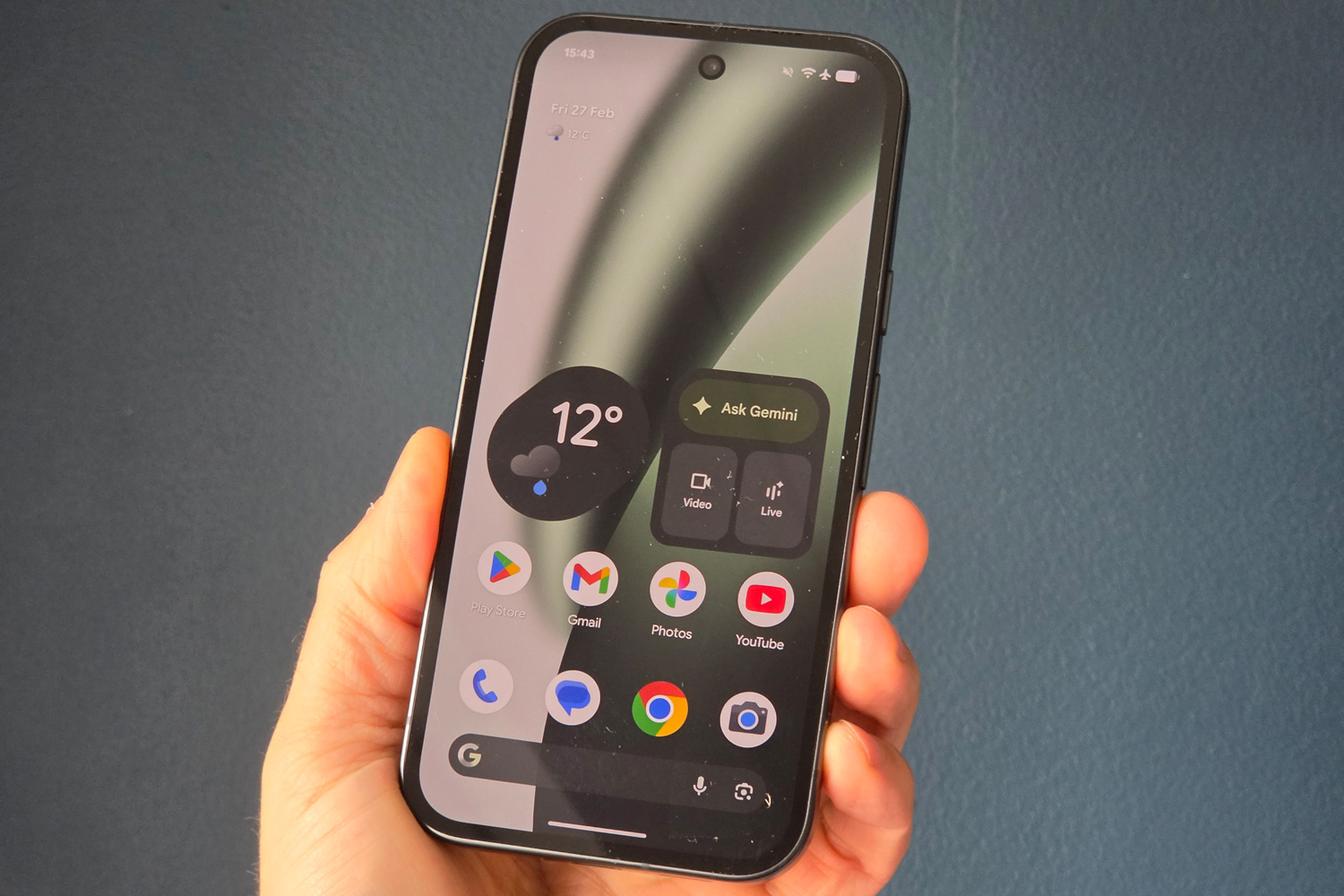
In Settings > System, you’ll find a new “Status bar” menu under System management. It appears alongside Date & time and Users. There’s also a link to it in Settings > Notifications.
Notification icons has three options, with “Priority only” being the default:
- All: Show all notification icons
- Priority only: Show priority notifications only
- None: Show no notification icons
There are another three options in System icons, though Battery and Vibrate already exist as preferences in other places.
- Mute: Show when device is muted
- Vibrate: Show when device is set to vibrate
- Battery percentage: Show battery level