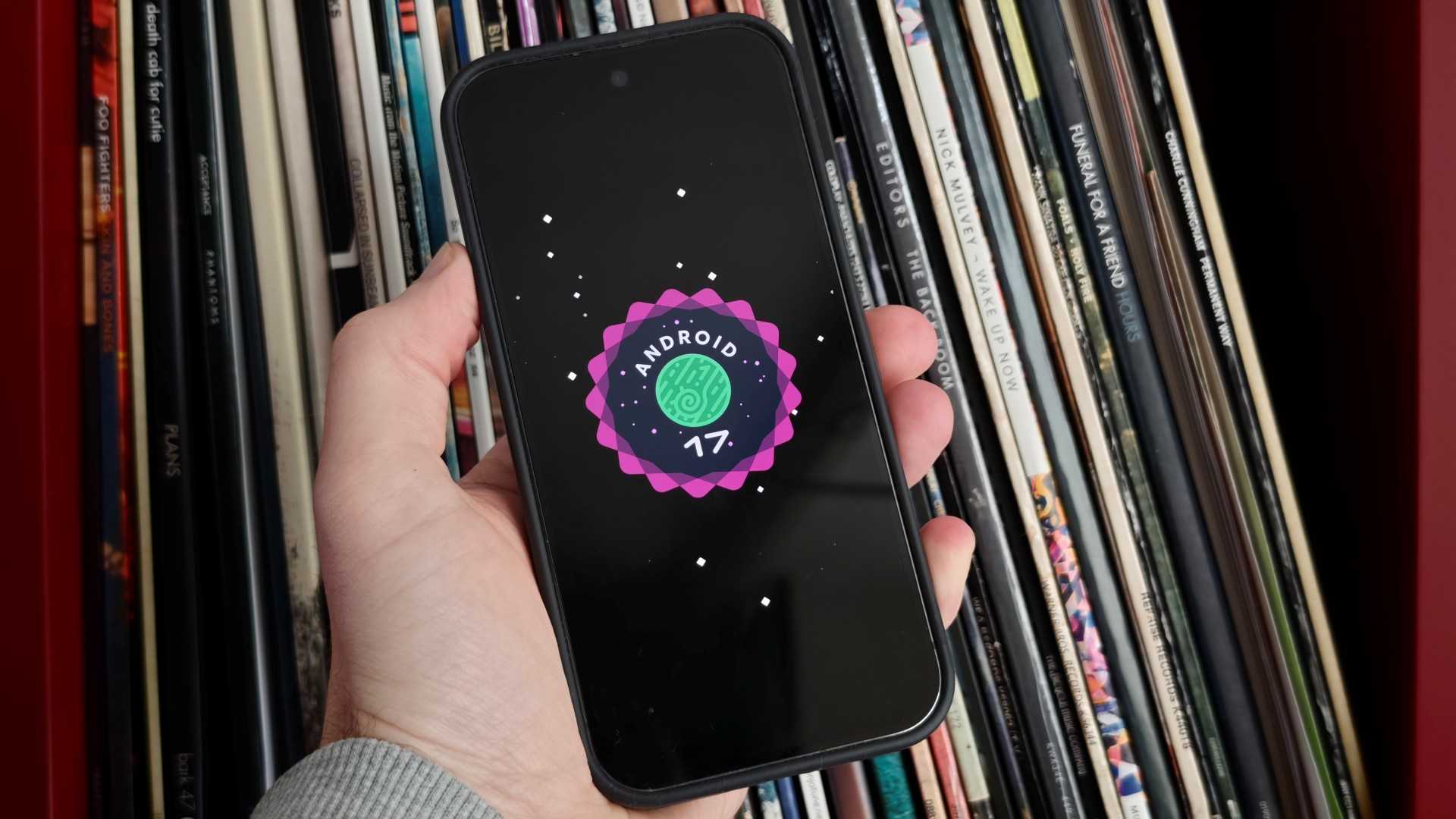
Pixel phones just got their most significant Android 17 update yet
If I told you that your phone was getting a significant update, you’d probably ask which new features were added.
However, the Android 17 update that Google has rolled out to all recent Pixel phones includes zero new functionality. Zilch. Nada. So why is it such a big deal?
In short, the October update fixes no fewer than 28 different security issues that have plagued Pixels in recent weeks, including three particularly annoying ones.
Photo flip begone!
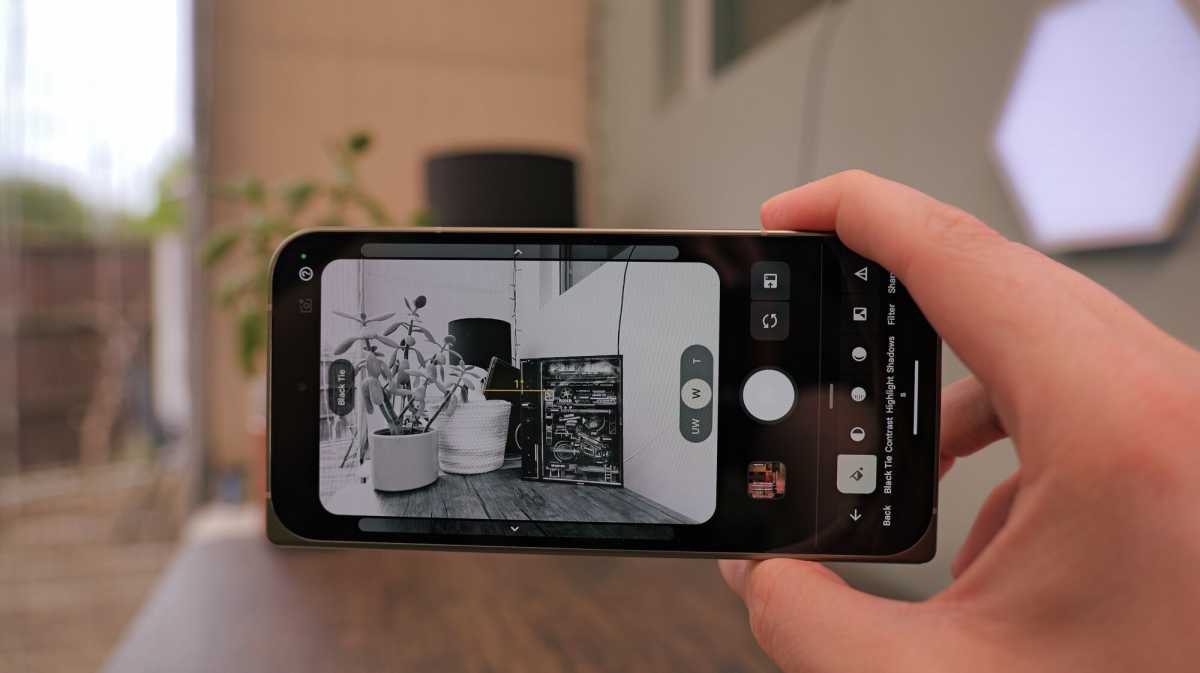
Imagine if you took a lovely image in landscape, only for it to be saved as a portrait! Some Pixel 11 series owners haven’t had to imagine, with this annoying bug affecting the orientation of saved photos.
The bug worked both ways, meaning photos and videos specifically captured for Instagram or TikTok could look all wrong when you went to upload them.
Luke Baker
Turn down for ringtone
If you get regular calls, an effective ringtone is a non-negotiable. But if you have a Pixel 8, Pixel 9 or Pixel 10 series phone, you might have noticed your trusty tone interrupted with some annoying noise or background distortion.
This patch takes direct aim at that, so the next call you receive should be back to crystal-clear quality.
Where is my keyboard?
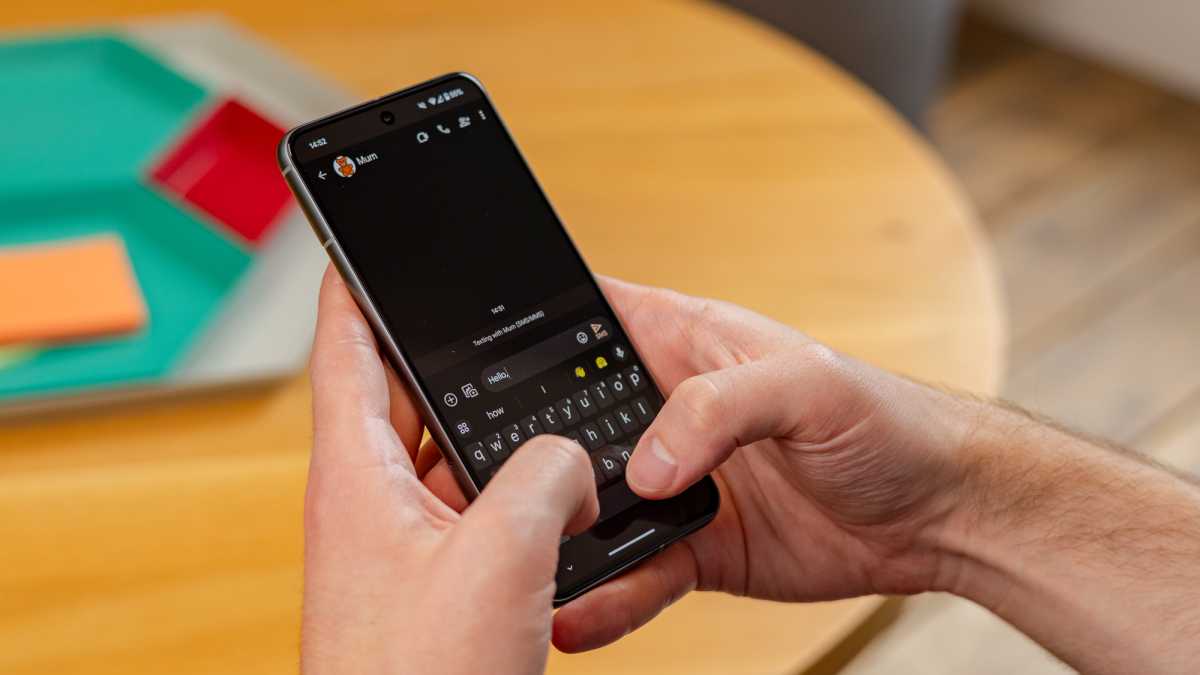
The great thing about a virtual keyboard is that it only appears when you actually need it. Until it doesn’t.
Foundry
A bug preventing it from appearing when tapping search fields has blighted the experience for many users of Pixel 8 or later, making for a very frustrating experience. This update looks to have finally fixed it.
Will my Pixel phone get the October update?
Yes, provided your Pixel phone is still receiving updates. In other words, if you’re using a Pixel 6 or newer, the October patch will be available. However, it will be the last major security patch for the Pixel 6 and 6 Pro, whose five years of software support is officially due to end this month.
It’s also worth noting that the three specific fixes above are exclusively for the Pixel 8 series and later.
To get it on your phone, look out for a patch dated October 5, 2026.
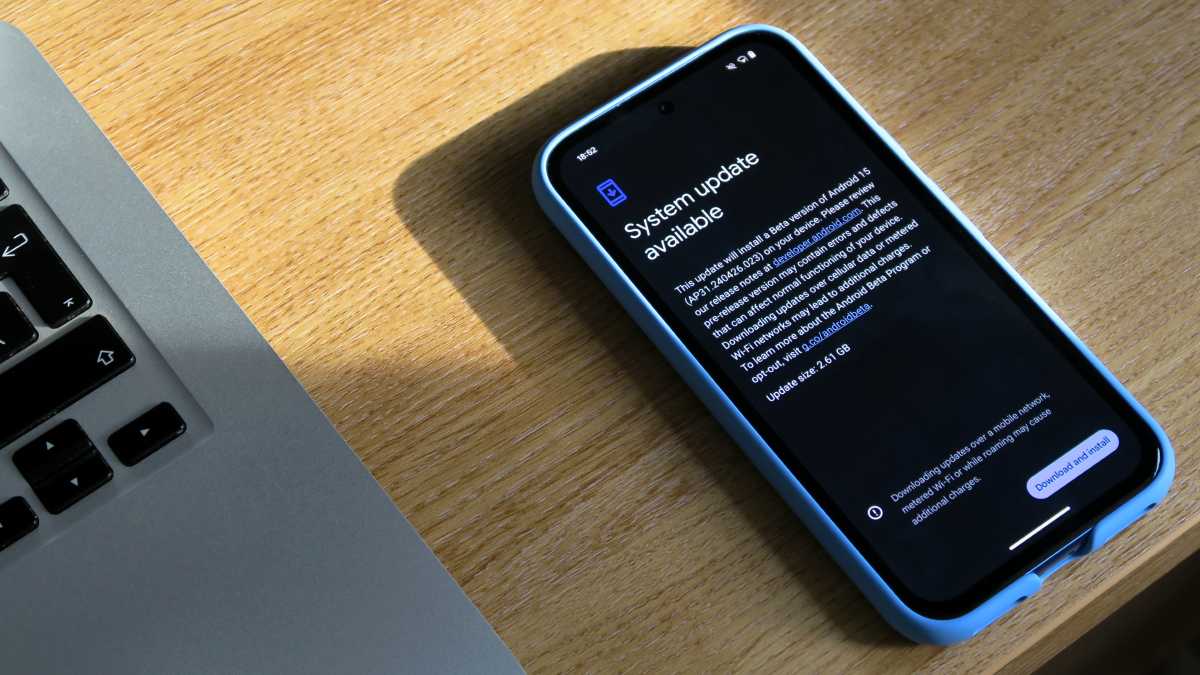
Foundry | Alex Walker-Todd
If you haven’t already been prompted to install it, head to Settings > Security and privacy > System and updates and tap ‘Security update’. You may have to install any outstanding updates before it pops up.
If you’re running older hardware, I’d urge you to upgrade your phone. An unsupported device is vulnerable to malware and other security vulnerabilities, with no guarantee of support from Google if something goes wrong.
Even if you don’t want to pay for a flagship phone, there are plenty of excellent budget and mid-range handsets out there.