Watch out for the Android Trojan that’s bypassed Google Play Protect — Explained
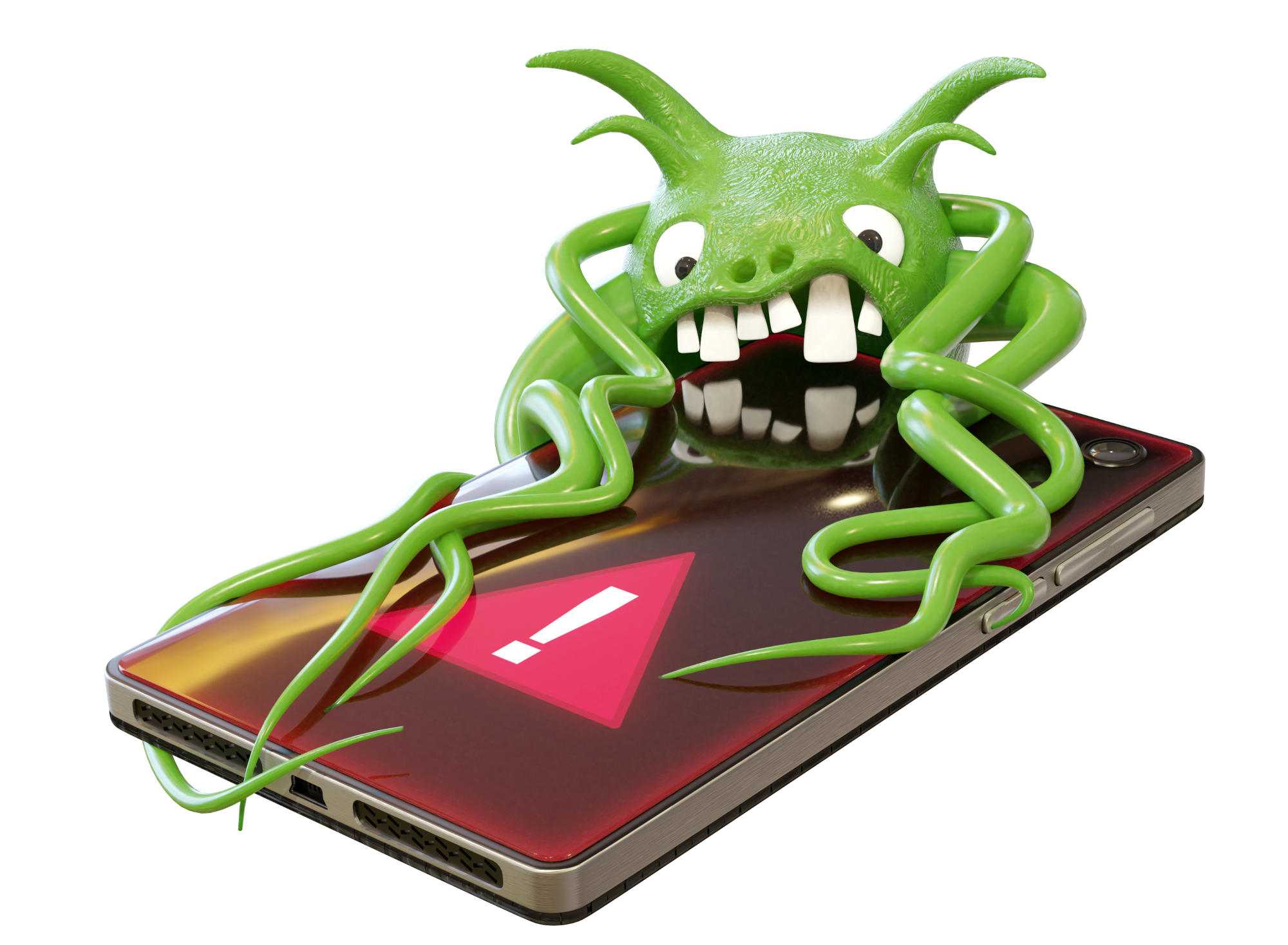
Security experts are currently warning of a dangerous Android Trojan designed to steal banking and crypto data. It’s known as ToxicPanda 2.0 and is based on the Trojan of the same name, about which there were previous warnings.
ToxicPanda 2.0 has evolved. Not only is it capable of spying on sensitive data on the target device and thus stealing login details for banking or crypto apps, It also manages to completely bypass Google Play, ensuring that its virus scanner, Google Play Protect, doesn’t raise the alarm.
The Trojan usually finds its way onto a smartphone via other apps from non-secure app stores, typically after a user clicks on a phishing link or similar. Once installed, ToxicPanda 20 grants itself extensive permissions on the system and can intercept two-factor authentication codes.
In total, the Trojan has 167 different commands that attackers can trigger remotely. These include mimicking essential system components such as the lock screen or update processes, so that the victim remains unaware of suspicious activity taking place in the background.
How to protect yourself
Experts recommend installing Android apps only from secure sources such as the Google Play Store to prevent Trojans like this from ending up on your system in the first place. Don’t click on any suspicious links or attachments, and avoid delaying important security updates for too long.
As Google Play Protect is of no help in this case, it’s also worth having a separate antivirus scanner on your device to provide an extra layer of protection. If you do end up with a virus or Trojan on your smartphone, follow these steps:
- Disconnect your internet connection: Turn off Wi-Fi and mobile data. This will prevent the virus from sending and receiving further data or potentially spreading.
- Close all open apps: Quit all running applications.
- Restart your device: Sometimes a simple restart helps to fix minor problems or at least temporarily disable the virus.
- Activate Safe Mode: If step three doesn’t solve the problem, you can start your phone in Safe Mode with only essential system applications. This allows you to check if the problem is caused by, for example, a recently installed app.
If all else fails, you’ll need to perform a full factory reset.
Next, take five minutes to make your phone safe from theft.