Android users are getting these five new features: A Practical Look
Google has just dropped a major new Android update – and it includes five new features you might actually use.
The ‘September Android Drop’ goes far beyond a regular monthly update, introducing functionality we haven’t seen on Android phones before.
And the good news is that only one requires Android 17, meaning users of older models will still be able to benefit.
Here are the five new features, ranked in order of how exciting I think they are.
1. The end of carsickness?
As someone who gets a headache within seconds of using my phone in a moving car or on a bus, this could be a game-changer.
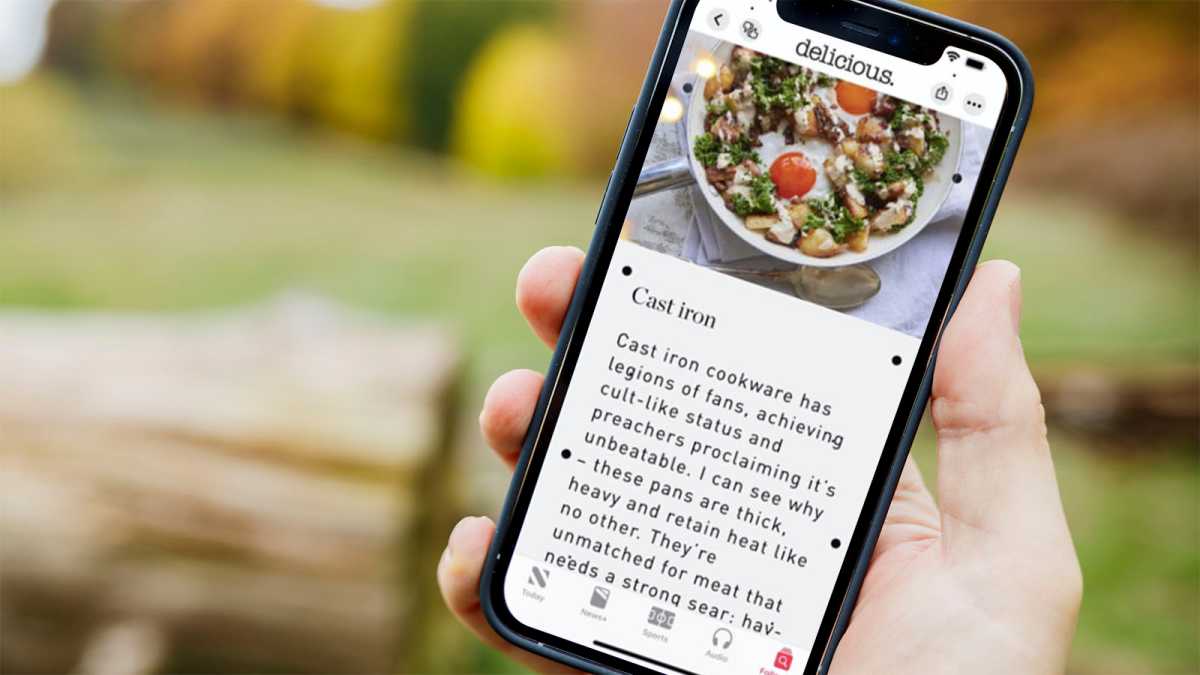
Google’s much-talked-about Motion Assist feature should significantly reduce travel sickness by adding customisable bubbles that match the movement of the vehicle. A combination of academic research and anecdotal reports suggests it can be very effective, though it likely depends on how severe your symptoms are.
Sound familiar? It’s basically the exact same as the iPhone’s Vehicle Motion Cues, which debuted on iOS 18 in 2024. The KineStop app has offered a third-party option on Android for years, but it’s great to see Google finally catch up with a native version.
Dominik Tomaszewski / Foundry
However, there’s a catch: this is the one which requires Android 17. If you have an older phone, it might take months to come to your handset, and even then, only if it’s still getting OS updates.
2. Never lose important items ever again
It’s a bizarre paradox: the more important an item is, the more often I tend to lose it. It’s simply not practical or affordable to slap a Bluetooth tracker on every single thing I need regularly!
Here’s where Google’s Gemini AI assistant can help. By integrating with the Find Hub app, it’ll be able to securely record the location of any item you ask it to. Then, rather than frantically searching the entire house when it inevitably disappears, you can simply ask Gemini where something is.
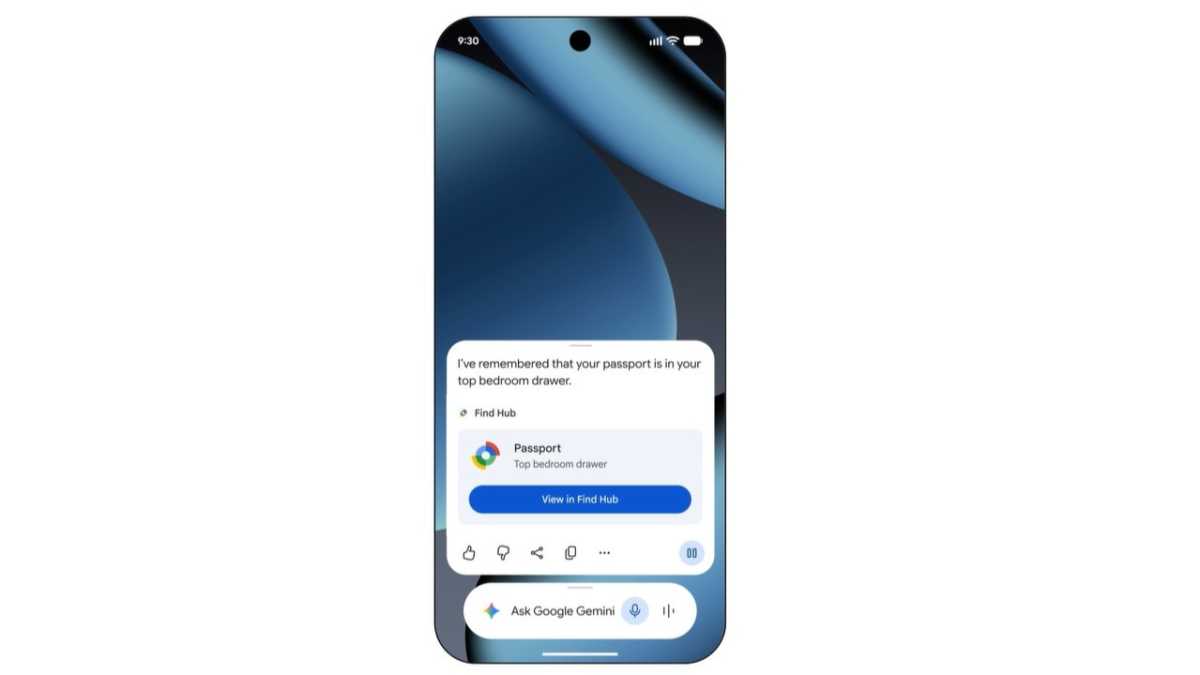
If it works as intended, this could be so useful. In moments of angst, I’ve often asked Google for advice on how to find lost items. Provided I do the work beforehand, it’ll now actually be able to tell me.
The feature works on any phones running Android 16 or later, so long as you’re in a country where Gemini and Find Hub are supported.
3. Next-level note collaboration
I loved a good shared Google Keep note. It makes keeping on top of shopping lists, key info for meetings and travel inspiration totally seamless.
What isn’t quite so seamless is having to constantly jump between an active conversation and the shared note. With an on-screen keyboard, split-screen multitasking often feels clunky.
But now, Google Keep will be directly integrated into Google Messages. Within a few taps, the note in question can be created/updated and dropped directly into the chat for easy editing. Google’s example made it look so easy – I can only hope that’s the reality.
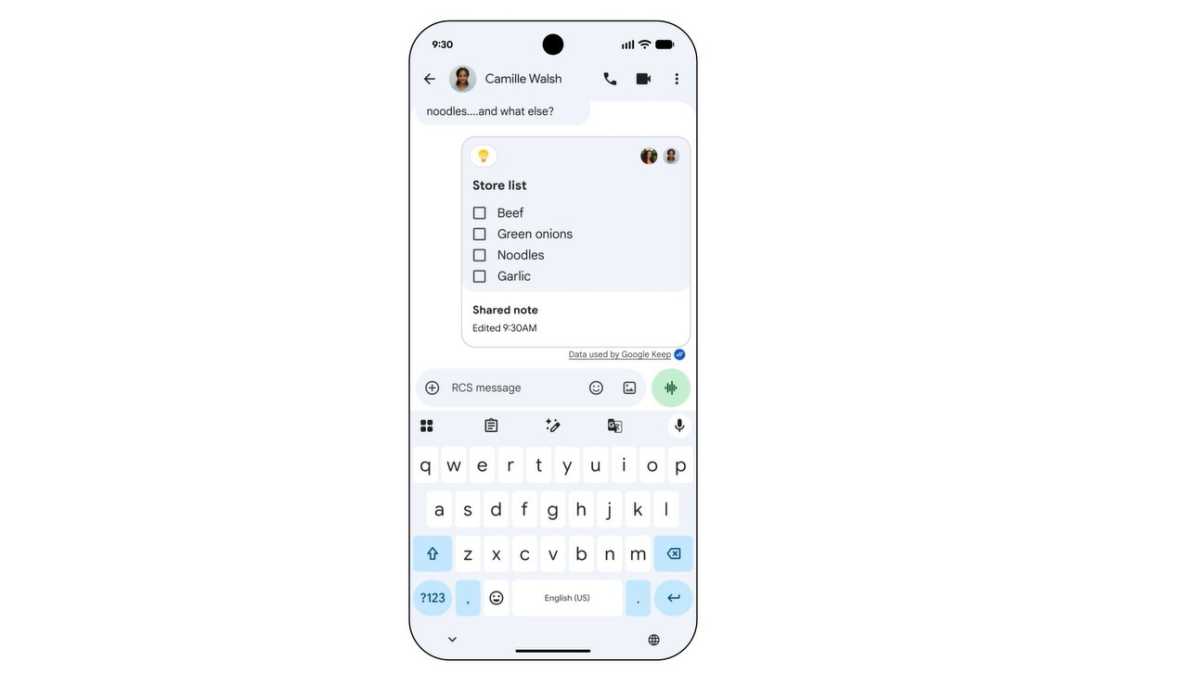
With rollout underway to all Google Messages users, it might be time to try and convince more of my friends away from WhatsApp…
4. An audio helping hand
I’m a kinesthetic learner. I can read about something for hours, but until I actually try it, I won’t grasp quite how it works.
It’s not always realistic to have someone there to show you the ropes, but now, Gemini can run through the basics.
Built into Gemini Live, Guided Vision is primarily an accessibility feature, allowing people with limited or no vision to live their lives as independently as possible. Think framing photos, identifying labels and deciphering illegible text – with step-by-step audio guidance, you can do all three without needing to see.
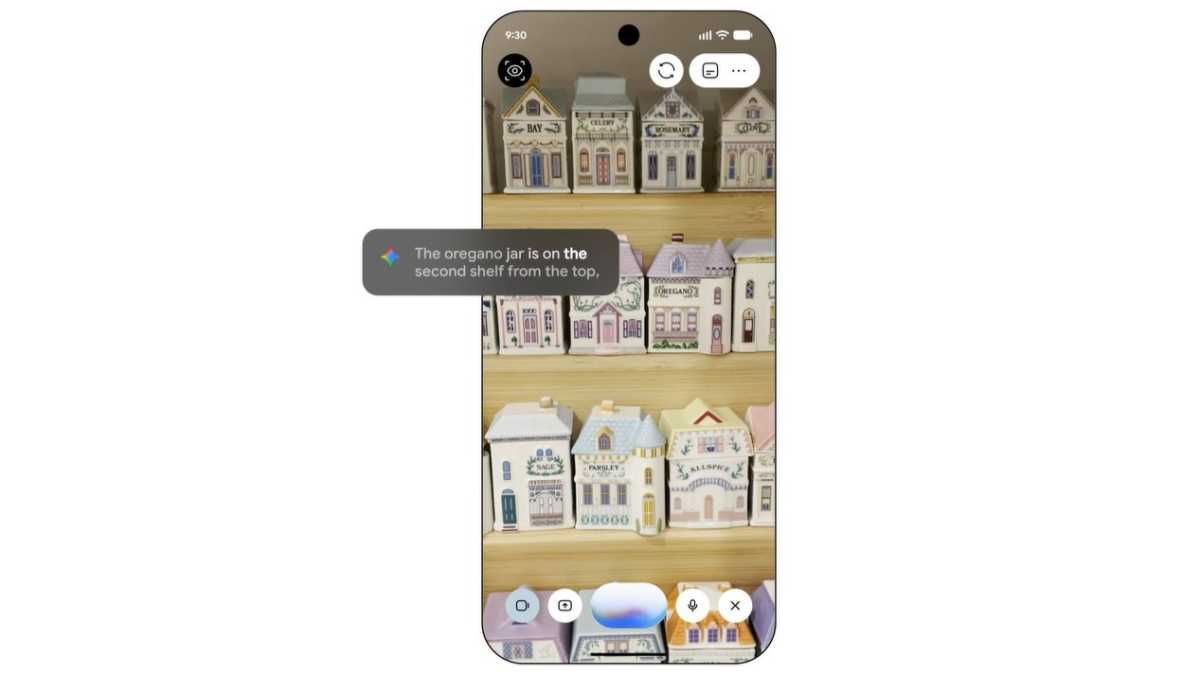
But I think this feature could be useful for anyone. When troubleshooting an issue or trying to learn a new skill, I don’t always have time to stare at the screen constantly. I can see the audio prompts being very useful to allow me to keep my full attention on the task at hand.
Guided Vision is coming to all phones running Android 9 or later – again, provided you’re in a country where Gemini is available.
5. Full chat customisation
Here’s one which doesn’t appeal to me much, but I might well be in the minority!
For years, Google Messages has maintained a bland, muted colour scheme regardless of who you’re talking to. But now you can fine-tune a ‘Chat’ theme for each conversation, complete with a colour scheme and background photo of your choice.
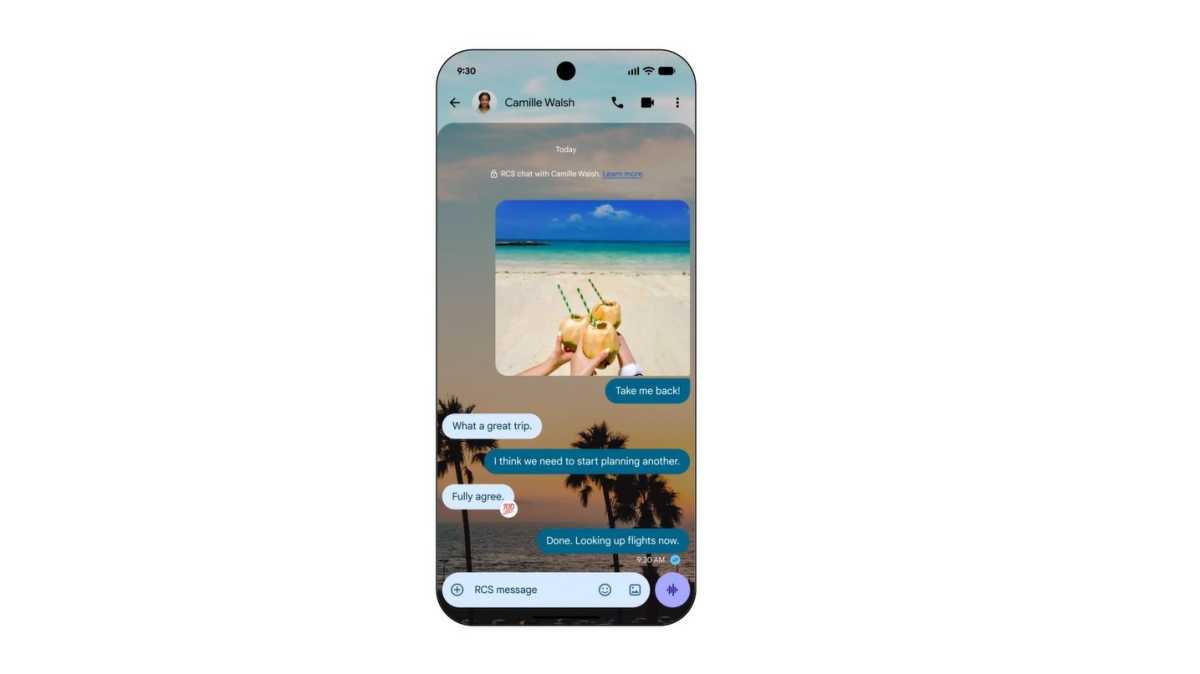
It’s an easy way to inject a bit of personality into otherwise dull sequences of text.
The feature is rolling out to all Android phones now.