Google Pixel 11 Pro Fold overview: Behind the times
At a glance
Expert’s Rating
Pros
- Improved main camera and image processing
- Brighter screens
- Durable IP68 design
- Pixelsnap magnets
Cons
- Still thicker than the competition
- Smaller battery than last year
- Not great for gaming
Our Verdict
The Pixel 11 Pro Fold has its charms. It looks lovely, has great software features, and there are meaningful improvements to the cameras. Overall, though, it just feels extremely last-gen. It’s slower than the competition, thicker, has a bigger crease, and a smaller battery. When it costs the same, or more, than its rivals, it’s hard to see the appeal unless you are a die-hard Pixel fan.
Price When Reviewed
This value will show the geolocated pricing text for product undefined
Best Pricing Today
Price When Reviewed
From $1,899
Best Prices Today: Google Pixel 11 Pro Fold



We’re deep into foldable season for 2026. Samsung just shook things up with its first-ever wide-fold phone, and Apple is said to be doing the same next month with the iPhone Ultra. Google, though, is playing it safe.
The Pixel 11 Pro Fold has arrived, and there’s a reason it doesn’t look very different to its predecessor.
Sure, there’s a new coat of paint, it’s very slightly slimmer, and there are some fancy LEDs on the back called HiLight, but what else is new? Well, there’s the Tensor G6 chip, a new main camera, slimmer bezels, and brighter screens, as well as plenty of software features.
But it’s not all good news. The battery, weirdly, is smaller this time around, and while the phone is slimmer, it’s still one of the thickest models on the market. Combine that with a slight price hike, and the Pixel 11 Pro Fold might be a tough sell. Let’s find out what it’s like to live with.
Design & Build
- Redesigned hinge, 1mm thinner
- 239g, Glass Ceramic cover display
- HiLight lighting
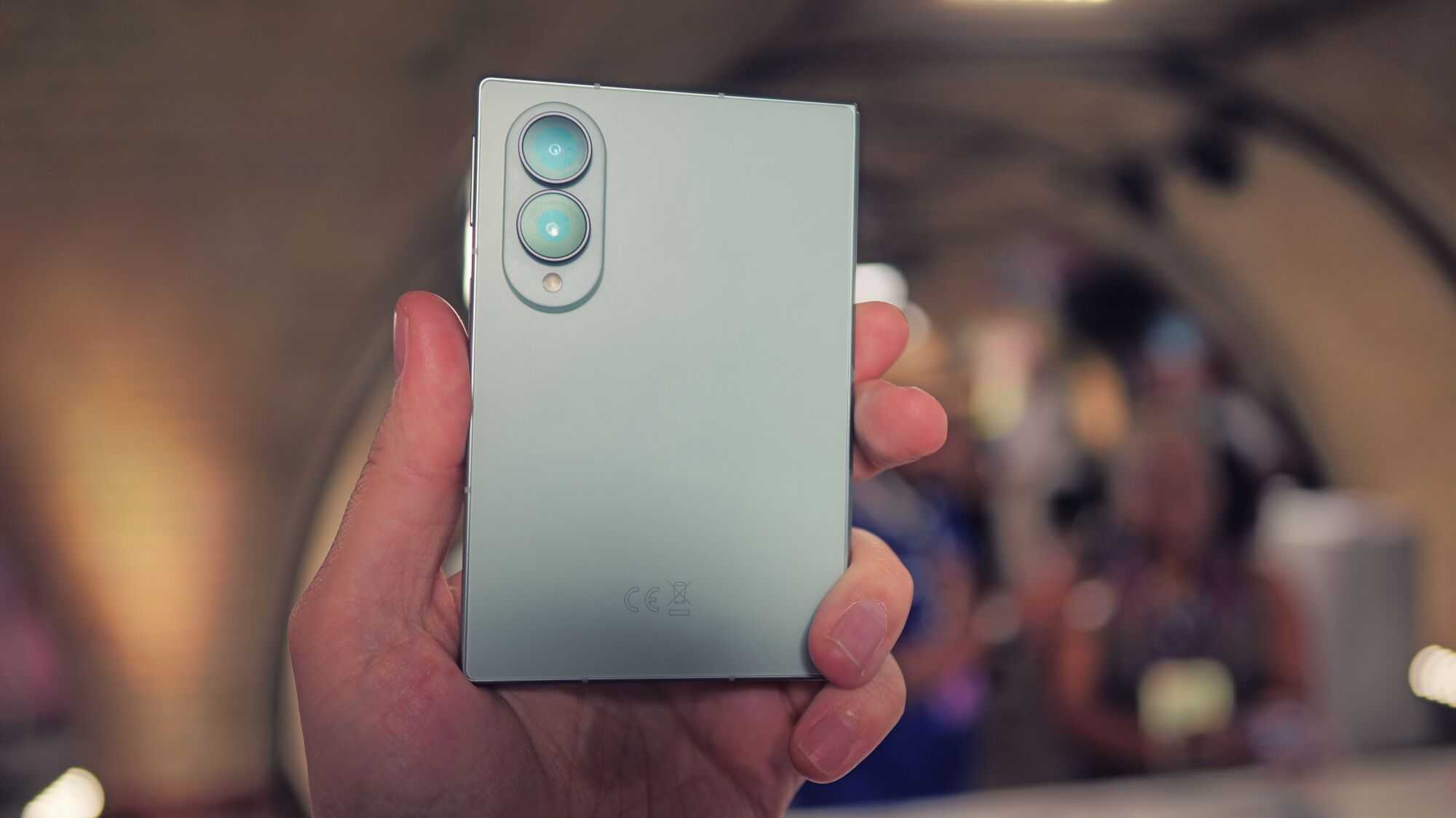
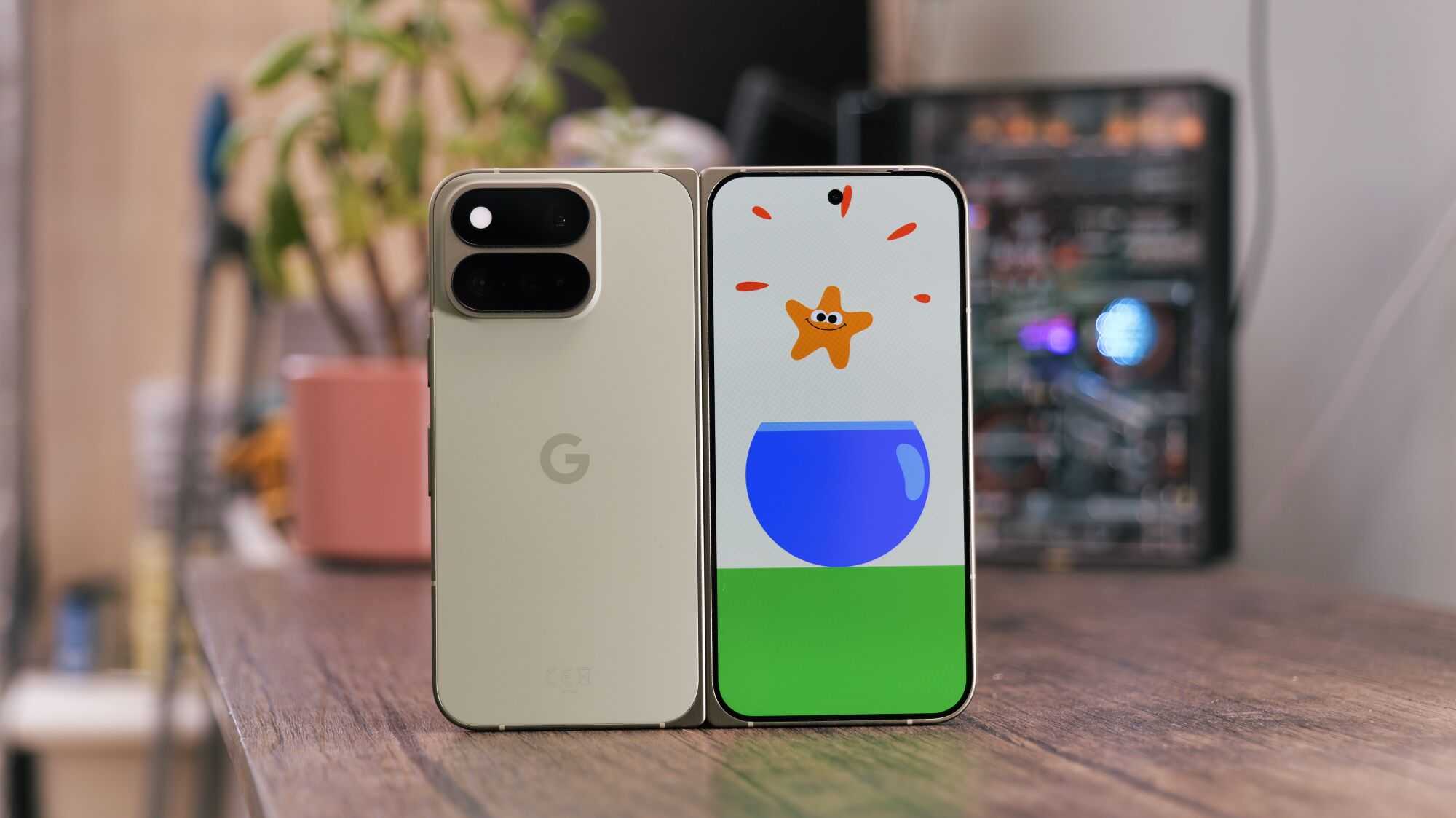
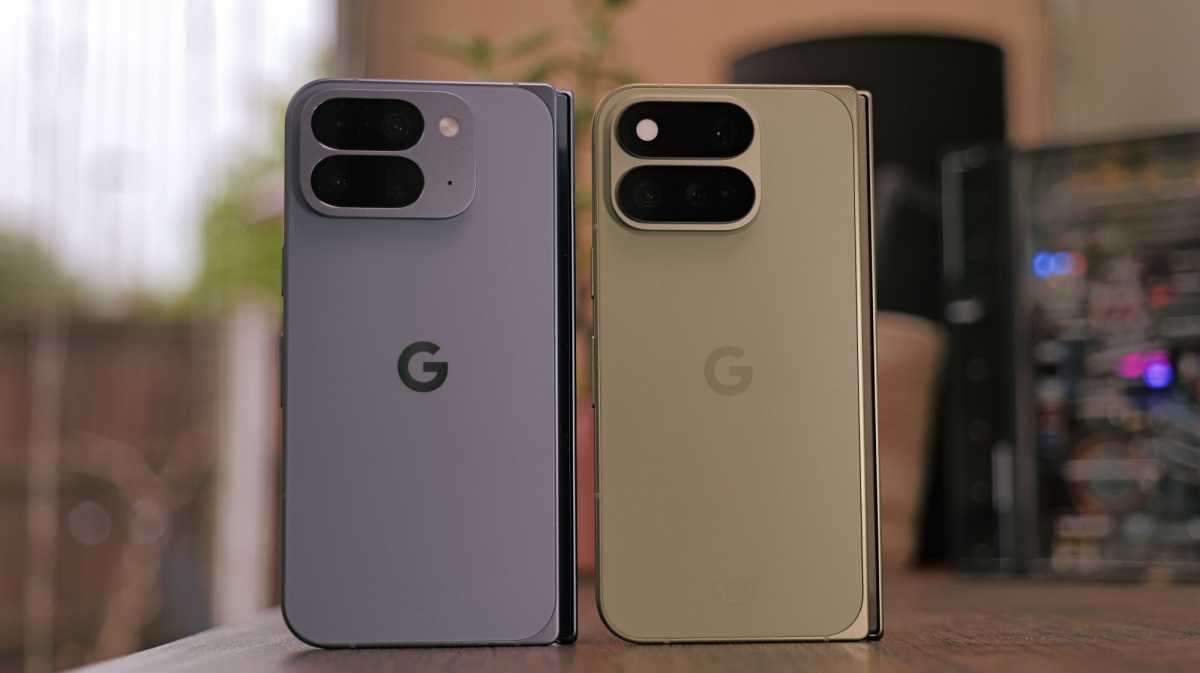
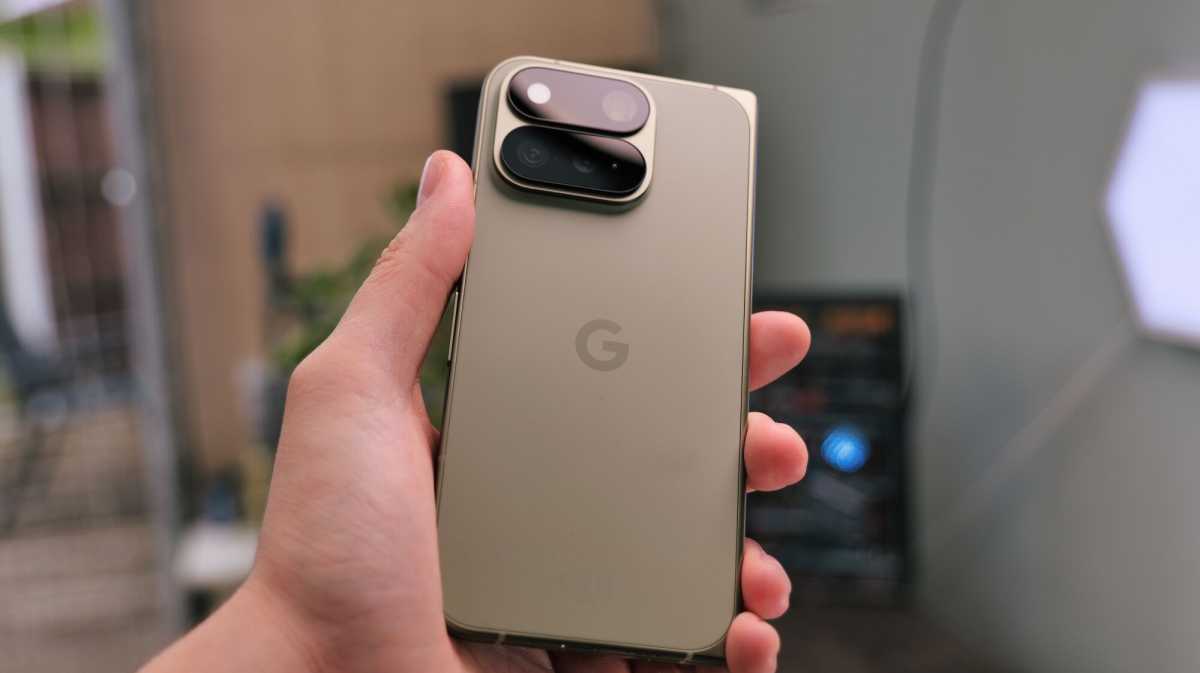
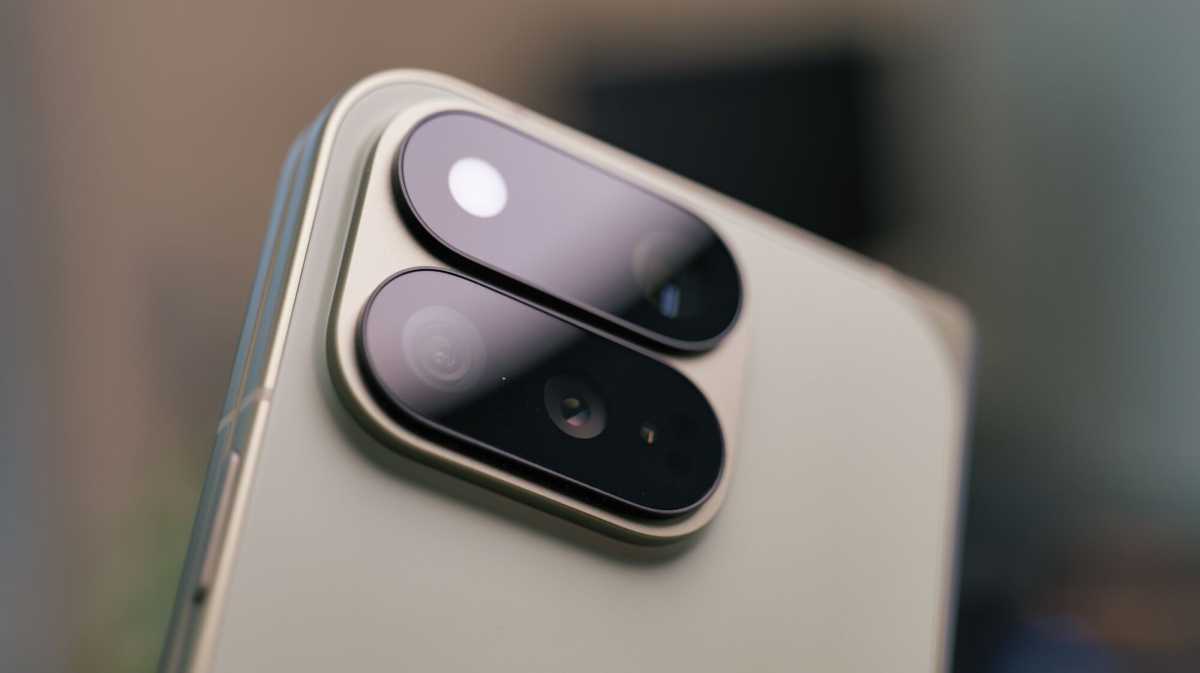
At a glance, the Pixel 11 Pro Fold looks just like the Pixel 10 Pro Fold, but if you look a little closer, there are some differences to behold. The most noticeable is the redesigned camera island.
Luke Baker
Much like the mainline Pixel 11 Pro models, the glass covering on the camera module now extends to cover the entire width, which looks more modern, in my opinion. However, unlike the candybar phones, the cameras are still positioned in the top left corner, rather than spanning the width of the rear panel.
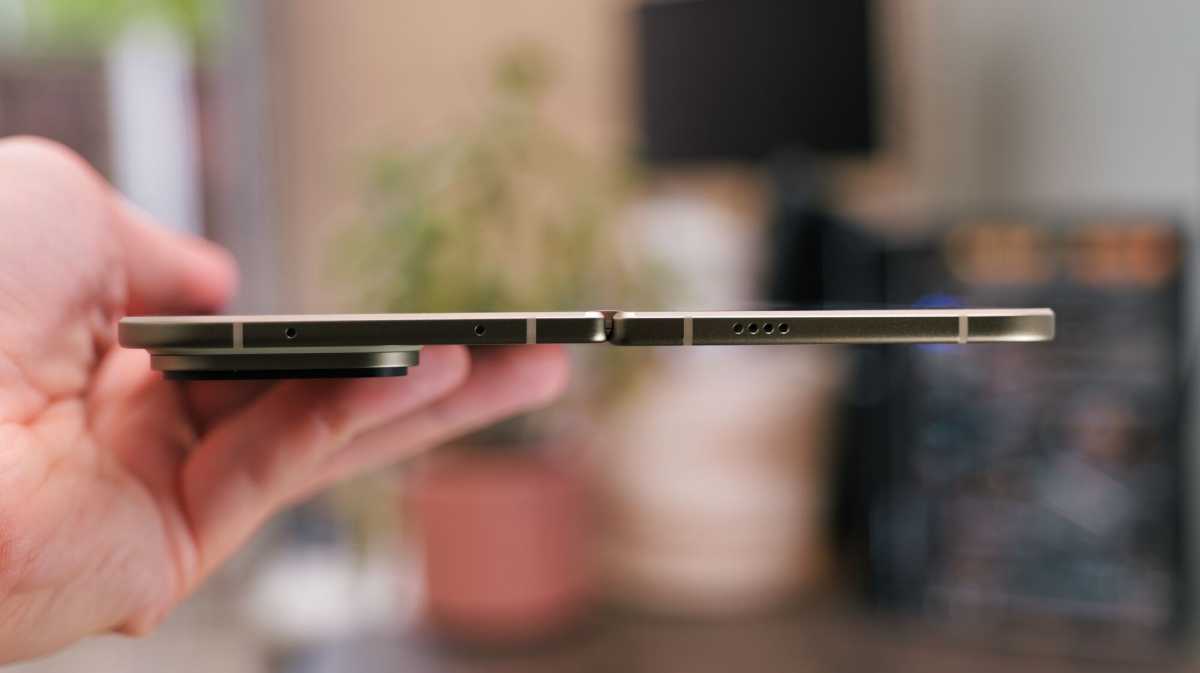
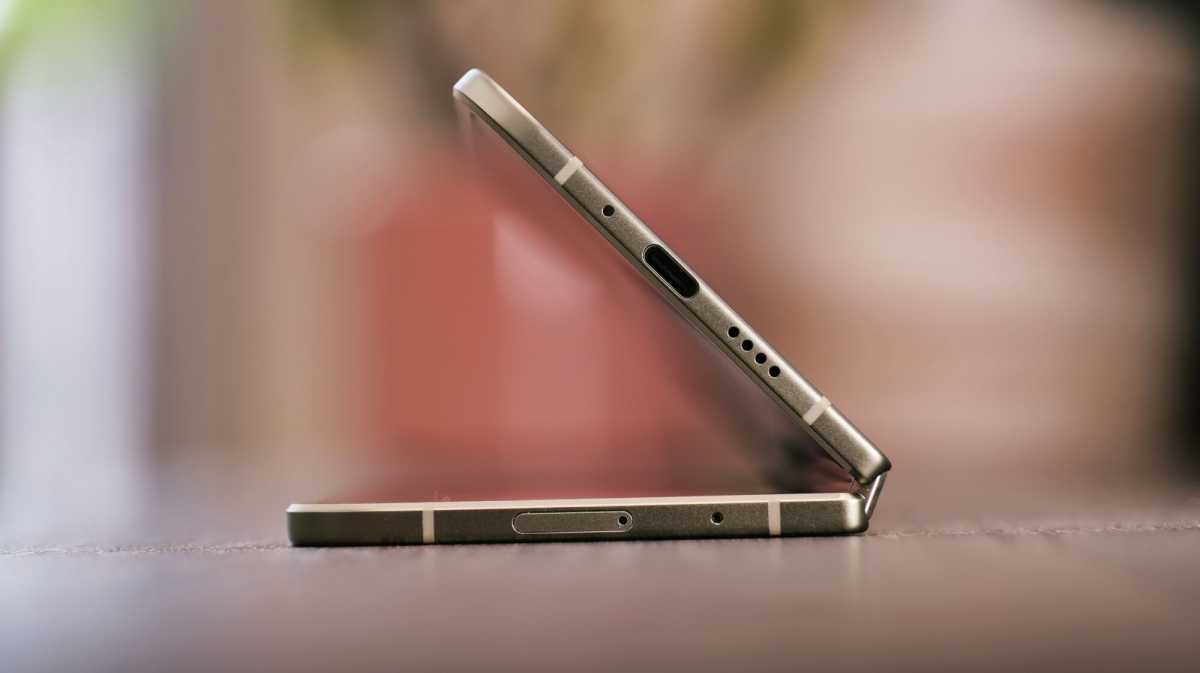
The phone is also slimmer this year. It’s only a 1mm difference, but you can just about feel it in the hand. Unfortunately for Google, this means it’s still one of the chunkiest foldables around, and while it does feel durable and well built, I’d much rather have a slim device like the Z Fold 8 Ultra in my pocket.
A slight oddity is that one side of the phone is marginally thicker than the other. To be completely honest, it’s so slight that I didn’t notice until I was taking photos of the phone for this review, but nonetheless it’s an unusual choice.
Luke Baker
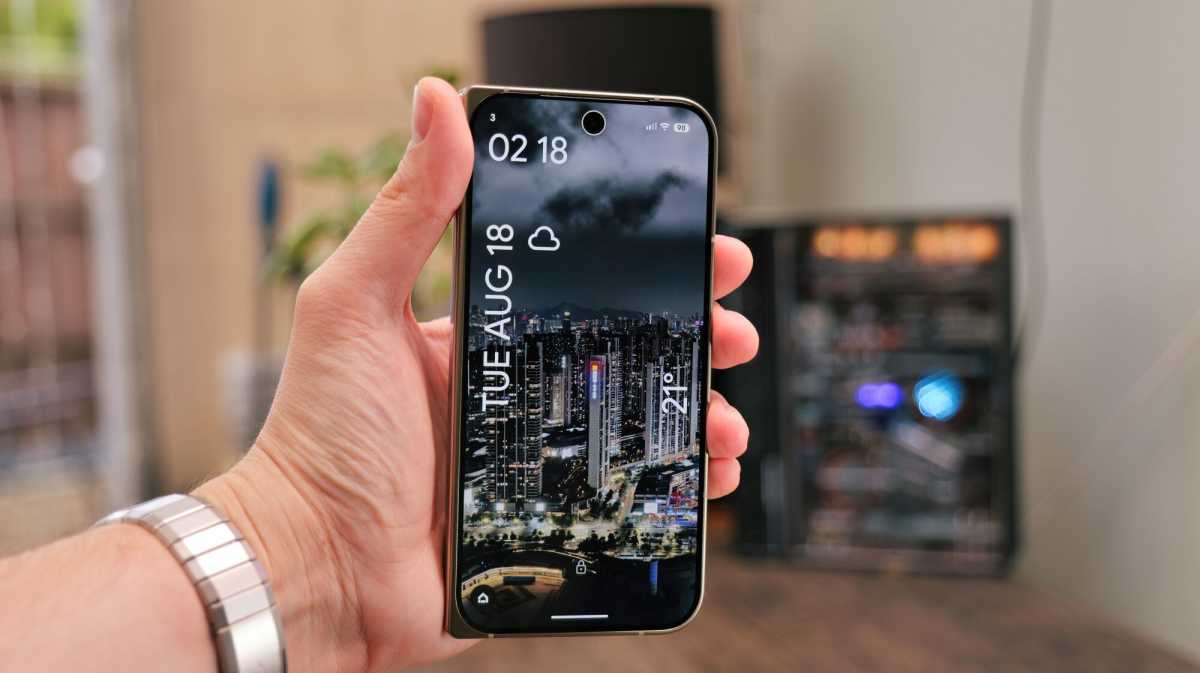
Around the front, the screen is now covered with an “ultra-durable” glass ceramic coating, and the bezels are (thankfully) much narrower than the previous models. They’re still not the slimmest bezels, but it’s a massive improvement, and again, contributes to a more polished and modern look overall.
The Pixel 11 Pro Fold is available in two colours once again. There’s a rather sensible Obsidian option, which has dark grey tones throughout but doesn’t get the matte finish of the other Obisdian Pros. Then there’s Olive, which I have for testing. It has a matte green rear panel with contrasting dull-golden highlights on the sides and the camera deco.
It looks extremely tasteful and you can get a Pixel Watch 5 with a matching Olive strap.
Gone are the days of super-fragile foldables; this feels like something that will handle the rigours of daily life.
Luke Baker
As mentioned, the build is really solid. Gone are the days of super-fragile foldables; this feels like something that will handle the rigours of daily life. It’s still one of very few IP68-rated foldables, too, so a bit of dust or water shouldn’t do any harm. How long this remains true, though, remains to be seen.
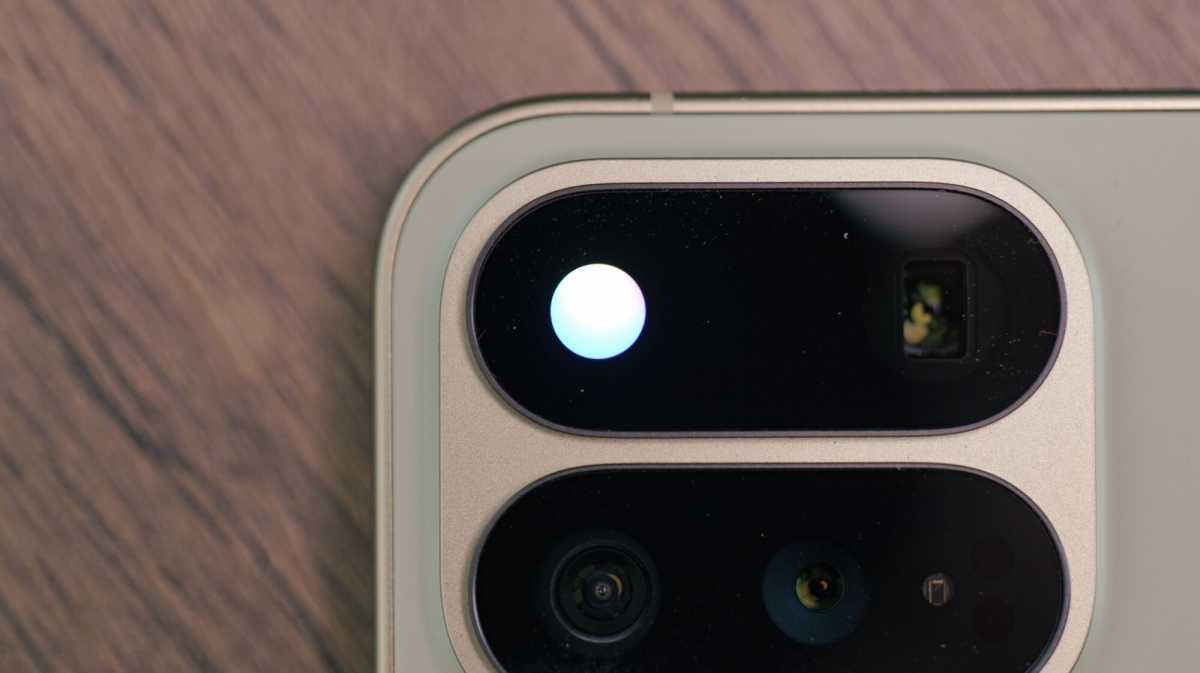
Of course, it’s also the only Android foldable with MagSafe-compatible Pixelsnap magnets built in (except for the 10 Pro Fold). And it has a new exclusive feature to boast about: the HiLight indicator that’s built into the camera flash.
Luke Baker
Previously thought to be called Pixel Glow (much cooler), this functions identically to the HiLight on other Pixel 11 devices, and sadly, that means it doesn’t do much. It’ll illuminate with a nice animation when you’re talking to Gemini, and it can be set to display a colour of your choosing when a contact is calling you – just like the notification LEDs that were commonplace about a decade ago (only they did often more).
Will Google unlock more capabilities in the future? I certainly hope so, because as it stands, this is thoroughly underwhelming. However, I will admit that it’s perhaps slightly more useful than the temperature sensor that Google slapped on previous Pro model Pixels.
Luke Baker
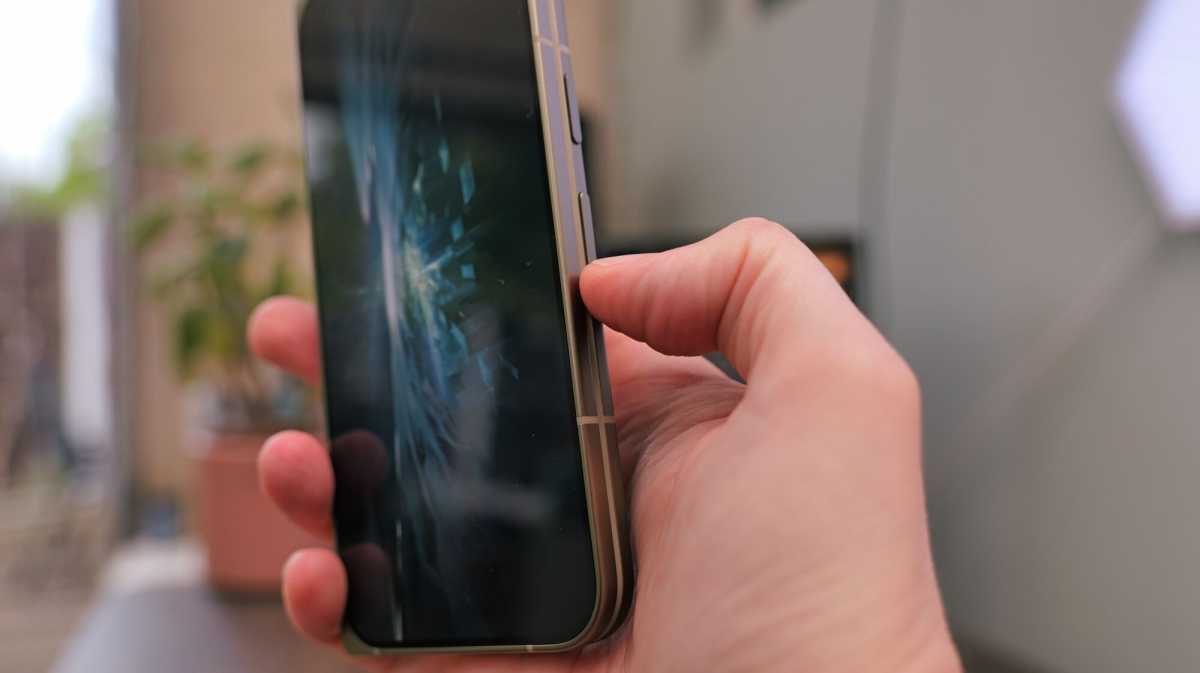
My main issue with the design of Pixel folds has unfortunately not been addressed. The volume rocker is positioned pretty low down on the side of the phone, which makes it hard to turn the volume down with one hand. It’s also a pain for taking screenshots, which is especially annoying because Pixel UI doesn’t support the three-finger swipe gesture found elsewhere.
Screen & Speakers
- Outer: 6.5-inch, 1080 x 2342
- Inner: 8-inch, 2076 x 2152
- Both OLED with 120Hz refresh rate
- Stereo speakers
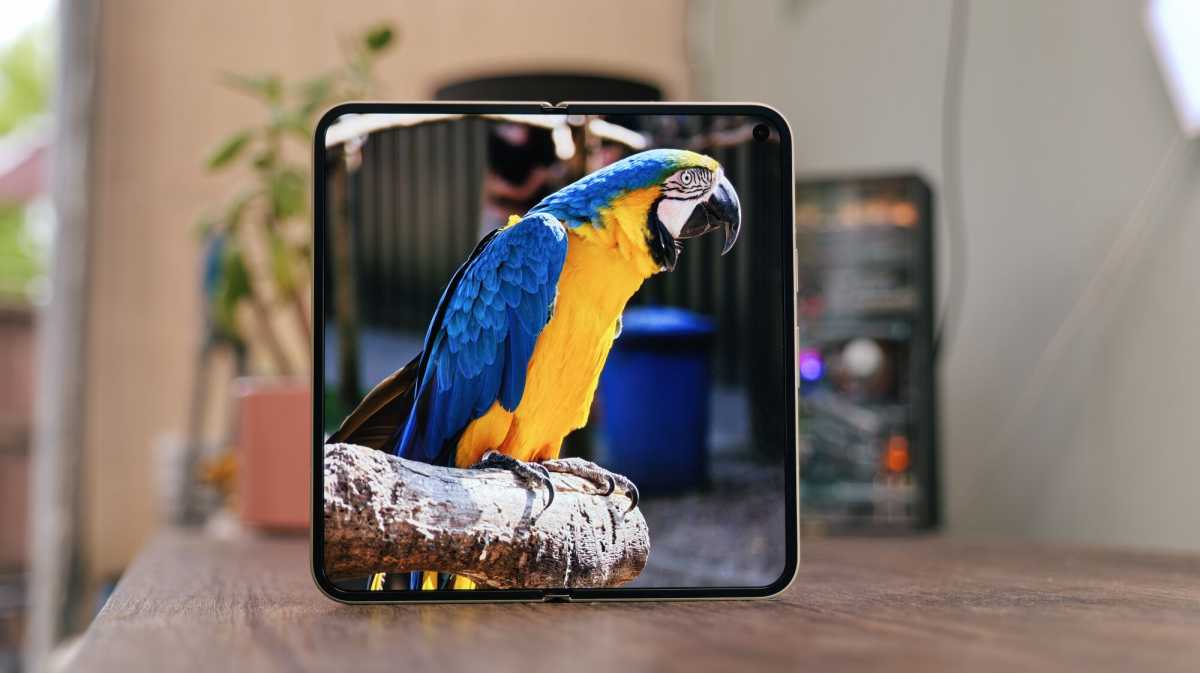
The Pixel 11 Pro Fold now boasts a peak brightness of 3600 nits on both the inner and outer screens, up from 3000.
That means these are the brightest screens of any foldable, but only if you count phones officially sold in the US. Here in Europe, phones like the Honor Magic V6 are on a completely different level.
Luke Baker
Otherwise, the specs are very similar to its predecessor. I’ve already mentioned the slimmer bezels on the cover, which give you more usable screen in the same footprint, and the new glass that’s supposedly more durable, too.
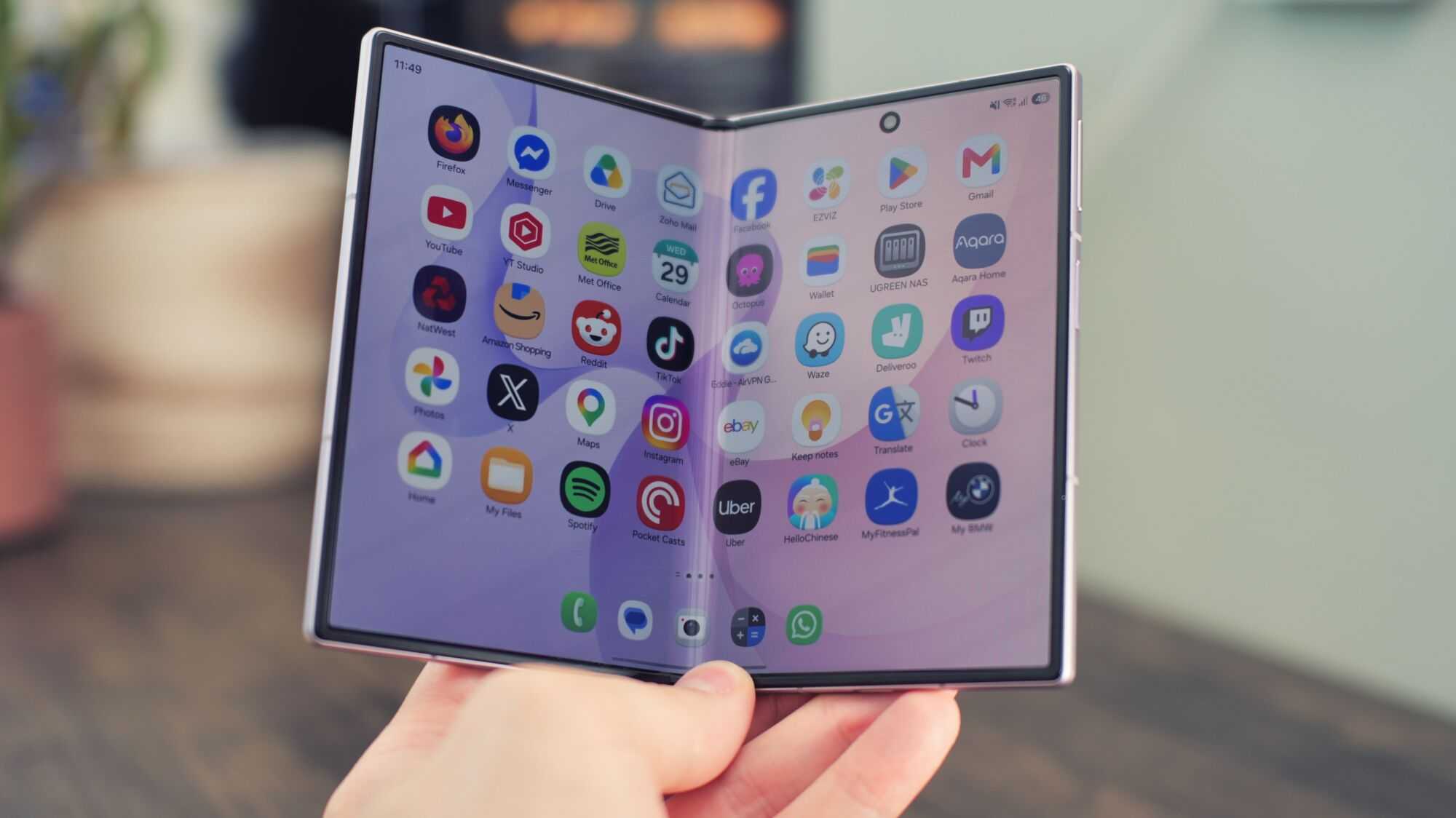
On the inside, Google (somewhat confusingly) stated that the Pixel 11 Pro Fold uses a “thicker layer of ultra-thin glass” to increase durability. A redesigned gearless hinge also helps to reduce the visibility of the crease.
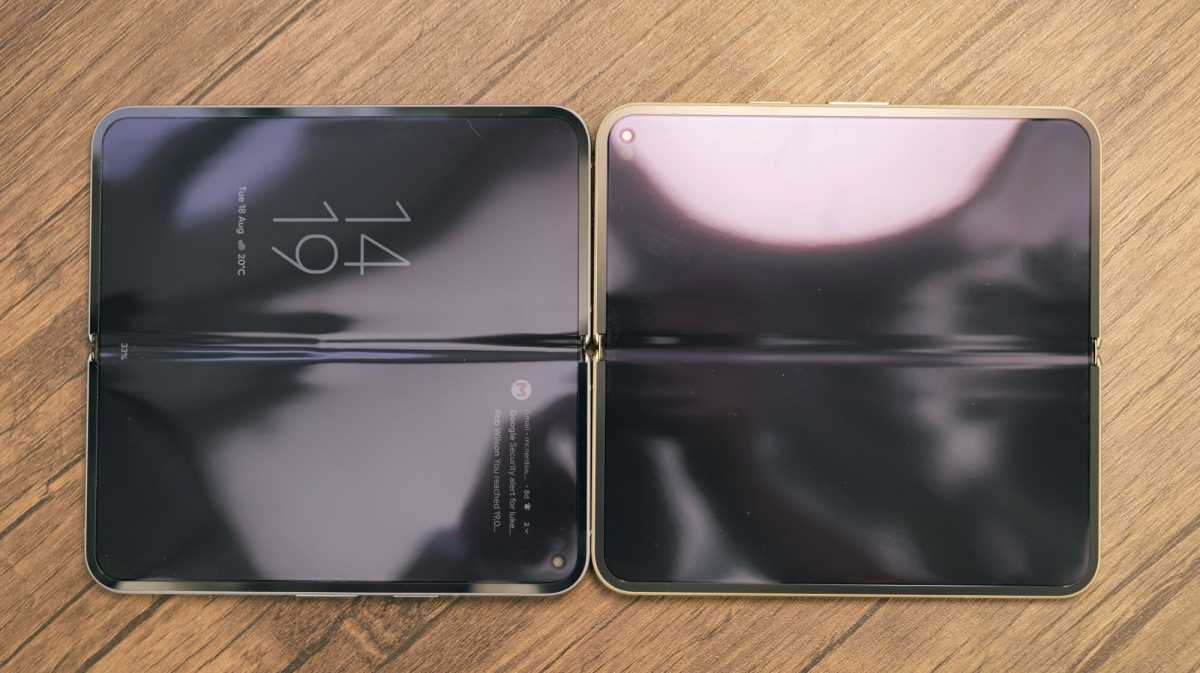
Indeed, when viewed side by side, the Pixel 11 Pro Fold’s crease looks better than the 10 Pro Fold, but I suspect it’s partly due to the age of last year’s model. One thing that’s indisputable, though, is that the crease feels better under your fingers. There was a pronounced bump that you could feel in the centre of the older model’s screen, and that seems to have been largely ironed out on the new one.
Every other foldable I have tested this year has done a better job of hiding the crease.
Luke Baker
While Google has made some progress in this area, it’s nowhere near as good as the competition. Every other foldable I have tested this year (most of them) has done a better job of hiding the crease. How much that matters depends on your tolerance, but if you’re particularly crease-averse, I’d steer clear.
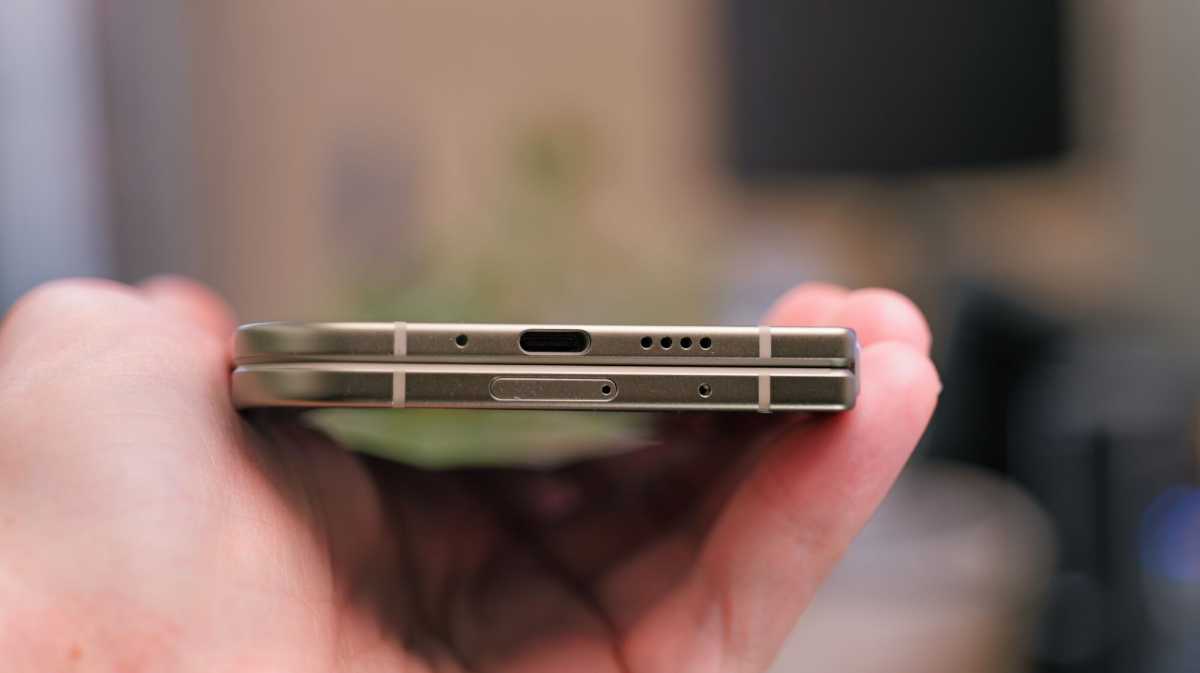
I don’t think there have been any changes with the speakers, which means they’re the same as the ones on the Pixel 9 Pro Fold, too. Overall, they do a decent job; they’re loud enough and produce a decent amount of bass, given the size constraints.
Luke Baker
The positioning is better than the Z Fold 8 (the new wide one), as they deliver a proper stereo effect when held in either portrait or landscape orientation. However, it’s very easy to muffle one of them with your palm in landscape mode, which was a problem with the last couple of Pixel Folds, too.
Specs & Performance
- Tensor G6
- 16GB RAM
- 256GB / 512GB / 1TB storage
The Google Pixel 11 Pro Fold is powered by Google’s own Tensor G6. All configurations come with an ample 16GB of RAM, and you can choose either 256GB, 512GB, or 1TB of storage, as required.
Straight from the horse’s mouth, the upgraded chip offers 50% more TPU compute for local AI, while the CPU is 25% faster in web browsing and loads apps 15% quicker.
In day-to-day use, it feels as smooth and snappy as you’d expect from a premium device.
Luke Baker
Google didn’t mention the GPU at all, and I think there might be a reason for that, because we’re not seeing many gains in that department. Graphics benchmarks like 3DMark Wildlife Extreme scored almost identically to last year’s model.
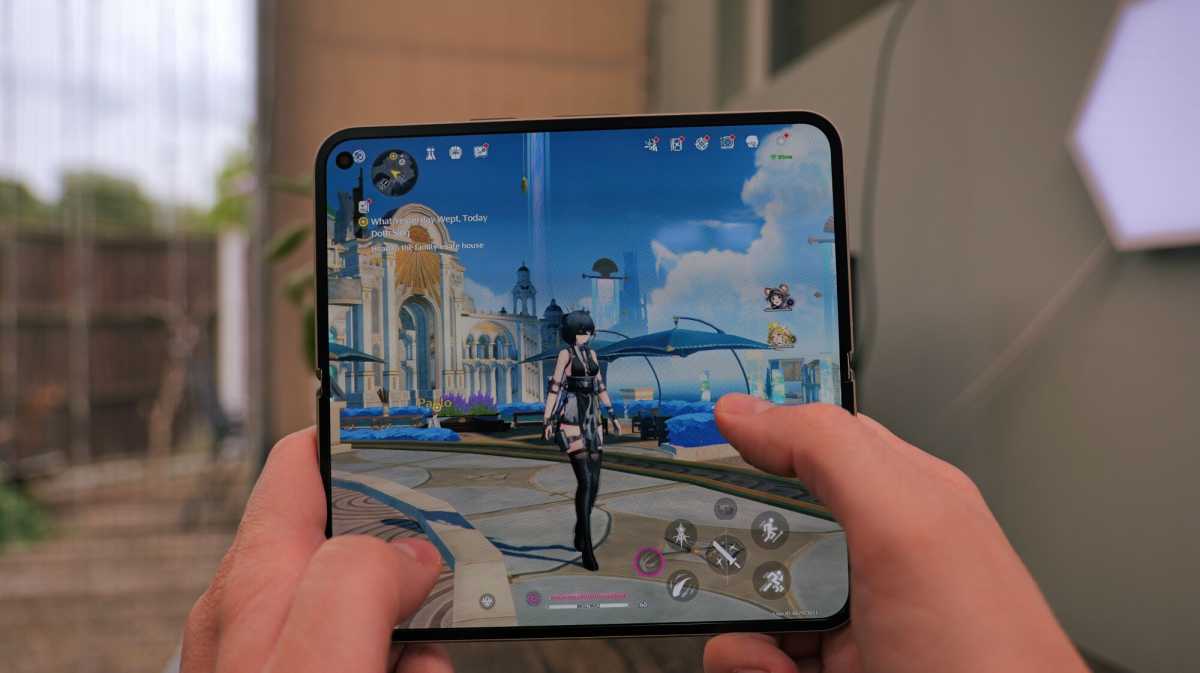
Does that mean this phone is slow or underpowered? Of course not. In day-to-day use, it feels as smooth and snappy as you’d expect from a premium device. If you’re into graphically demanding games, though, you’ll quickly see the difference between this and a Snapdragon-powered rival.
Bizarrely, my favourite game, NTE, couldn’t get past the stage of loading shaders, so I never got to play it. Wuthering Waves worked, but I’m currently in a resource-hungry area of the map; I had to lower the graphics preset all the way down to “ultra performance” mode (which isn’t very pretty) to stop the game from lagging, while the Z Fold 8 played the same area on “balanced” (two notches higher) and the Honor Magic V6 was even better still.
Luke Baker
It should be noted, though, that I’m talking about some of the most demanding games on the Play Store, so this is the worst-case scenario. If you’re looking to play something more like Asphalt Legends, Subway Surfers, or Mario Kart Tour, you’ll have a much better experience.
Still, it’s demonstrably less powerful than the competition, and that’s hard to excuse at such a lofty price if you’re a foldable gamer.
Benchmarks:
- Geekbench 6 multicore – 6061
- Geekbench 6 single core – 2667
- 3DMark Wildlife Extreme – 3252
- 3DMark Wildlife Extreme Stress Test – 59.3% stability, best loop 3025
- PCMark for Android battery test (screen set to suggested 200 nits brightness) 13 hours 12 mins
- Charging with Ugreen Nexode 200W from 0% in 15 minutes – 28%
- Charging with Ugreen Nexode 200W from 0% in 30 minutes – 57%
Cameras
- 48Mp f/1.7 main sensor
- 10.5Mp f/2.2 ultrawide
- 10.8Mp f/3.1 5x telephoto
- Dual 10Mp f/2.2 selfie cameras
The Pixel 11 Pro Fold has an upgraded 48Mp main camera with a larger 1/1.56-inch sensor, up from 1/2-inch. This means it now matches the base-model Pixel 11, but it’s still significantly smaller than the other Pro models.
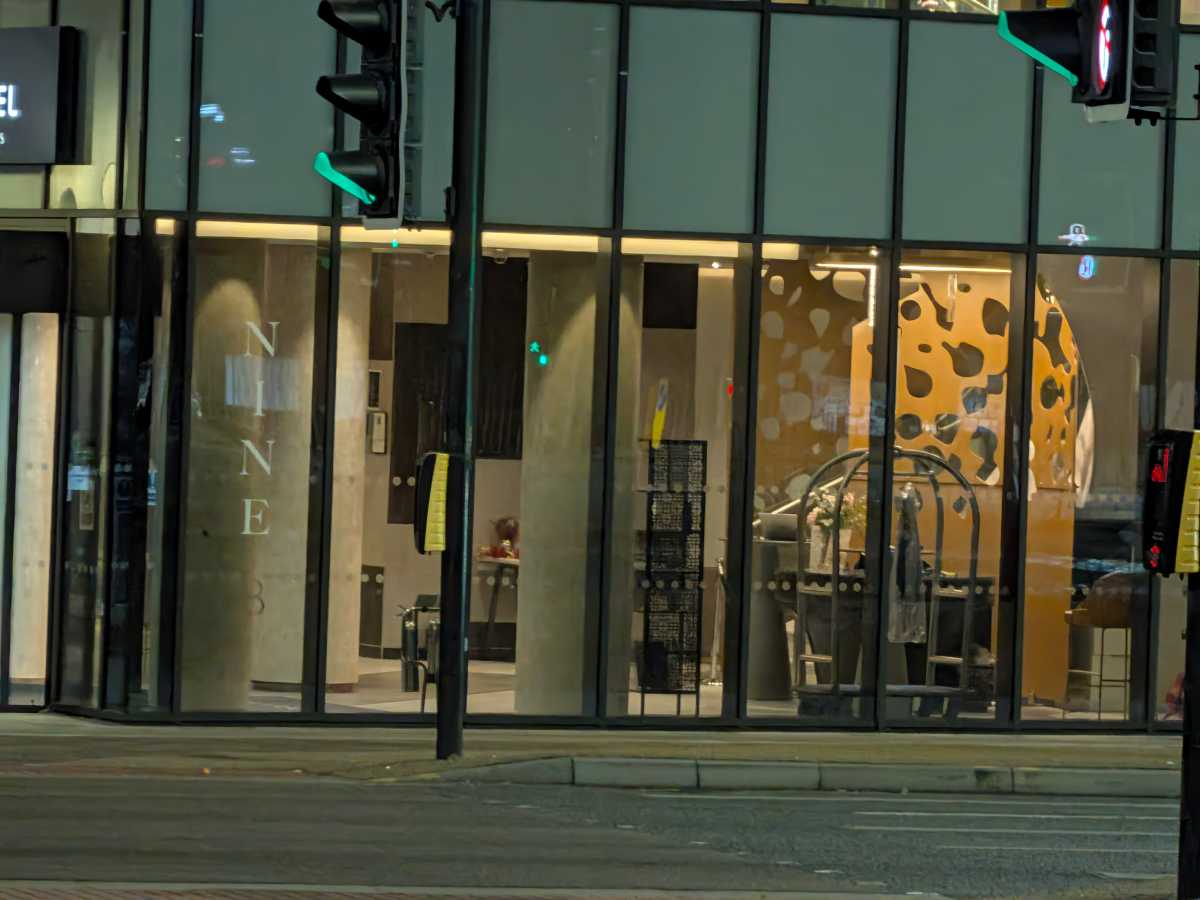
The main sensor is definitely better at low-light capture; it’s able to use faster shutter speeds and images have less visible noise, too.
Luke Baker
Otherwise, the camera hardware is identical to its predecessor despite the new-look camera bar.
You get a 10.5Mp ultrawide with macro focusing capabilities and a 1/3.4-inch sensor, and a 10.8Mp 5x telephoto with a 1/3.2-inch sensor. Meanwhile, each screen gets its own 10Mp selfie snapper with a 23mm-equivalent FOV.
The main sensor is definitely better at low-light capture; it’s able to use faster shutter speeds and images have less visible noise, too. You also get a softer background when taking close-up shots. You might think, given the lack of hardware upgrades, that photos from the other cameras look identical to the older model, but that’s not the case.
Google has been hard at work making changes to its default camera app, and you now have a lot more control over the way your images look. There are now four preset picture profiles to choose from: Original (the classic Pixel vibe), Natural, Shadows, and Vanilla. Each can be set as your default camera look, and each can be customised to your preference.
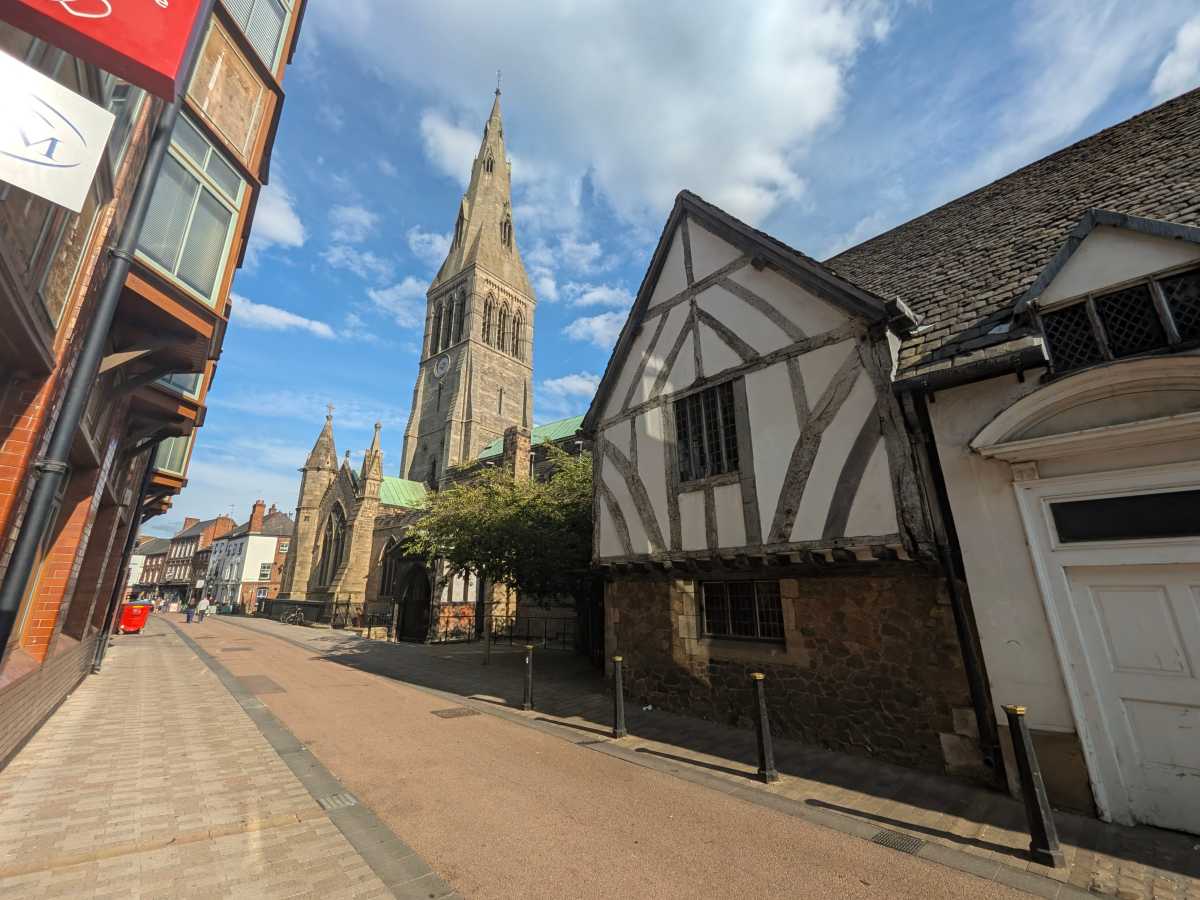
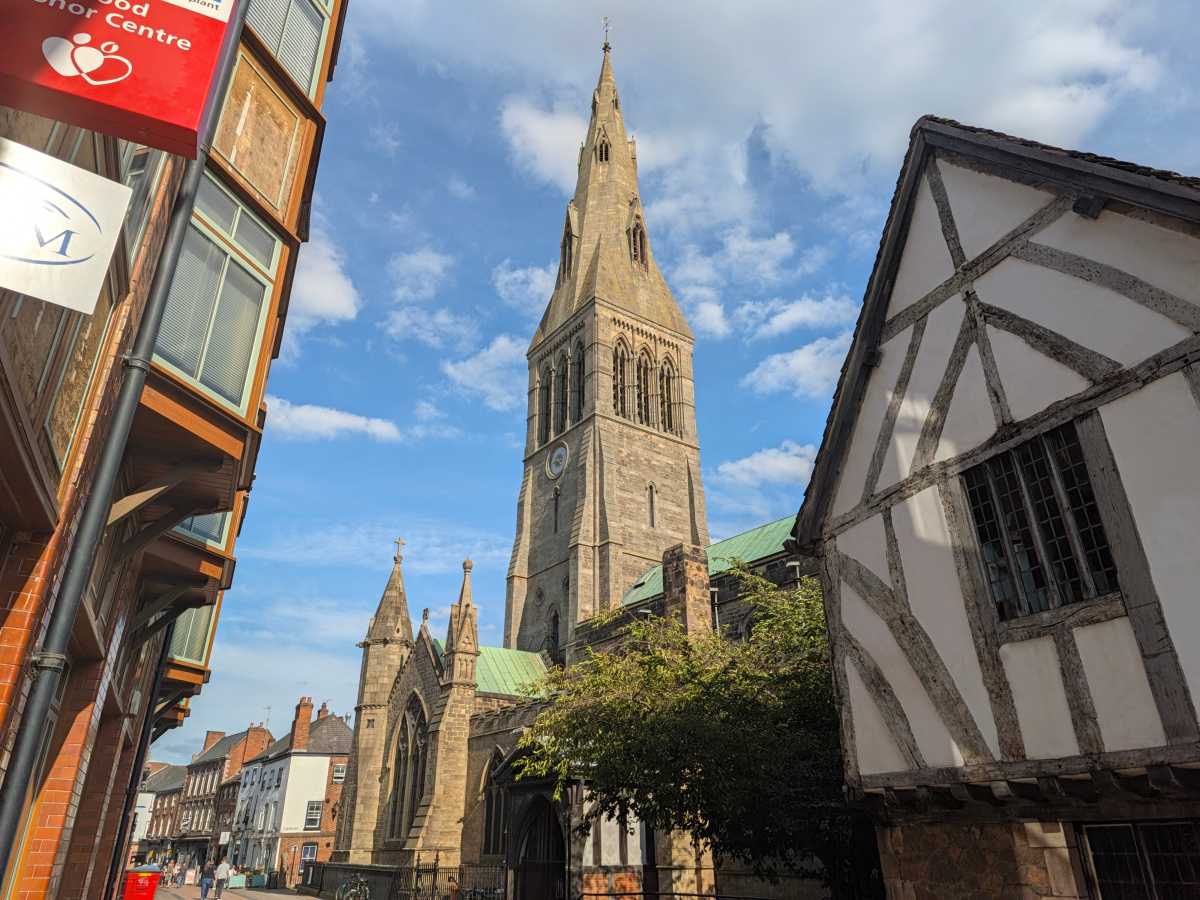






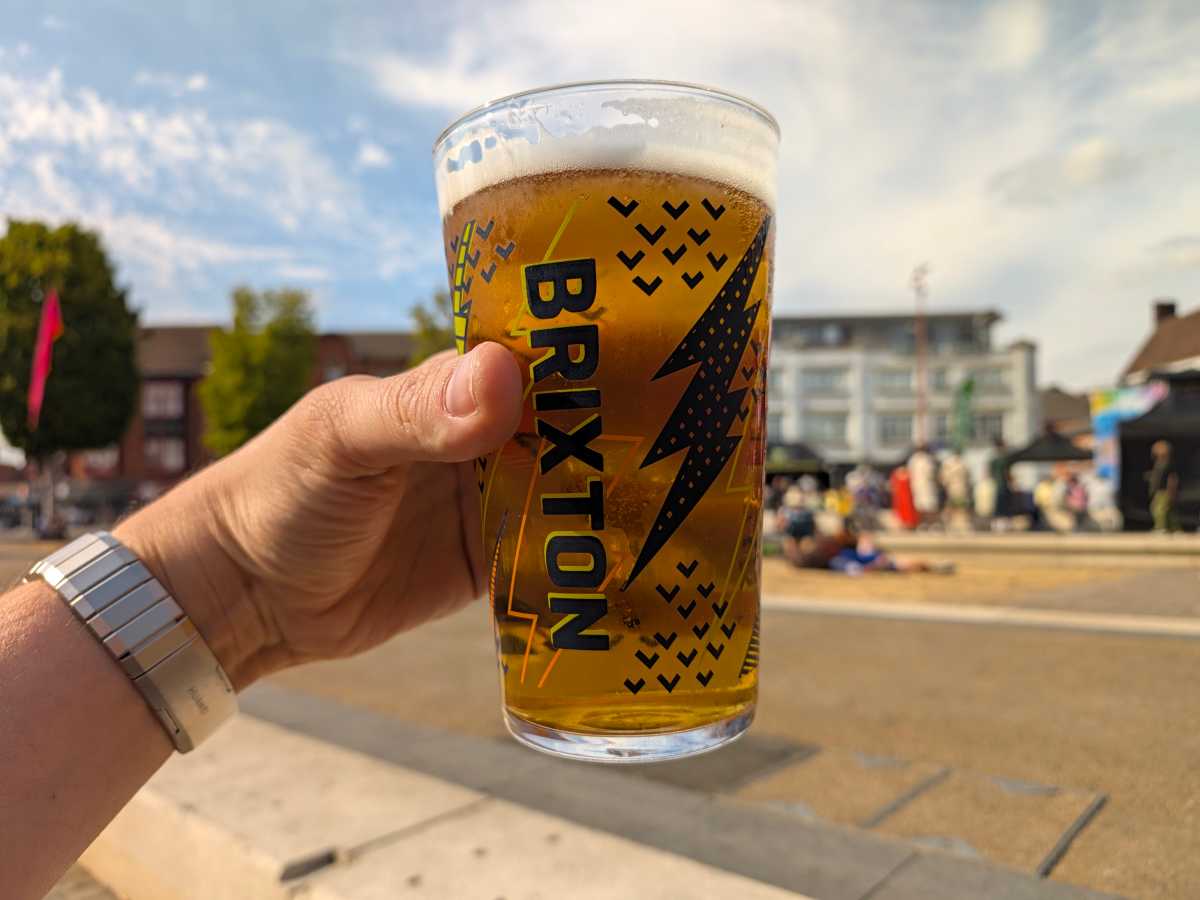

On top of those, six additional looks behave a bit like filters or film simulations. These styles are a bit more dramatic, and include things like “Digi” which attempts to recreate the low dynamic range old-school digicam look, and “Black Tie,” which is a high-contrast black and white option.
I’m not a massive fan of the default Pixel look. I can see the appeal of the vibrant, poppy images with extreme dynamic range, but I prefer a more subdued, natural approach. This camera update is a massive step in the right direction; it makes it much easier to create images that suit my preferences.
That said, I did find the hardware a bit limiting. The telephoto can’t focus very close up, so it’ll automatically switch to the main sensor very quickly, which doesn’t look great. The camera app now lets you zoom up to 30x, rather than 20x, but since you’re just cropping into a low-resolution sensor, the results are far from impressive.
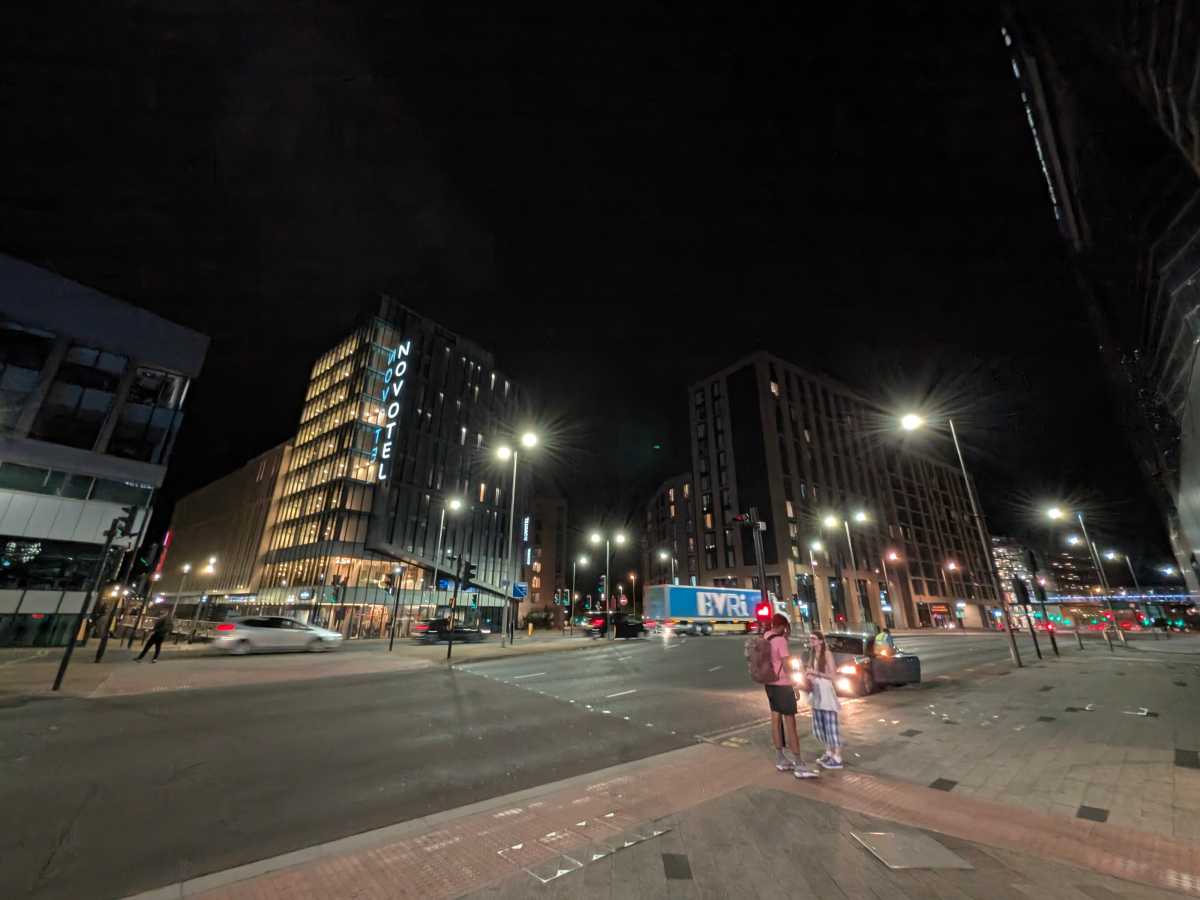
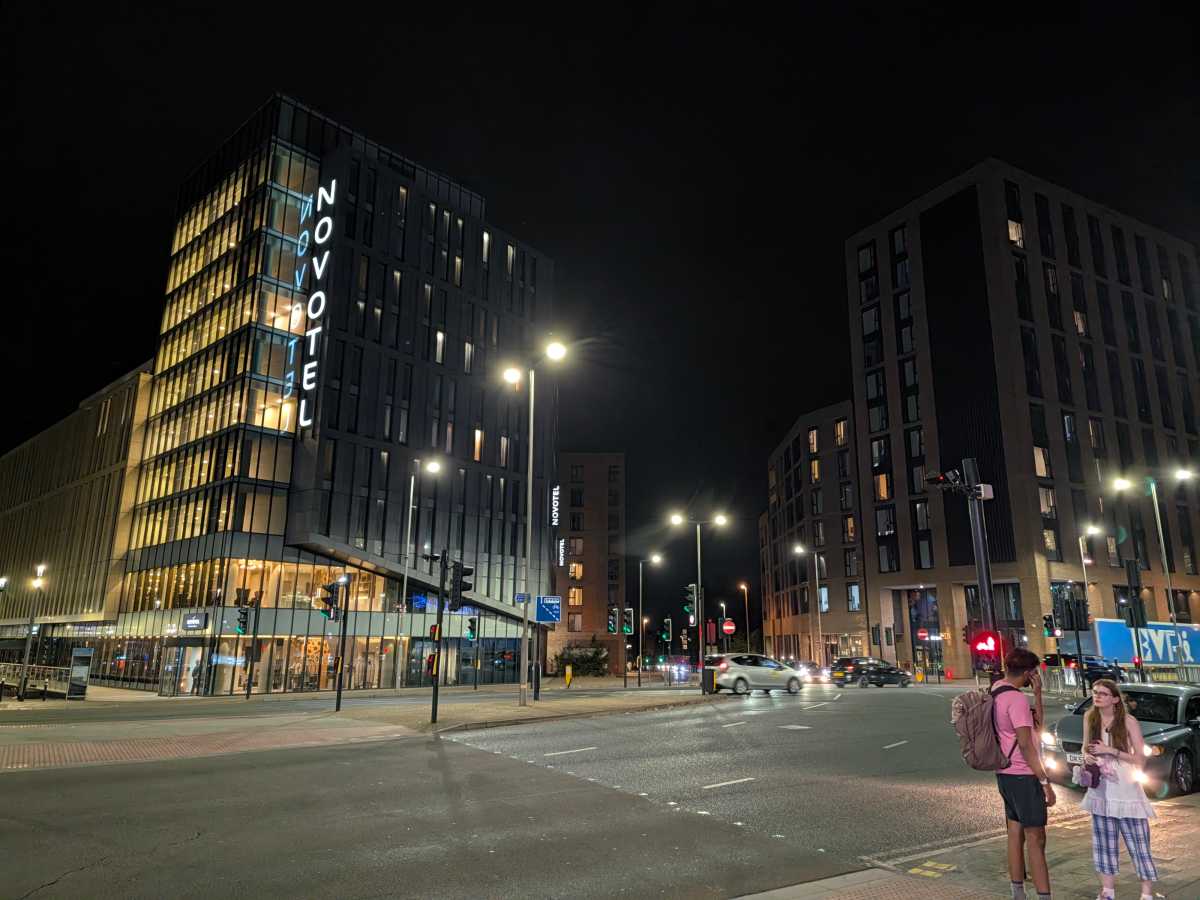
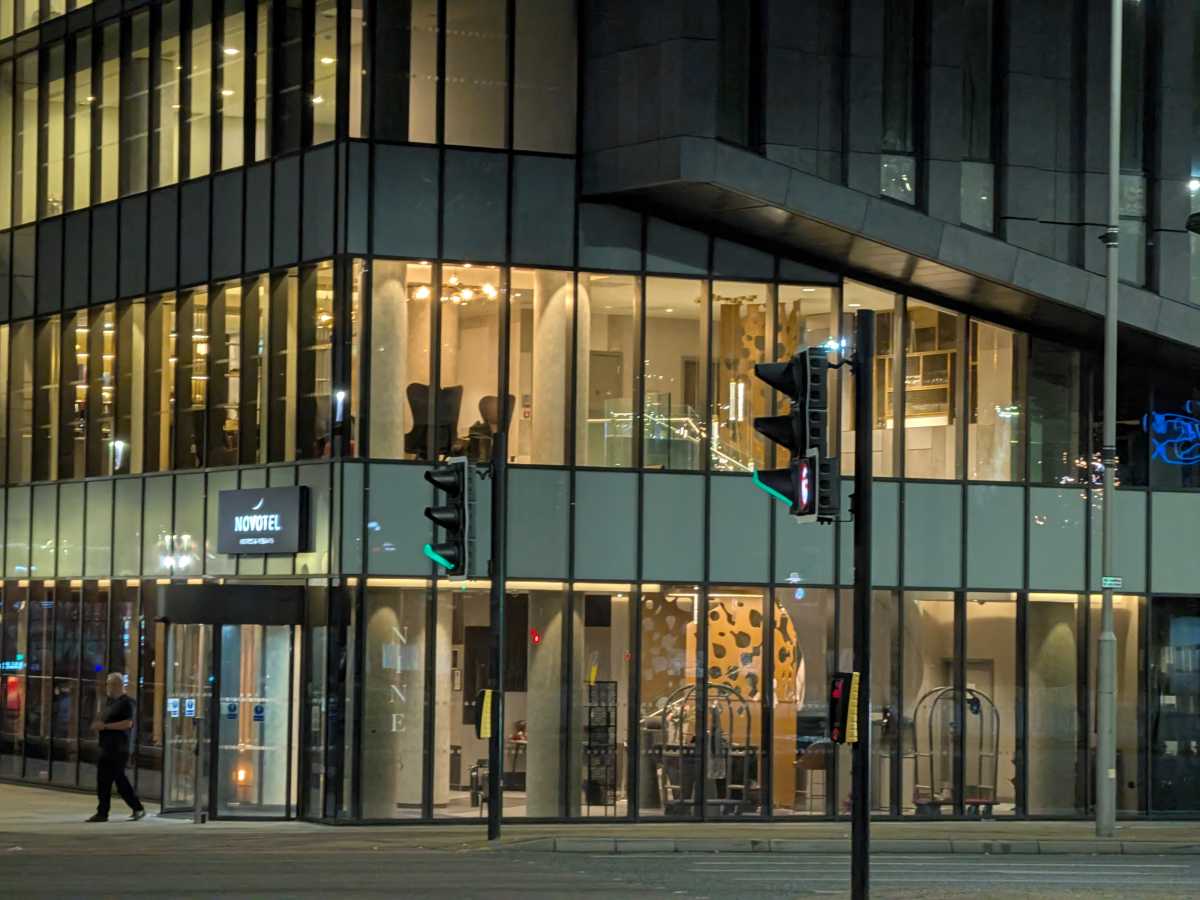




Small sensors on the ultrawide and telephoto also mean that they look a bit naff when the light gets low – although Night Mode does its best to remedy that. The Portrait effects are decent enough, but I hate that the telephoto camera can’t be used in Portrait Mode. Google fixed that on the 11 Pro / XL, but seems to have forgotten about the Fold.
Of course, the Pixel 11 Pro Fold does have some exclusive features that you won’t find on most other foldables. There’s still the Add Me mode for faking group shots, the Camera Coach, and the genius Made You Look feature, which displays animations to grab the attention of babies and toddlers. The latter has two new animations, just in case your kids got bored of the old ones.
There’s also a new feature called Magic Capture, which allows you to record a short video clip, then Google’s AI will automatically pull out some still frames and apply small edits like cropping and unblurring. It works exactly as advertised, and it’s the kind of thing that could be handy when you don’t know whether to record a video or snap some photos. As a photographer, the idea of letting AI decide when to take a shot doesn’t excite me much, but equally, I can see why people would find it useful.
Luke Baker
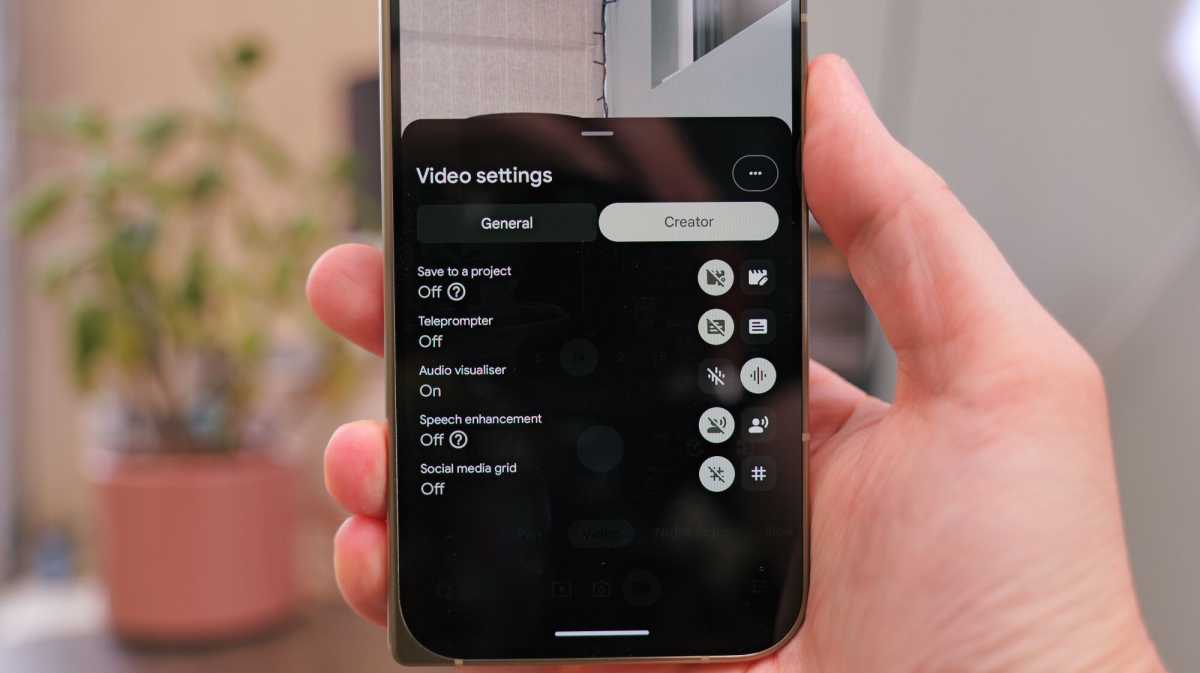
Video recording quality has been improved, and it’s more stable than ever. There’s a bunch of new tools for content creators, too, including gridlines for social media, a built-in smart teleprompter, and an audio visualizer so you can keep an eye on microphone levels. You can even automatically sort your clips into project folders to keep everything more organised.
Unfortunately, the Pixel 11 Pro Fold is still sorely lacking Pro-level features. There’s no Log profile, no APV codec, no 8K, no 4K/120fps. Compared to the Samsung Galaxy Z Fold 8 Ultra, or almost any Chinese foldable, the Pixel feels very basic here.
Battery Life & Charging
- 4806mAh battery
- 30W wired charging
- 25W wireless charging
The Pixel 11 Pro Fold has a 4806mAh battery. As I’ve mentioned earlier, that’s weirdly smaller than last year’s. On the plus side, the phone is slightly slimmer and lighter, so this must be the reason, but I’m not sure many people would willingly make that trade.
Despite the smaller cell, the Pixel 11 Pro Fold lasts about the same amount of time as its predecessor. It actually beat it by 11 minutes in our usual PCMark Battery Drain test at 13 hours and 12 minutes, but that’s within the margin of error.
the wireless charging speed has been greatly improved.
Luke Baker
In the real world, it saw me through an average day without issue, which is all you really need – but most of the competition lasts for longer on a charge.
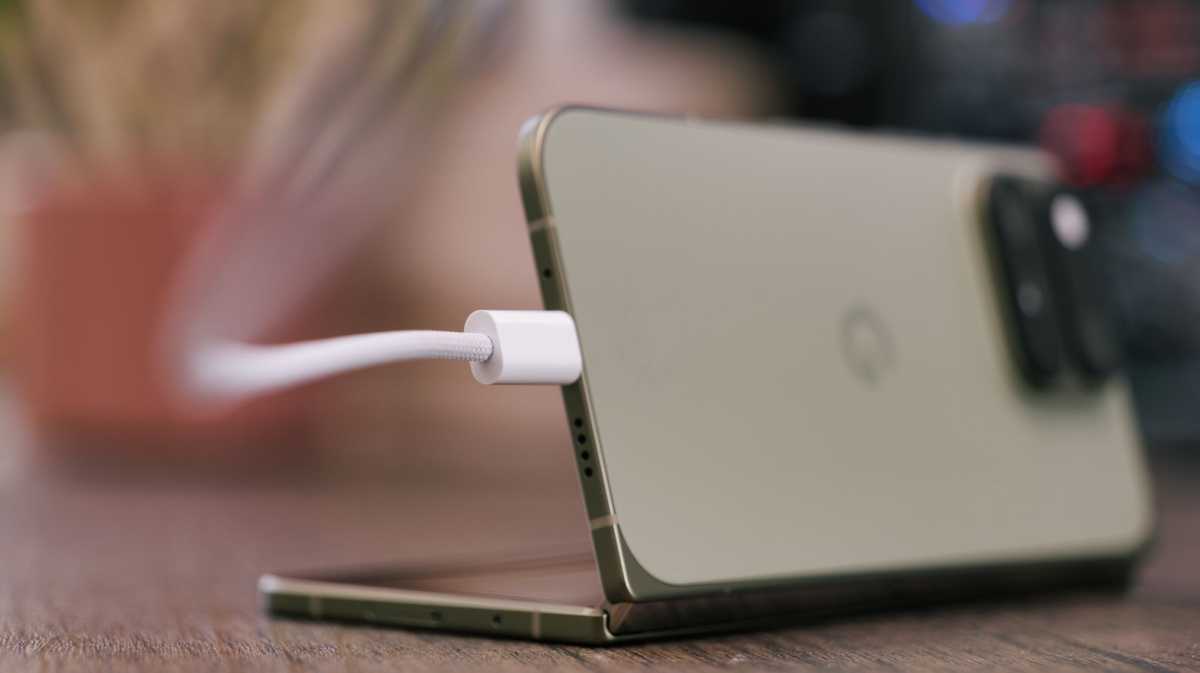
It still charges at up to 30W with a compatible fast charger, and you still only get a cable in the box. I found it pretty funny that the UI describes 30W charging as “Extreme Charging”, but regardless, it can take the phone from dead to almost 60% charged in 30 minutes, which isn’t a bad showing.
This time, though, the wireless charging speed has been greatly improved. It charges at 25W using the Qi2.2 standard (the only foldable to date with it built in), and thanks to the built-in magnets (with better alignment), it’ll be compatible with most iPhone MagSafe accessories.
Otherwise, Google has its own range of Pixelsnap magnetic devices, though it didn’t add any new ones this year with the Pixel 11 series, which is a shame.
Software & Apps
- Android 17
- New Gemini Intelligence features
- Bubble Anything multitasking
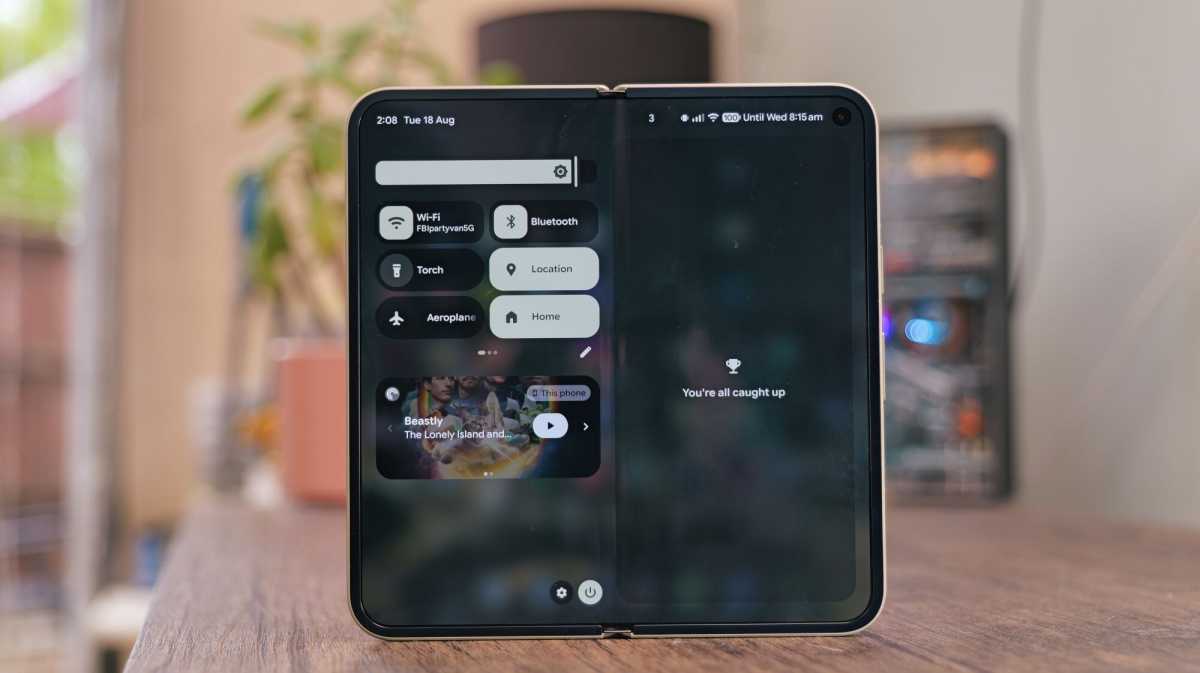
The Pixel 11 Pro Fold runs Android 17 with Pixel UI. It’s not stock Android, but it’s very close to it. If you’ve used a recent Pixel phone, you’ll kind of know what to expect. It looks very similar and behaves similarly to all the recent Pixel phones.
These features feel like they should be mandatory in 2026.
Luke Baker
There are some good things about that: It’s easy to navigate, it feels smooth and snappy all the time, and the animations are very quick and fluid. Plus, you get all the usual Pixel favourites like Now Playing, Call Screening and At a Glance updates.
That said, there are still a few things I don’t like. For instance, you still can’t select multiple apps on the home screen and move them about in bulk, and there’s still a search bar on the home screen which you can’t get rid of. These have annoyed me forever, and Google shows no signs of changing its ways.
Luke Baker
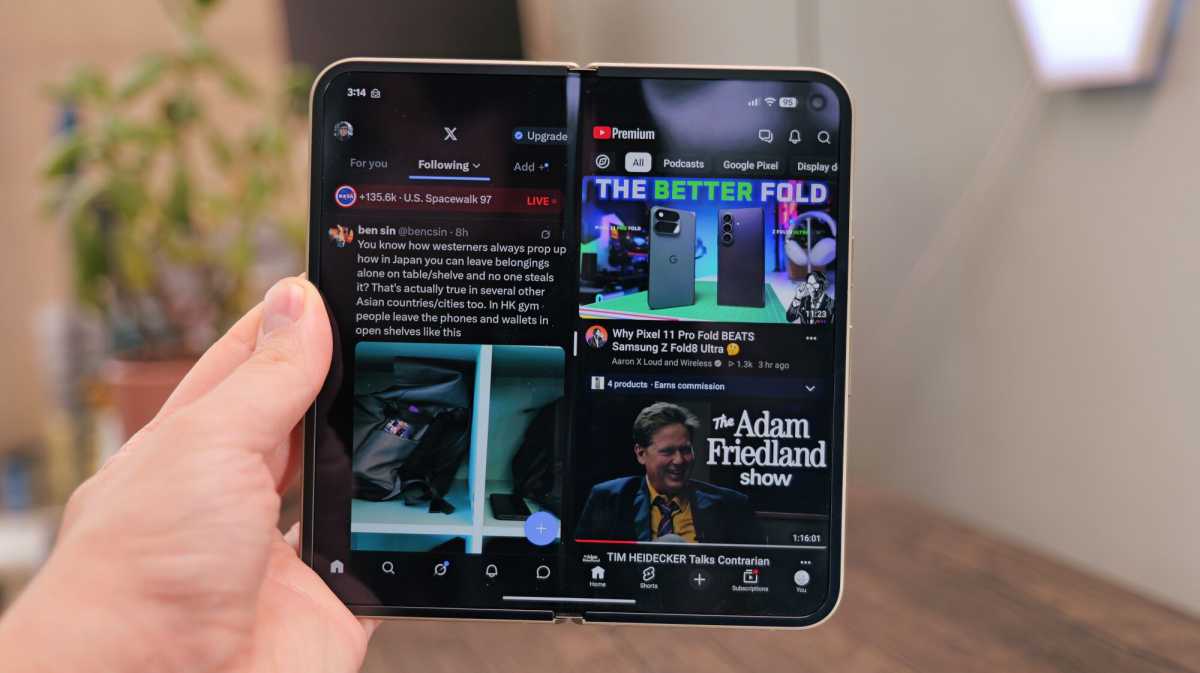
Google takes a very different approach to multitasking on its foldables. You get the usual option to split the screen in half, but you can only have two apps side by side, which feels quite basic compared to what Samsung’s doing, and Oppo and Honor, for that matter.
You can’t switch the orientation of apps that are open in split-screen mode, and you can’t quickly switch from a horizontal to a vertical split, either. These features feel like they should be mandatory in 2026.
What Google gives you instead is a feature called Bubble Anything.
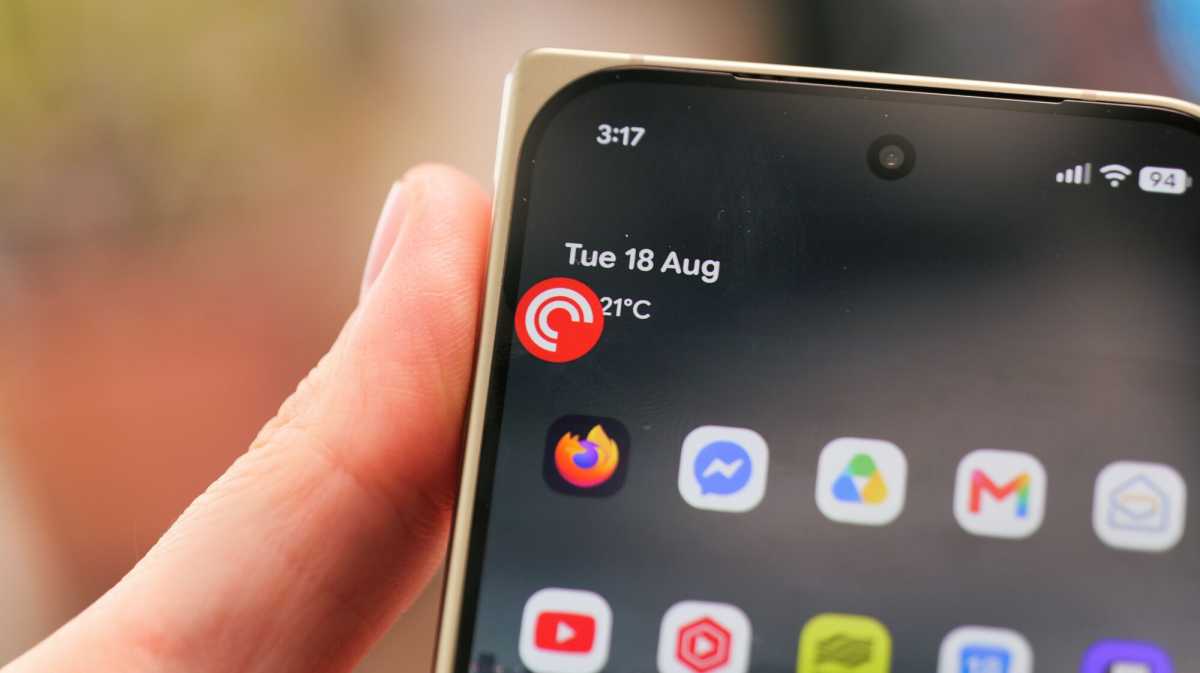
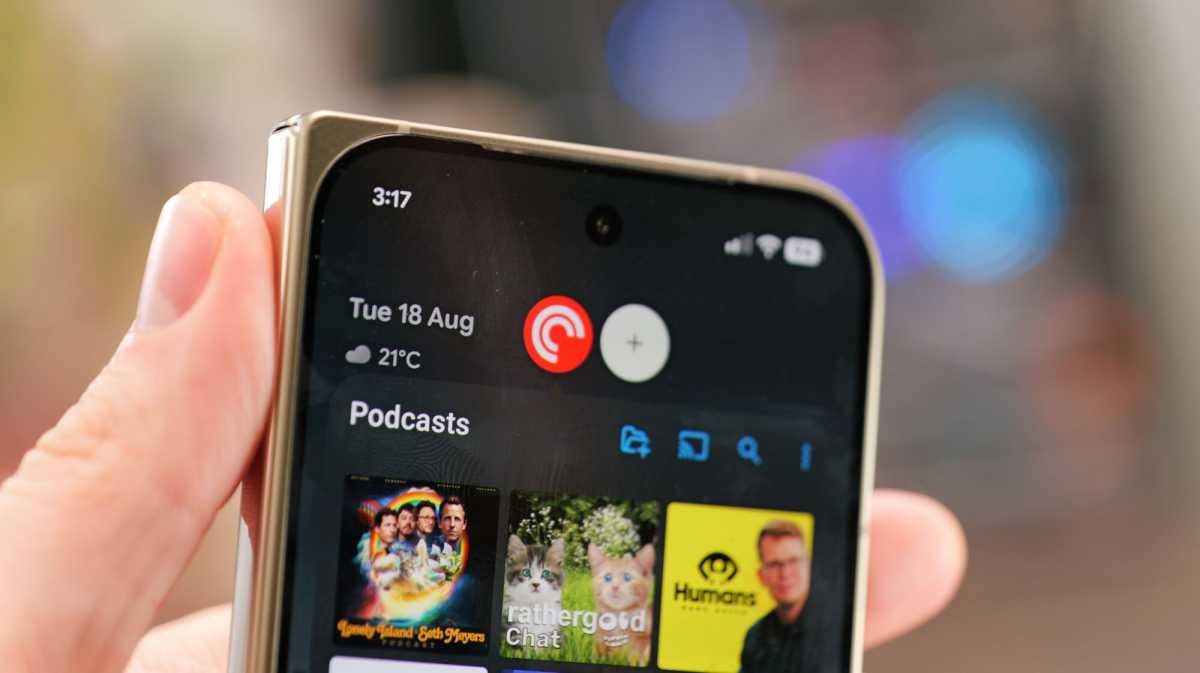
Bubble Anything lets you turn apps into a bubble that you can open anywhere on the screen. It’s very similar to what apps like Facebook Messenger do by default; you get a little floating bubble on the screen, and you can pop it open anywhere.
Personally, I’m not a fan. I see the utility; it’s basically a floating window alternative, but I’ve never liked the aesthetic of floating bubbles, and since they’ve been around for donkey’s years, I’m not likely to change my mind anytime soon.
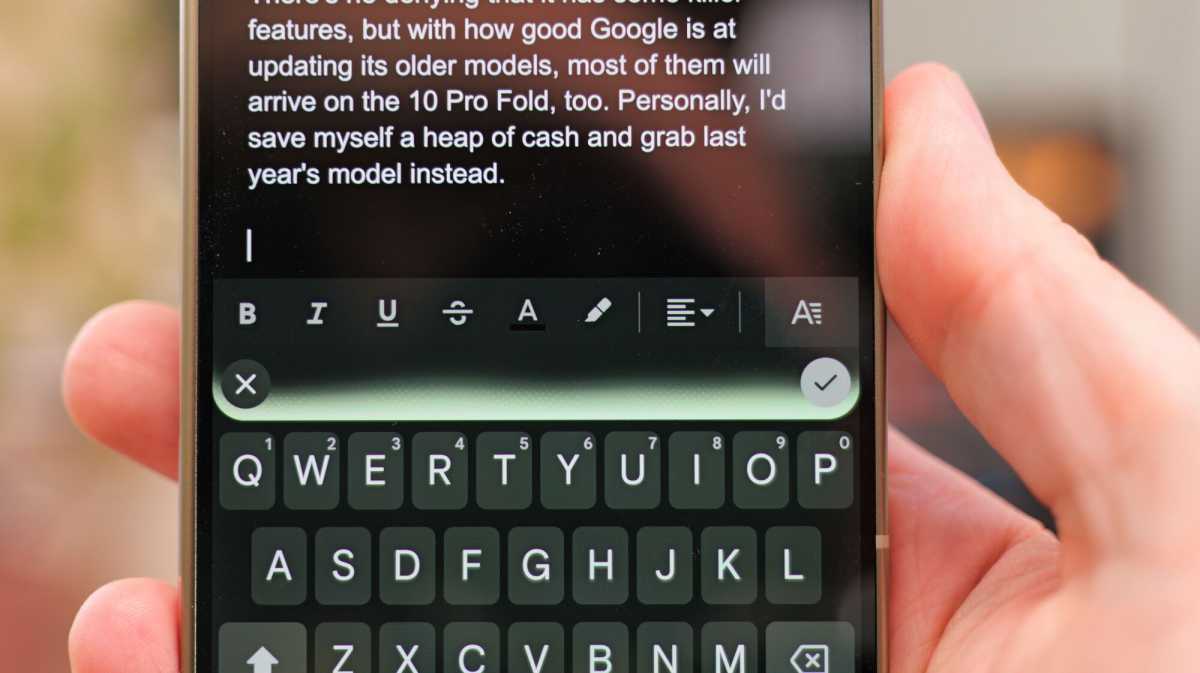
One of the most exciting new features is called Rambler, which is built into Gboard and debuting with both the Pixel phones and the Samsung Galaxy Z series.
You can dictate text into any app, speaking completely naturally, and Google will use its AI magic to figure out what you’re trying to say, remove all the filler words, and the parts where you misspoke. This is great if you’re trying to send a text hands-free or if you’re just a bit of a rambler, as the name suggests.
Luke Baker
I tried out Rambler when I was writing this section of the review. I just spoke my thoughts into it completely naturally, with all the usual “erms” and repeated lines, and Google just fixed it all right up with proper grammar. It’s actually quite amazing. As far as I’m aware, this won’t stay exclusive for long, and like Circle to Search, it’ll appear on most Android phones in the future.
Gemini will also pop up with some helpful suggestions from time to time. A lot like Now Nudge on the latest Samsung foldables. If you get a text about a restaurant, for example, you might see a prompt suggesting the relevant Google Maps page.
Luke Baker
There’s plenty more Gemini cleverness to come, but no clear indication of what will appear on older Pixel devices (or other Android handsets), or when exactly it’ll be on the new ones.
Regardless, you will soon see Gemini-generated insights within Google Maps that can do things like pull up menu recommendations when you’re looking at a restaurant or automatically find your loyalty cards when you’re in a certain establishment. Circle to Search will also work within the camera so you can circle things in real life as well as the things that are on your screen.
As always, there are seven years of security and software patches, which matches the best in the industry, and Pixel Drops means you’ll get the latest features before competing brands.
Price & Availability
The Google Pixel 11 Pro Fold is available to order now, and it starts at £1,799/$1,899. That’ll get you 16GB of RAM and 256GB storage.
Meanwhile, the 512GB model is £1,919/$2,019, and the 1TB model (Obsidian only in the UK) is £2,149/$2,249, both with 16GB RAM.
It’s about £50 more than last year in the UK, or $100/€100 more in the US. We can thank the RAM shortage for that, I’m sure.
Compared to the competition, the Pixel 11 Pro Fold is in the middle. It’s more expensive than the shorter and wider Z Fold 8, but it’s less than the Z Fold 8 Ultra. Meanwhile, it’s cheaper than the Magic V6 at MSRP, but more expensive than its £1,499 introductory price (which may well stick) – but it should be noted that the Magic V6 comes with 512GB storage as standard.
Check out our list of the best foldable phones you can buy right now.
Should you buy the Google Pixel 11 Pro Fold?
The Pixel 11 Pro Fold looks gorgeous and feels extremely high quality; it’s packed with genuinely useful features, too. Overall, though, I can’t help but feel it’s behind the times. There have been so many incredible advancements in the foldable space, and none of them are reflected here.
Samsung has made great strides: Its foldables have become incredibly slim, with larger batteries than ever, and dramatically reduced crease visibility. Meanwhile, Google has taken baby steps in the design department and actually even reduced the battery capacity.
Plus, while Google has improved the crease very slightly, Oppo has managed to almost eliminate it entirely with the Find N6. The cameras are improved, but they can’t hold a candle to the Honor Magic V6, and the gaming performance is stagnant, which stings because it was already lagging behind the rest.
The main thing the Pixel 11 Pro Fold has going for it is the software. Some people absolutely love Pixel UI, and if you want that experience on a big-screen foldable, this is how you get it. It’s the foldable for Pixel fans, but unless you really want the selection of small hardware upgrades and HiLight, you may as well find the Pixel 10 Pro Fold for a lot less money.
Specs
- Android 17
- Outer: 6.5-inch, 1080 x 2342, OLED, 120Hz
- Inner: 8-inch, 2076 x 2152, OLED, 120Hz
- Power-button fingerprint sensor
- Tensor G6
- 16GB RAM
- 256GB / 512GB / 1TB storage
- Camera:
- 48Mp main sensor
- 10.5Mp ultrawide
- 10.8Mp 5x telephoto
- Dual 10Mp selfie camera
- Up to 4K @ 60fps rear video
- Stereo speakers
- Single SIM + eSIM
- Wi-Fi 802.11 a/b/g/n/ac/6e/7
- Bluetooth 6.0
- 4806mAh battery
- 30W wired charging
- 25W wireless charging
- 155.2 x 76 x 10.1 mm (folded)
- IP68 certified
- 239g
- Colours: Olive, Obsidian