php check if time is less than the current time

php check if time is less than the current time

php check if time is less than the current time $date_now = new DateTime(); $date2 = new DateTime(“01/02/2016”); if ($date_now < $date2) { echo 'less than'; }else{ echo 'greater than'; } PHP check if time is greater than the current time $date_now = new DateTime(); $date2 = new DateTime("01/02/2016"); if ($date_now > $date2) { echo […]

How to make oauth2 for here map API in php

How to make oauth2 for here map API in php

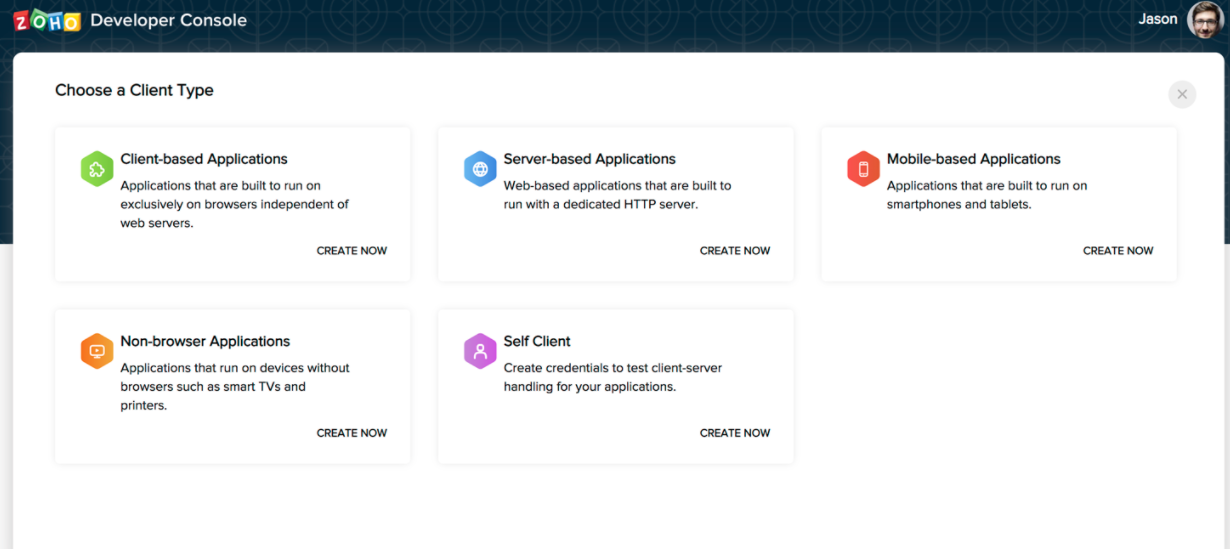
How to make oauth2 for here map API in php To make oauth2 authentication in PHP for here map you need bellow credentials:- 1) here.access.key.id 2) here.access.key.secret Now use below code snippet to create an access token $timer = (string) time(); $grant_type = ‘client_credentials’; $oauth_consumer_key = ‘here.access.key.id’; $oauth_nonce = uniqid(mt_rand(1, 1000)); $oauth_signature_method = ‘HMAC-SHA256’; $oauth_timestamp […]

check for a value in array javascript

check for a value in array javascript

Check for a value in array javascript To check for a value in an array in javascript using the below code snippet:- const fruit = [“Orange”, “Banana”, “Apple”, “Mango”]; fruit.includes(“Mango”);

create object and sub object using javascript loop

create object and sub object using javascript loop To create create object and sub-object using javascript loop use the below code snippet var mainobj = []; var count = 0; for (const key of walkingdata) { mainobj.push({lat: key.lat, lng: key.lng,subdata:[]}); for (i = 0; i < walkingdata.length; i++) { if(walkingdata[i].distance < 600){ mainobj[count].subdata.push({lat: key.lat, lng: […]

Uncaught TypeError Cannot read properties of null reading addEventListener

Uncaught TypeError: Cannot read properties of null (reading ‘addEventListener’)

Uncaught TypeError: Cannot read properties of null (reading ‘addEventListener’) In JavaScript, a very common error is the Uncaught TypeError: Cannot read properties of null (reading ‘addEventListener’). This error occurs when JavaScript cannot find the element by using its id through the getElementById() function. Another case of this error is you no HTML element id exists […]

How to add polygons and polyline in react native map VR SoftCoder

How to add polygons and polyline in react native map

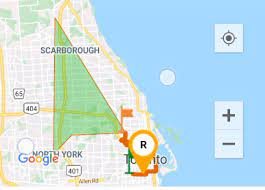
How to add polygons and polyline in react native map In this tutorial, I am going to show you how you can add the polyline and polygon in react native app application. import the react-native map package with Polyline and polygon:- import MapView, { Marker, AnimatedRegion,PROVIDER_GOOGLE,Polyline,polygon } from “react-native-maps”; Please check the below complete code […]

How to add social sharing in ionic react app

How to add social sharing in ionic react app

After lots of searching and efforts i have done the social sharing in my ionic react app. So you need to follow below setups:- 1) Install the below packages through npm npm install cordova-plugin-x-socialsharing npm install @ionic-native/social-sharing 2) Import package in your component as like below:- import { SocialSharing } from ‘@ionic-native/social-sharing’; 3) Now you […]

How to add checkbox in react native

How to add checkbox in react native?

In this tutorials we will use a package named @react-native-community/checkbox to add checkboxes in react native. So follow the below setups:- 1) Install the @react-native-community/checkbox package like below in your application yarn add @react-native-community/checkbox or npm install @react-native-community/checkbox –save On iOS, install cocoapods: npx pod-install 2) Link the module in your application react-native link @react-native-community/checkbox […]

Scroll to Top